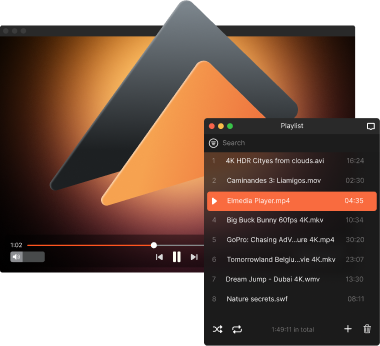
Free MP4 Player for Mac – Elmedia
If you want the perfect all-in-one solution for watching MP4 files on Mac, Elmedia Player is up to the task. It combines the benefits of playlist management, subtitle support, and convenient playback controls for an enjoyable everyday experience, along with the PRO features like wireless streaming, video and audio customization, precise tuning options, and much more.

4.5 rank

The Best Playback Controls on an MP4 Player for Mac
Elmedia Player was designed to be the best free MP4 player Mac users can get. This Mac video player offers strong codec support and can open nearly any media format, from most popular ones like MP4 and MOV to physical media like Blu-ray discs and niche formats like MKV and FLV. This versatility is strengthened by its hardware-accelerated decoding abilities, which will ensure that you’ll never have any lag, slowdowns, or quality defects.
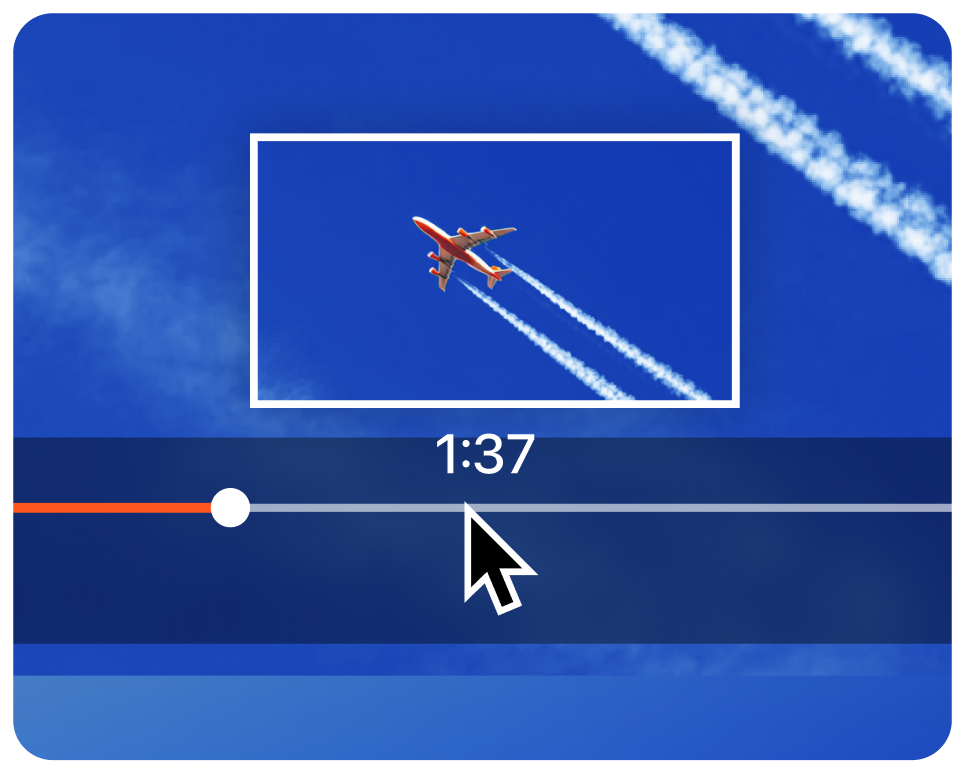
Preview thumbnails
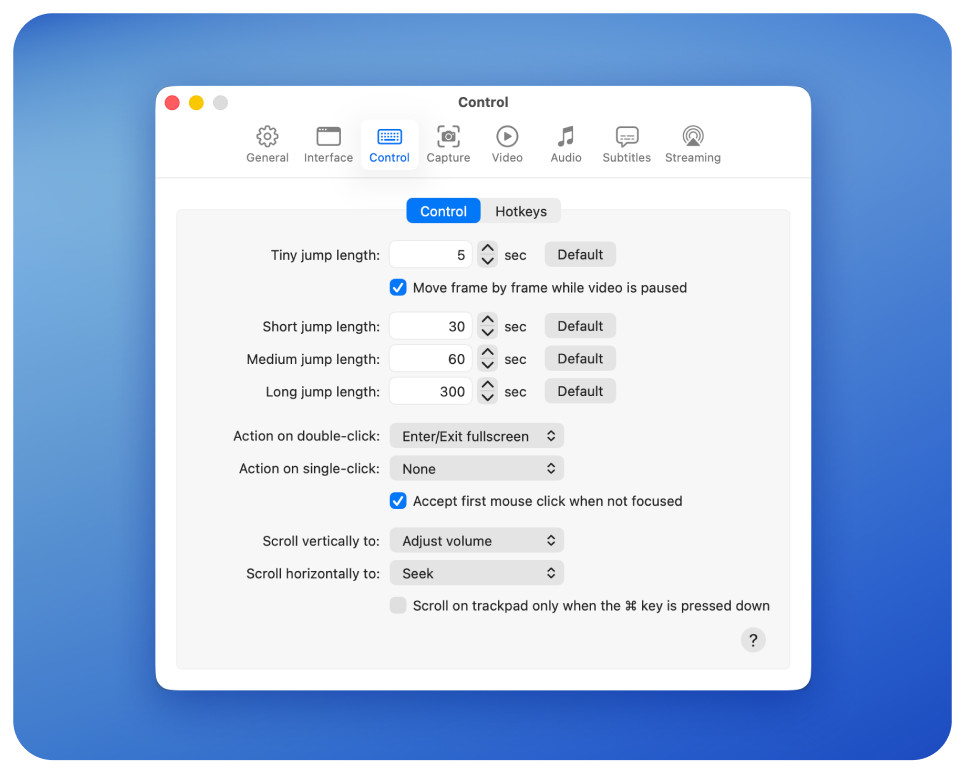
Сontrol and hotkeys
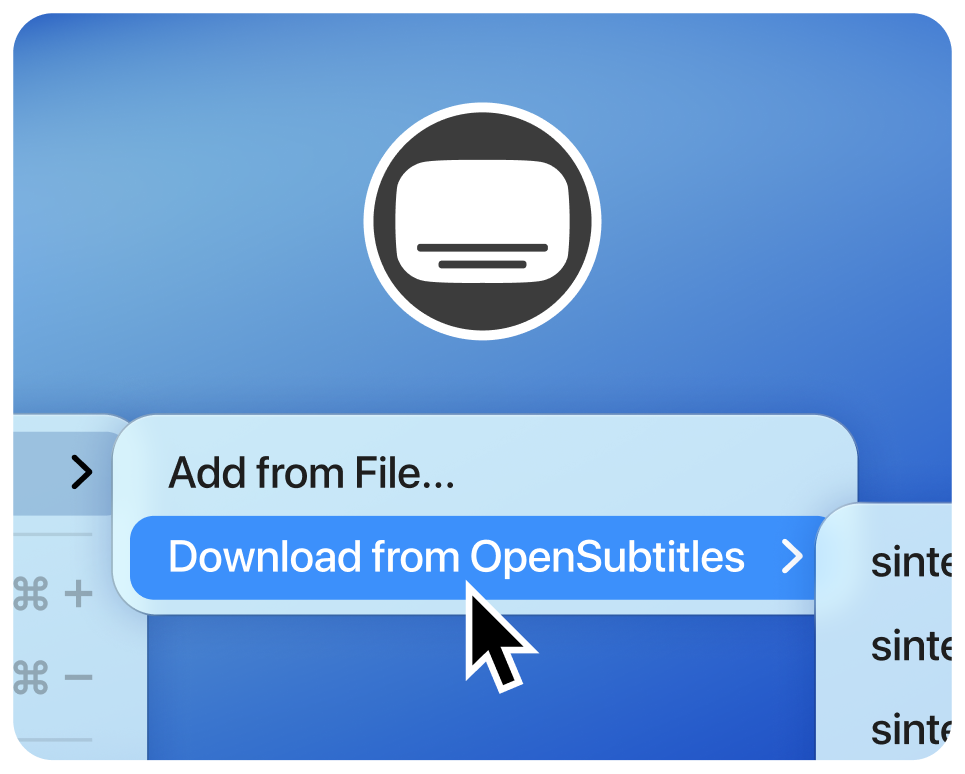
Online subtitle search
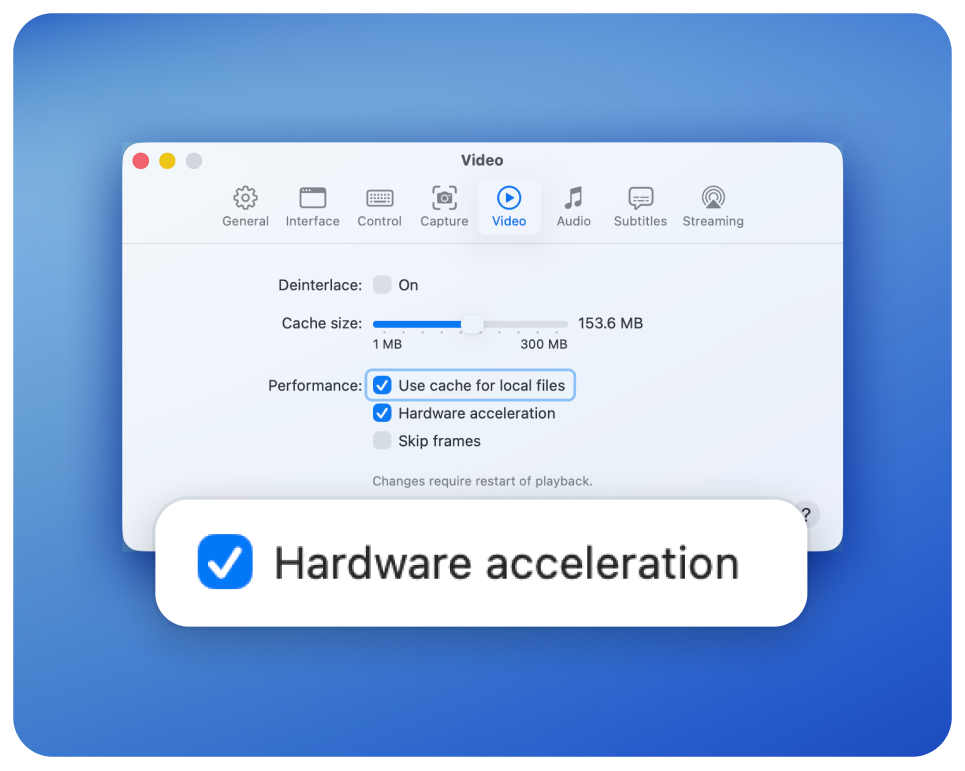
Hardware acceleration
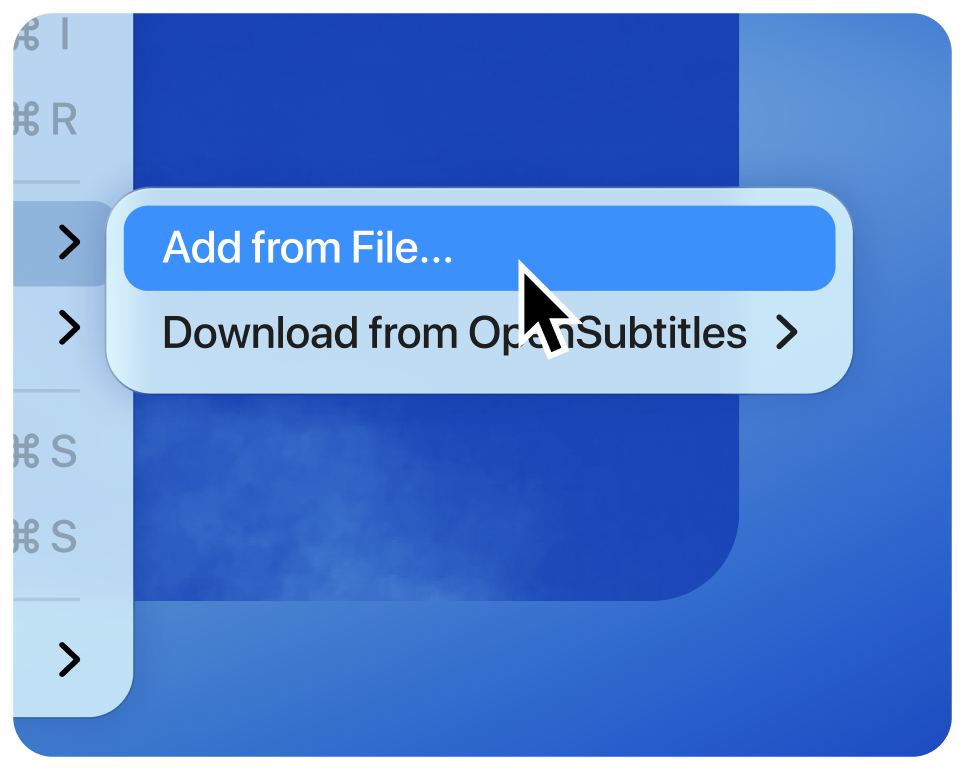
Support for external audio and subtitles
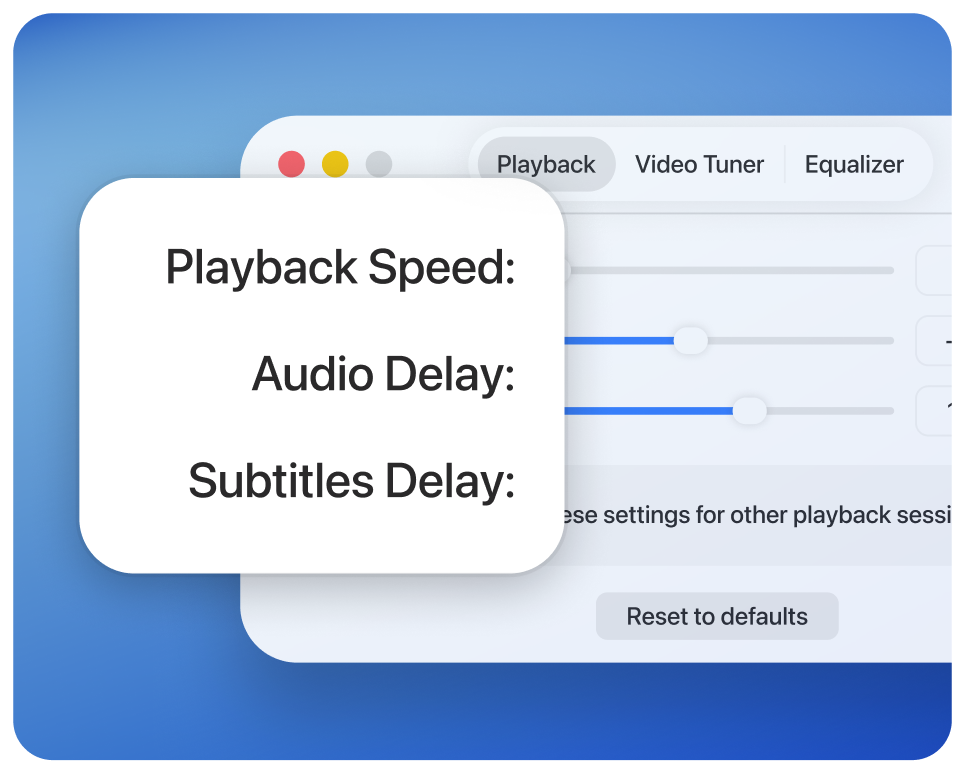
Speed control

Elmedia Player
4.5 rank
(
Learn more
)
Fine-Tuning and Enhancing Your Videos
Effortless customization is the main asset of Elmedia Player. Playing MP4 on Mac has never been this flexible! And with additional advanced controls available in the PRO version, you’ll wonder how you ever managed without the wide range of features this player has to offer.
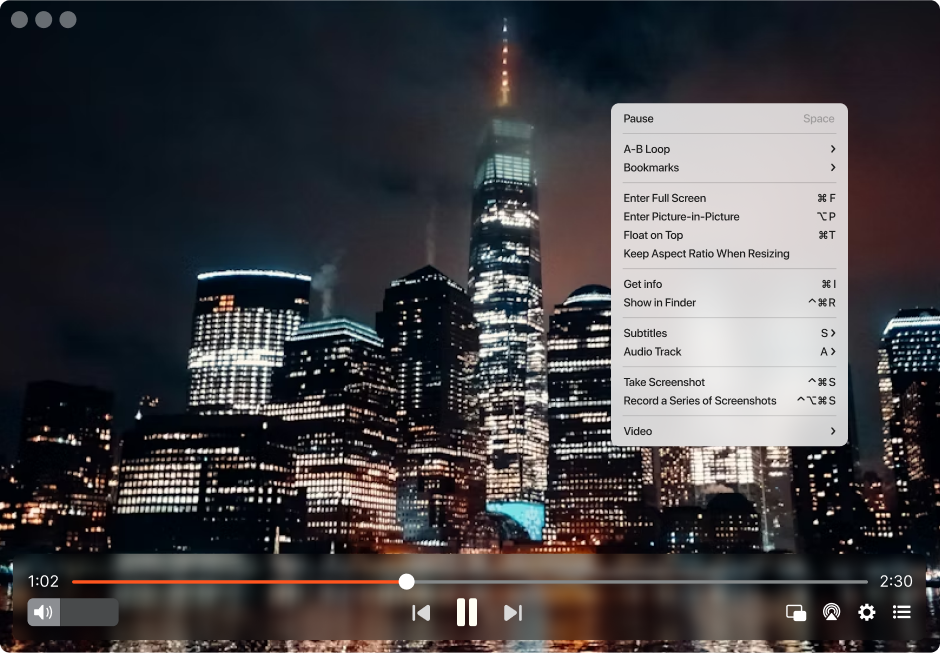
High-quality full screen features
If you use multiple monitors with your Mac, Elmedia PRO lets you easily switch between them. When you go full screen, your video plays at the selected display’s native resolution for the best possible quality.
Fine-tuning video options
Elmedia Player PRO has already caught up to the ingenious technologies you can find in a home TV. With adjustments for brightness, gamma, hue, contrast, and many more, you’ve got plenty of options to get the ideal picture for every picture you watch. You can even adjust it while your video is running!
Precise screenshots
We might not be directors or cameramen, but we all can appreciate a good shot. Elmedia PRO allows you to scan the timeline frame-by-frame, to get the exact moment you want for your screenshot. You can automatically make a series of images with any video - useful for storyboarding, blogging, etc.
Continuous loop
Mark two points on a video to have it play over and over again with Elmedia PRO. This feature is absolutely necessary for subtitle transcribers. Alternatively, you can inspect a movie scene for minute details.
Video deinterlacing
Ever get those annoying horizontal stripes, or odd video playback? With Elmedia Player’s PRO deinterlacing tool you can quickly and easily take care of these problems to ensure a perfect, stripe-free, lag-free watching experience.
No more audio delays
You can shrug off desynchronized audio when it’s mild, but when it really builds up, it’s maddening! Elmedia Player PRO is here to help once more. Before or during playback, you can alter delay timers for your audio tracks so they’re perfectly synchronized.
Stream MP4 Files Wirelessly to Your TV
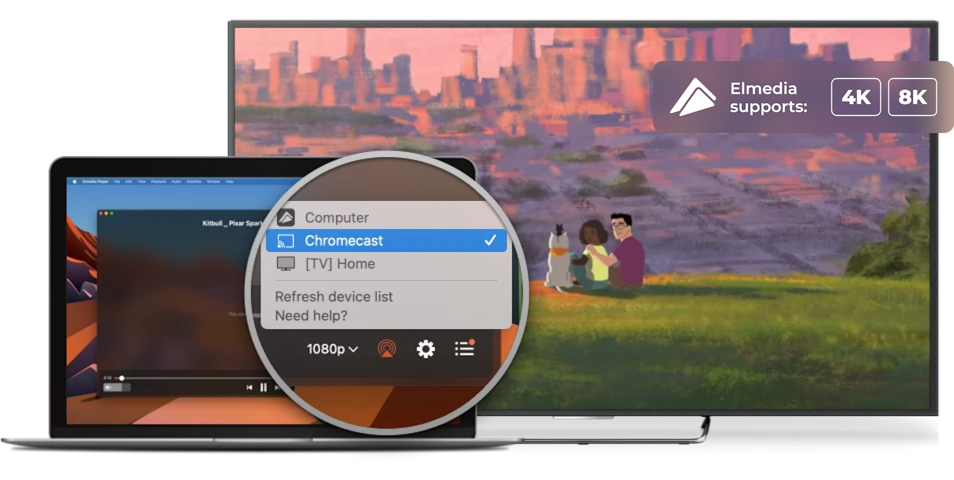
Ever wanted to stream MP4 to Apple TV, Smart TV, Google Cast-enabled devices (including Chromecast and Android TV), or any other DLNA-enabled or AirPlay device? It’s easier than you think. No matter what device you use, with Elmedia Player PRO, you can stream your content wirelessly without extra setup. Just pick a file stored on your Mac and send it to your TV or streaming device in seconds. You can also receive and play content streamed from iPhone or iPad, or any compatible device. Simple, smooth, and hassle-free.

Apple TV and other AirPlay devices

Smart TV, Roku, DLNA devices

Chromecast and Android TV
More formats, less hassle
Elmedia Player PRO lets you send videos from your Mac to supported TVs and streaming devices without converting files first. Enjoy smooth playback of different video formats directly on a bigger screen.
Never miss a line
Add subtitles to your videos in just a few clicks and enjoy a more complete viewing experience. Whether you’re watching foreign content or need extra clarity, everything stays clear and easy to follow.
Stay in control while streaming
Elmedia Player makes it easy to manage playback - pause, resume, rewind, etc. You keep the same level of control even when using streaming features available in the PRO version.
Bring your playlist to TV
Build playlists that match your mood and stream them effortlessly to your TV with the PRO version of Elmedia Player. Enjoy your media on a larger display.
Stream videos in Ultra HD
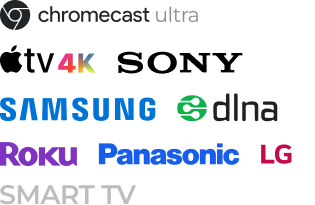
With Elmedia Player PRO, you can stream high-definition and 4K videos from your Mac to compatible devices. Enjoy sharp, detailed playback on AirPlay-compatible devices, Apple TV, Google Cast-enabled devices, including Chromecast and Android TV, Roku, and DLNA-enabled Smart TVs from brands like Samsung, LG, Sony, Panasonic, and others.

Elmedia Player
4.5 rank
(
Learn more
)
Advanced Subtitle Integration
Like watching foreign movies or other videos with subtitles? Elmedia Player gives you complete control of subtitle integration and support. There’s no need to convert files to other formats or use an additional source or program to get your subtitles to work with your video. And if your subs are delayed or not synchronized for any reason, you can adjust their delay as well. Here are some other things Elmedia Player can do with subtitles:
Appearance
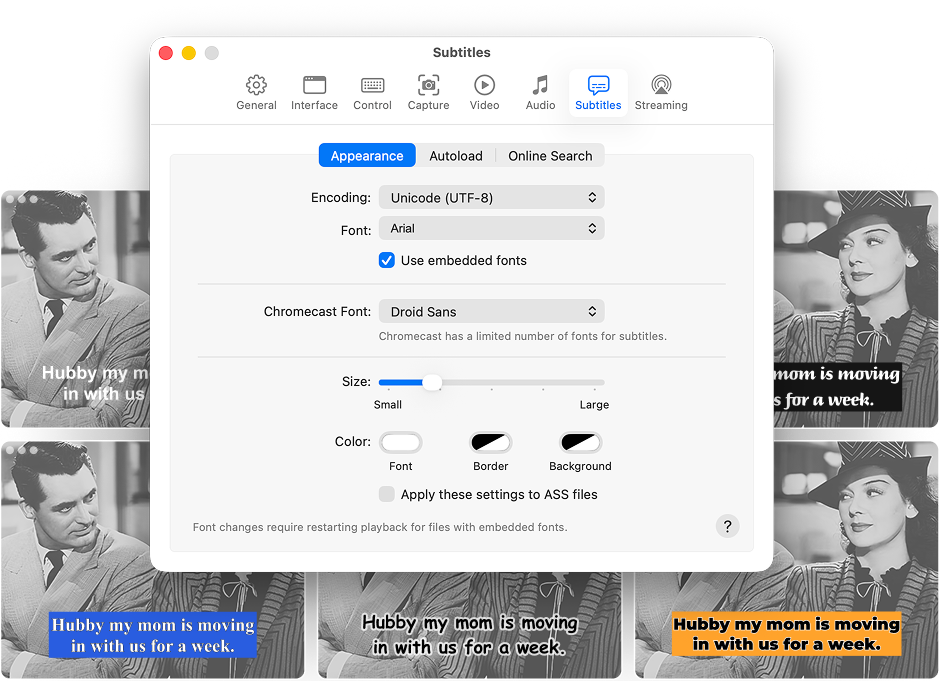
Ever think the default font for subtitles is kinda lame? Elmedia Player allows you to shake things up, with a variety of fonts, sizes, text color, and background color of your fonts as well, so you can make sure they’re legible and match the tone of your movie or video.
Automatic loading
If you’ve got subtitles for your video file, you’re already done. The best MP4 player for Mac can automatically load subtitles in the language (or languages!) you want to use.
Online search
Do you not have subtitles? No problem! Elmedia Player integrates with OpenSubtitles.com. That means that if the perfect subtitle file for your video exists, OpenSubtitles will find it, and you’ll be able to download it and use it with no sweat.
Supported Media Formats
This media player for Mac has native support for a large number of multimedia formats, including:
See full list of suported formats
Elmedia Player
4.5 rank
(
Learn more
)
What Other Users Are Saying About Elmedia
5
It’s what QuickTime should be like. Modern Video Player with the keyboard shortcuts familiar from YouTube & Netflix. I was always annoyed when I wanted to use the arrow keys to skip back in Quicktime, Elmedia gets it right.
5
I am extremely impressed by this app. I had previously tried using the FFᴘʟᴀʏ utility to play back VVC video, but it had such high CPU utilization that I couldn’t watch 4K content. Elmedia Video Player, on the other hand, is so efficient that it only uses about 3/8ths of my M3 MacBook Air’s CPU to play back 4K HDR VVC — the most computationally intensive video format available!
5
Nice program, easy to use, main features that are available in the free version are more than enough. Supports various file types and is working well with finding subtitles. I do not need more and I am happy with the usage.
5
Elmedia Video Player is a high-quality media player compliant with any audio and video formats designed for Mac operating systems. This video player plays and edits videos and provides a polished streaming experience.


Requirements: