Elmedia Player PRO Features
Elmedia Player PRO combines precision, flexibility, and elegant design to give you total control over how you watch, listen, and stream. Built for Mac. Perfected for performance.

4.5 rank

Effortless streaming across devices
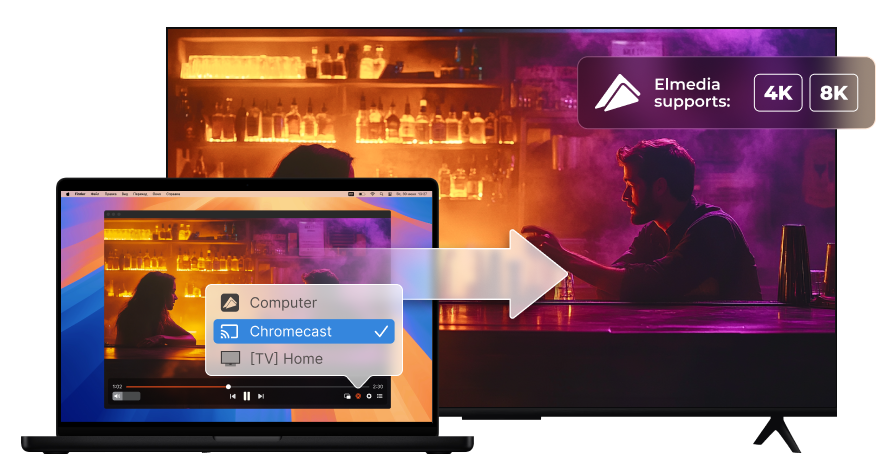

Stream files to Apple TVs and AirPlay 2-enabled Smart TVs
Including 4K videos for Apple TV 4K

Stream files to DLNA-enabled devices
TVs like Samsung Smart TV, Sony Smart TV, LG Smart TV

Stream files to Google Cast-enabled devices, including Chromecast devices and Android TVs
Including 4K videos for 4K-capable devices

Stream files to Roku devices
Roku streaming players and TVs with Roku built in

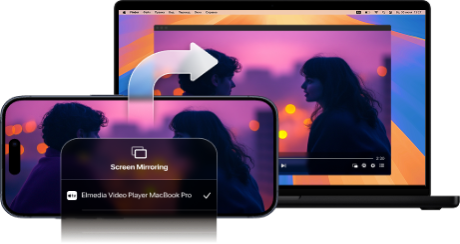
Audio and video streaming, screen mirroring to Elmedia Player over AirPlay

Elmedia Player
4.5 rank
(
Learn more
)
More Awesome Features
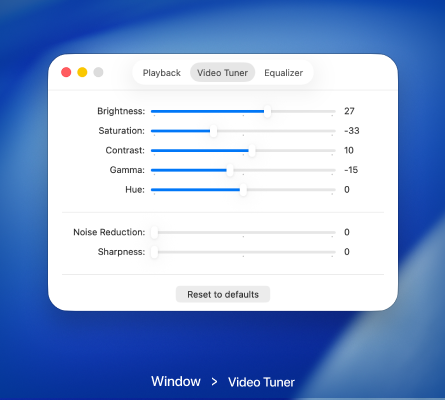
Use video tuner for perfect playback
Adjust brightness, contrast, and other settings in real time to make every frame look just the way you want.
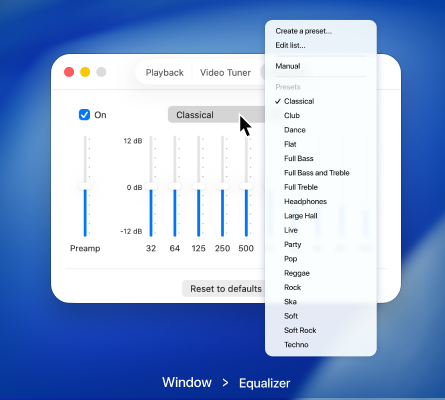
Audio presets in the equalizer
Use built-in presets to quickly adapt sound for different types of content and listening situations, without manual setup.
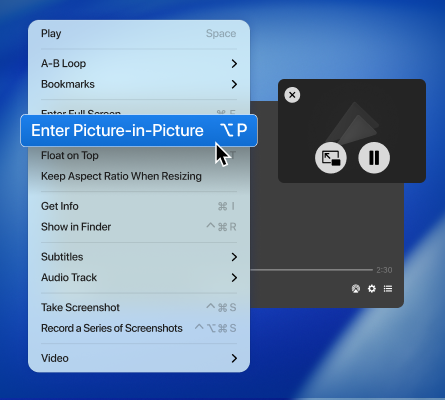
Switch to Picture-in-Picture mode
Keep your video floating on top while you browse, work, or chat. Always in view, never in the way.
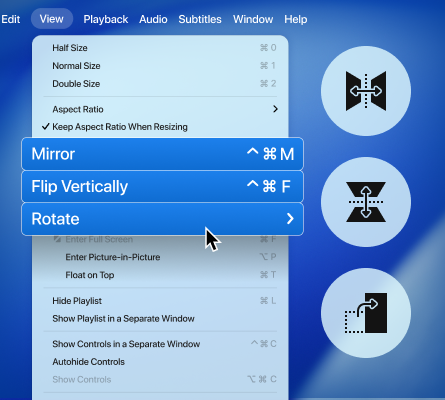
Adjust video rotation
Rotate, flip, or mirror your videos with a single click to fix angles or match your viewing preference.
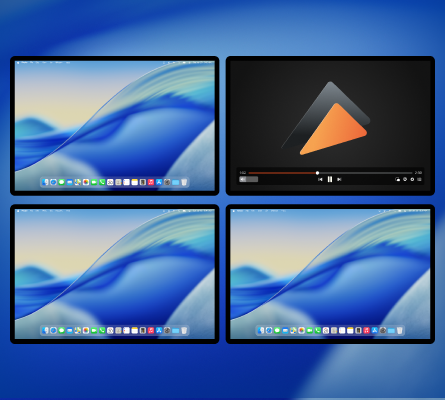
Play full screen on any display
Play on any connected screen and enjoy a distraction-free, immersive viewing experience.
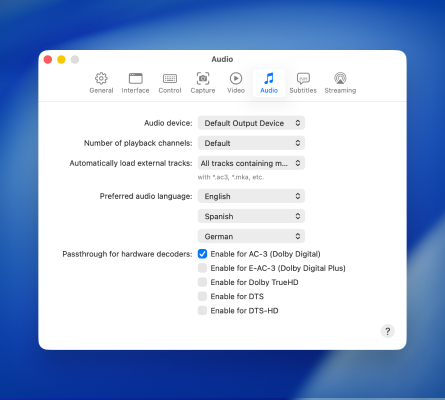
Explore advanced audio options
Choose audio output devices, switch between audio tracks, and adjust playback settings for detailed sound with Dolby and DTS support.
FAQ
Yes, Elmedia Player supports subtitles when streaming. It offers three methods:
More info can be found here.
- External subtitle files (separate subtitle files sent to the receiving device).
- Embedded subtitles (subtitle tracks inside the video container).
- Burned-in subtitles (during on-the-fly transcoding) for devices that don’t support the other methods.
More info can be found here.
Yes, Elmedia Player can stream 4K content, but you’ll need a modern Mac, a strong network, and a device that supports 4K playback natively.
Yes, Elmedia Player can start a screen-mirroring session with AirPlay devices.
No activation is required. Once you complete your purchase on the App Store, all PRO features become available automatically. You can start using the full version of Elmedia Player right away. If you have purchased the PRO upgrade before, use the Restore Purchased option in the app to recover your previous purchase.
Requirements: