 ELMEDIA
For listening to music on macOS, you can use Apple Music or QuickTime as Mac MP3 players – or stream playlists with Spotify. But using a third-party app for your MP3 player on Mac allows you to customize your listening experience with powerful features and intuitive user interfaces for a better playback experience.
1. The best MP3 player for Mac in 2026: Elmedia
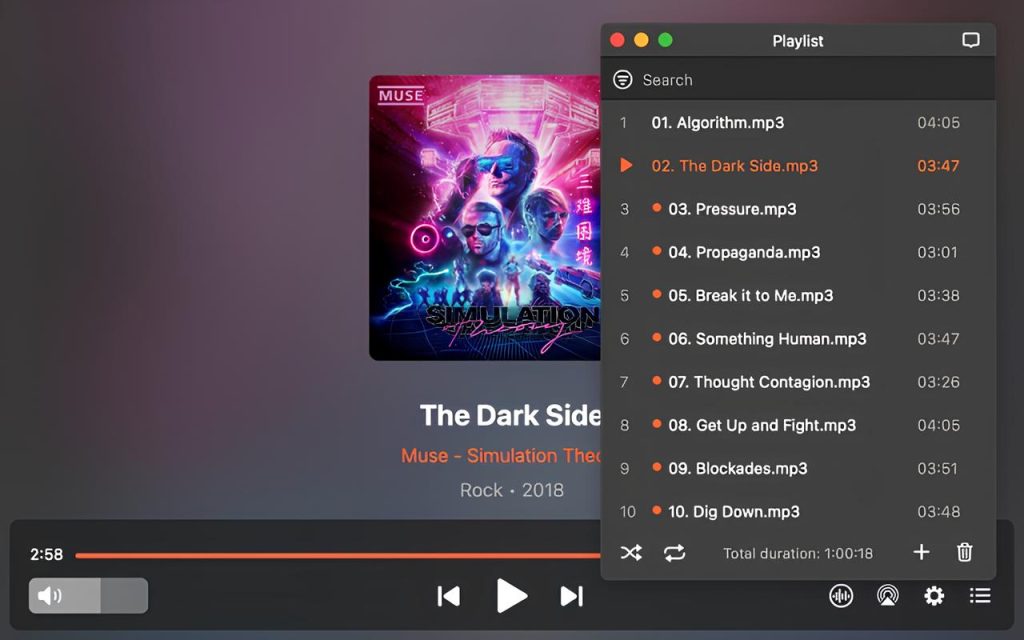
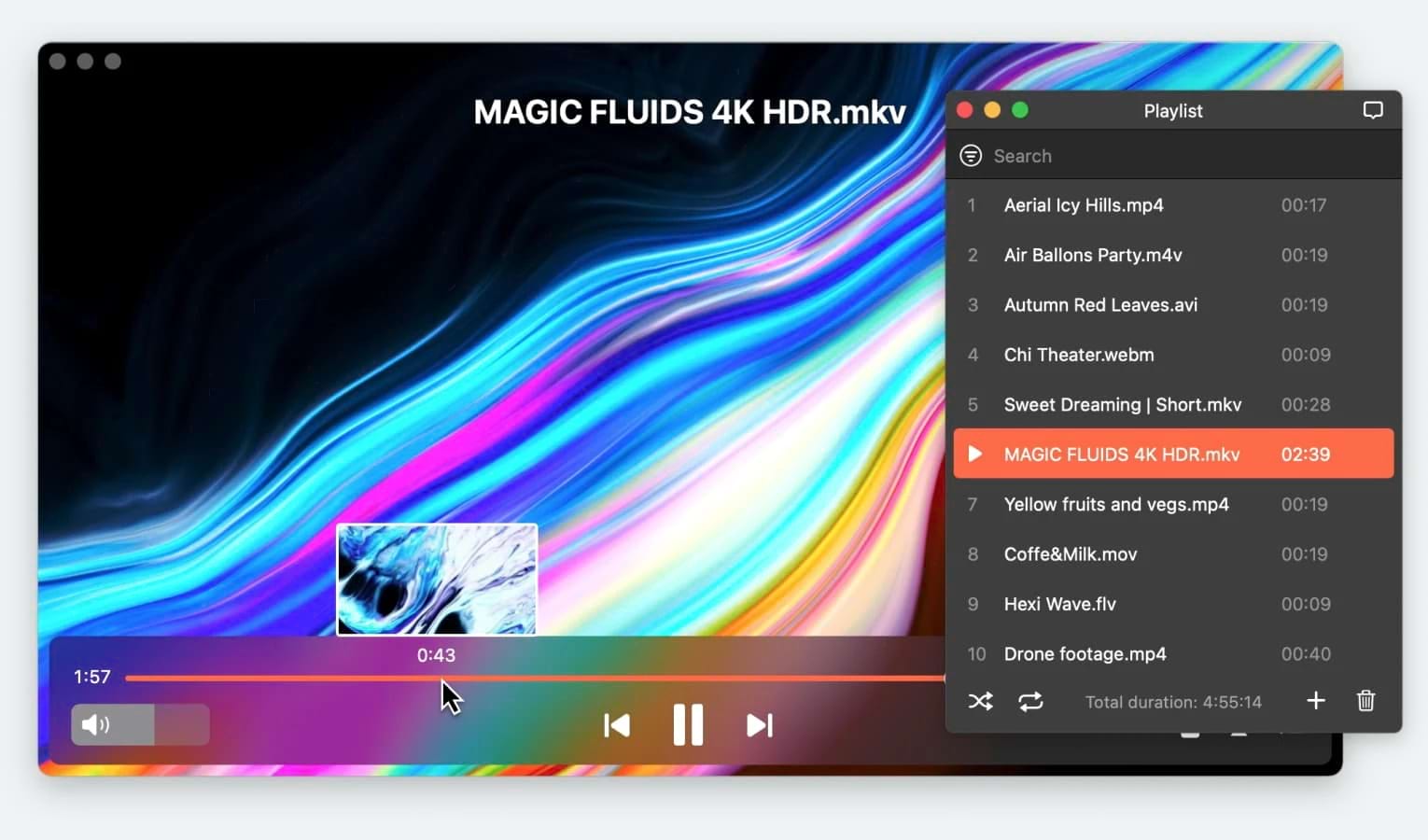
The Elmedia app earns, without a doubt, first place among all Mac MP3 players. It meets the strict standards for an excellent music-listening experience and then goes further. Elmedia Player sets the standard for excellence through innovative design and supreme quality.
A massive array of supported formats ensures you’ve always got your playlists on hand and ready to play. Among many other comfort features in this Mac MP3 player is a 10-band equalizer to enhance playback for any quality music file. If you’re a genuine music fan, you’ll be interested in the hardware passthrough feature for AC-3 or DTS decoders. Playlists, streaming, and seamless wireless connectivity––it’s easy to see how this MP3 player for Mac got the top spot.
Latest update: Mar 28, 2024
Platform: macOS
Price: free version available, full version costs $19.99
Rating: 4.5 out of 5 on Mac App Store
Pros
- Options to fine-tune every aspect of your playback
- Can connect to hardware and wireless speakers
- Smart track and playlist management
Cons
- Full version with complete capabilities costs money
2. An intuitive MP3 player for Mac users: IINA
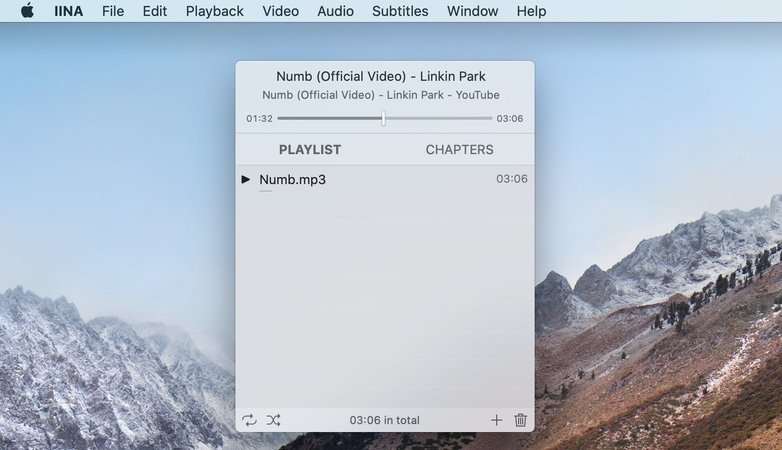
From the outset, the Mac MP3 player IINA tried hard to stand out. While it sports an outlandish design and features, the user experience is pleasant. There is nothing extraordinary about the format support and the playback quality, but once you see the user interface, you’ll notice the difference.
Unusual for MP3 players for Mac, IINA makes full use of trackpad gestures, the Touch Bar, dark mode, and other macOS system features. The user feels immersed in the Apple ecosystem with IINA’s uncanny authenticity. While it’s not that common for apps to try to “blend in” with macOS, IINA took a curious but engaging direction.
Latest update: Jan 1, 2024
Platform: macOS
Price: free
Rating: 4.5 out of 5 on MacUpdate
Pros
- The Mac MP3 player interface design is true to Apple
- Adequate execution in every other aspect
- Excellent support for subtitles
Cons
- Not enough advanced features
3. An MP3 player for Macs when cost isn’t an issue: VOX
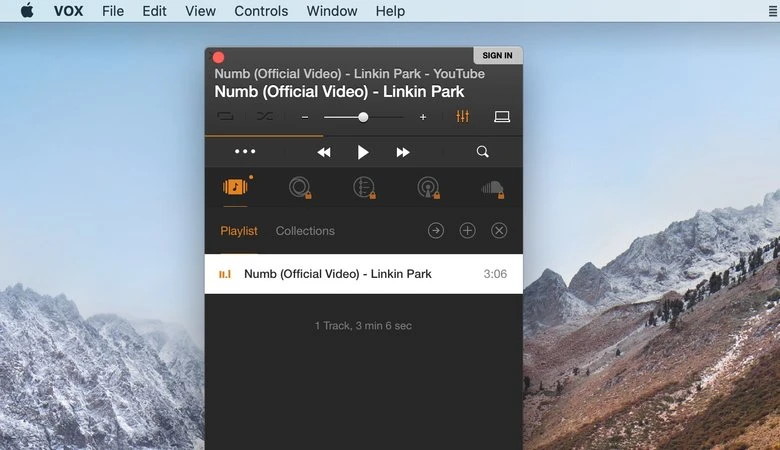
This Mac MP3 player app has plenty of unique features and small conveniences. It’s one of the better radio apps if you’re looking for a classic lo-fi listening experience. But it also sports a variety of modern capabilities, like cloud storage, playlist sync, and even high-class bonuses like gapless playback. If you’re a music enthusiast, VOX is the MP3 player for Mac that will serve your specific tastes.
However, it comes with one of the worst monetization models in existence––a subscription fee. The $5 expense each month adds up fast if you’re already paying for streaming services like Spotify. Is it worth the scratch? You decide. Despite the licensing fee, it says a lot about VOX’s quality when it’s one of our top picks for the best Mac MP3 players.
Latest update: Apr 5, 2024
Platform: macOS
Price: free; Premium costs from $4.99 per month
Rating: 4.2 out of 5 on App Store
Pros
- Hardcore listeners will appreciate the diverse features
- Syncing and cloud storage for your tracks
- Unique capabilities
Cons
- It has a monthly fee of $4.99
- Hard on the CPU
- The free version isn’t worth considering
4. A Mac MP3 player when you’re on the go: Colibri
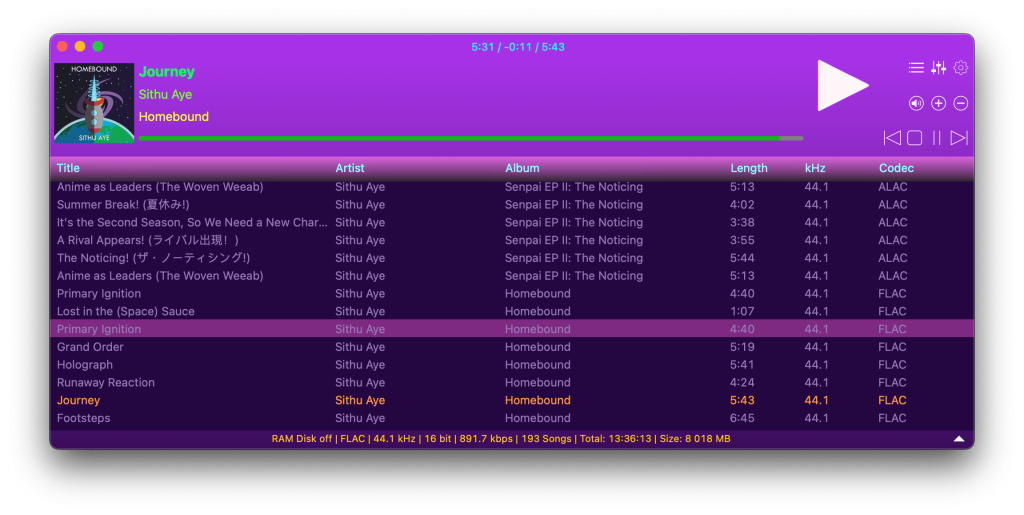
Our previous entries focused on Mac MP3 players for home and office setups. But which one among the MP3 players for Macs is better when you’re on the go, without an outlet? We confidently recommend Colibri. This lightweight, miniature app uses a meager amount of CPU power. Low CPU from an MP3 player for Mac translates into longer battery life–no matter how long your playlists.
Colibri is the app for picnics, train rides, any time you’re away from home, and reliable power. You’ll never have to worry about your laptop’s battery power running low from your Mac MP3 player. However, for everyday use, Colibri is just passable, even when compared to QuickTime.
Latest update: May 4, 2024
Platform: macOS
Price: free, PRO is available for $19.99
Rating: 4.3 out of 5 on Mac App Store
Pros
- Efficient power management
- It helps you leave your desk (with your music) once in a while
Cons
- Costs money
- The user interface is very sparse
5. The Mac MP3 player for Hi-Fi systems: Audirvana
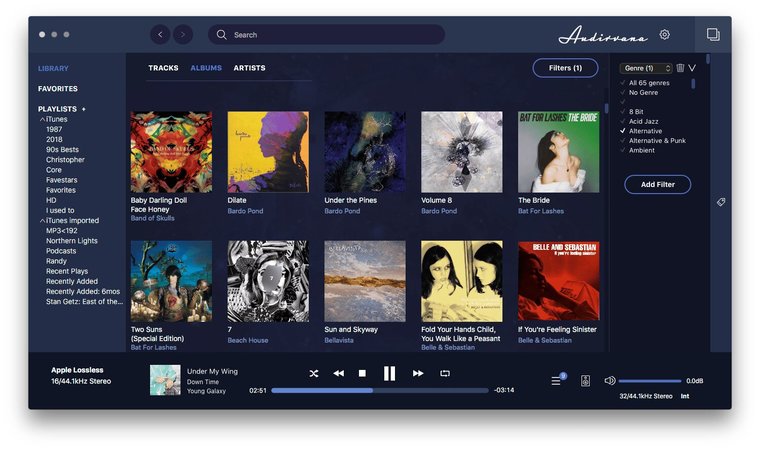
Even though Audirvana pales compared to other Mac MP3 players on this list, it’s still a decent generic music player. There’s no need to describe the standard features––it’s the basic package you can expect from any MP3 player for Macintosh. It’s one of our top five because the app has a unique advantage over other MP3 players for Mac.
As a Mac MP3 player, Audirvana provides many options for a Hi-Fi system. It can act as a Hi-Fi source and modify minute things such as DAC thresholds and oversampling levels. Moreover, users can control the desktop app by a mobile extension––such as a remote. It’s an incredibly convenient MP3 player for Mac if you’ve got a high-quality sound system and aren’t concerned with the interface.
Latest update: 20 Apr, 2023
Pros
- Standard features are on the level
- Advanced Hi-Fi system support, multichannel included
- Convenient to use in a sound system
Cons
- May not be very suitable for beginners
6. An all-in-one MP3 player for Mac that's more than just a Player: DumpMedia Video Converter
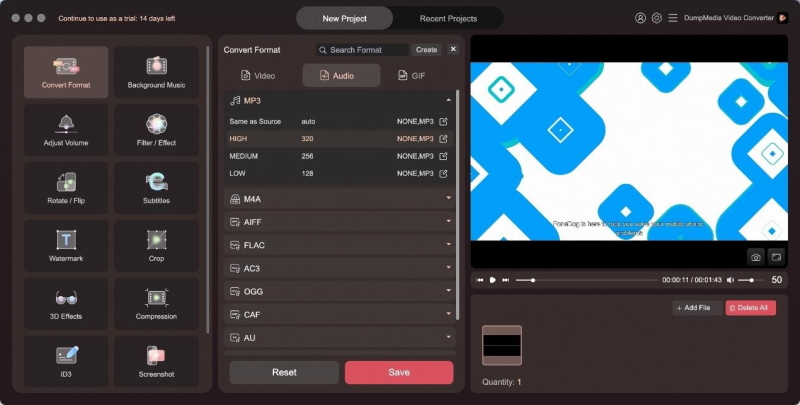
Does it annoy you when you finally find something you’ve been looking for a long time, like a really rare live version of a song, only to discover it’s in a format you can’t directly play on your Mac? There are many formats that can’t be played directly on macOS: WMA, OGG, AMR, APE, and more. Of course, you can find a dedicated player for each format, but what if I tell you there’s a one-stop solution?
Meet DumpMedia Video Converter. Despite being called a “Video Converter”, DumpMedia Video Converter is actually an all-in-one multimedia player and converter. It supports a wide range of input and output formats, including AVI, FLV, MP4, M4V, MKV, MOV, 3GP, 3G2, SWF, WMV, ASF, AAC, AC3, AIFF, FLAC, M4A, MP3, OGG, WAV, WMA, and more. You can basically convert media files of any format to MP3 and also play them using this software as you like. Besides that, it is also a video editor, a subtitle adder, a video enhancer, and a DVD ripper. Its capabilities are beyond your imagination.
Latest update: Mar 7, 2024
Pros
- Comprehensive functionality
- Supports a wide range of input/output formats
- Supports lossless format conversion
Cons
- Only offers a free 15-day trial; subscription required for continued use
The Key Features Every Mac MP3 Player Must Have:
- Extensive audio format support: MP3, FLAC, AAC, ALAC, WMA, etc.
- Wi-Fi streaming features
- Options to create and edit playlists
- Features to fine-tune the experience
- Flawless playback quality
Frequently Asked Questions
Elmedia Player is a great way to play MP3 files on Mac. The free version is a basic macOS app for playing music, but there’s also an advanced version––Elmedia Player PRO. When you’re ready to take your music listening experience further, this MP3 player for Mac allows streaming content from top services like Chromecast Ultra or Apple TV.
Luckily, there are many players on the market that give you high-quality sound. The most popular: Elmedia Player, IINA, Vox, Colibri and Audirvana. We described their features and advantages in the post, so you can choose a player you like.
Open Music app and Click “Music” -> “Settings”, click Playback, then select Sound Enhancer and drag the slider for adjusting the strength of the effect. You can also install third-party players for the best MP3 playback experience, that we mentioned in the post.
Users scenario: