Top Media Player to Stream from Mac to Roku TV
From a MacBook to a Roku TV, your videos are only a few clicks away. Elmedia Player lets you cast Mac to Roku over Wi-Fi, with no cables, adapters, or file conversion. Enjoy videos in any format right on the big screen.

4.5 rank
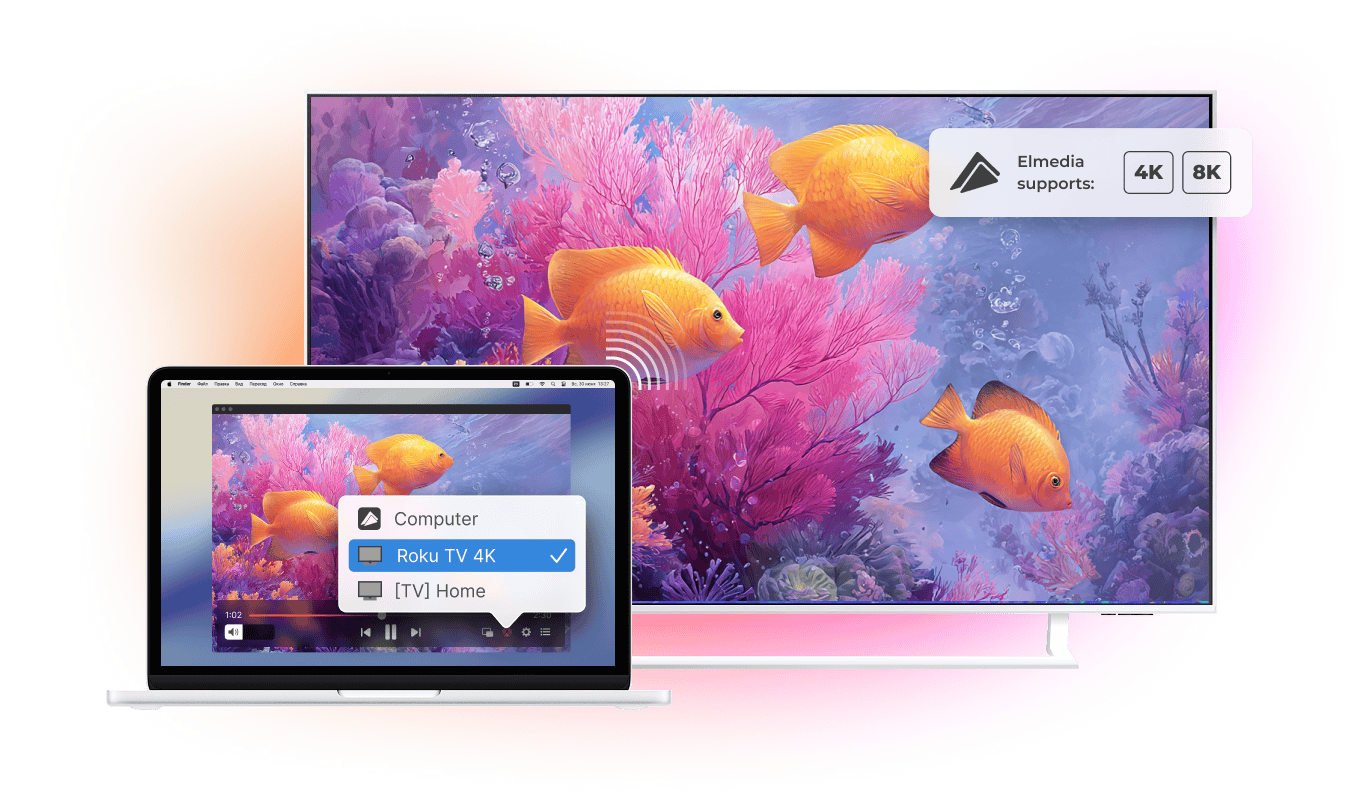
Turn Any Movie Night Into a Big-Screen Night
Streaming to Roku is only part of the story. Elmedia Player also handles subtitles and playlists, so once the movie starts, you don’t need to touch your Mac again.
Stream to Roku with perfect subtitle support
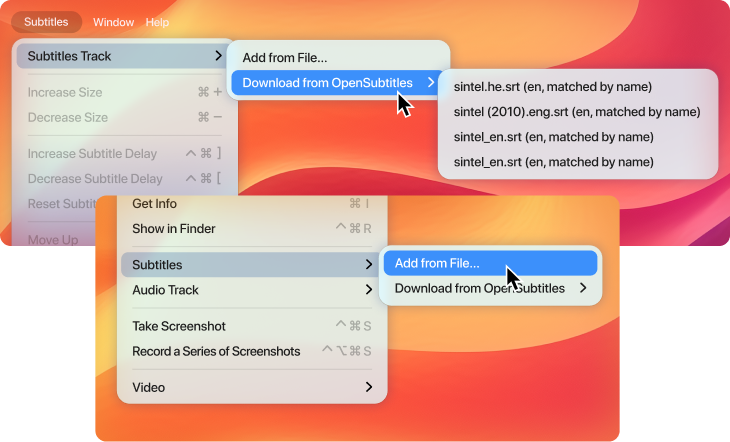
Make movie nights more comfortable with subtitles that look the way you want. Open an external .srt file or find a matching subtitle through OpenSubtitles with one click. Adjust the font, size, and color, then stream movies from Mac to Roku with subtitles playing along with the video.
Keep your watchlist playing
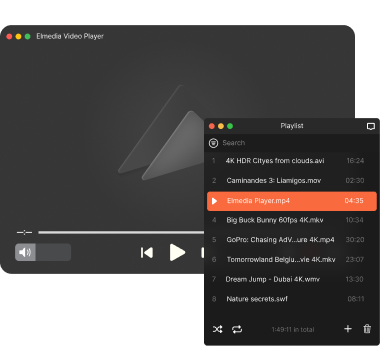
Put your favorite videos into a playlist and let Elmedia Player handle the rest. Connect MacBook to Roku TV, start the playlist, and keep watching without going back to your Mac after every file. It's an easy way to keep episodes, movies, or other content playing on the big screen.
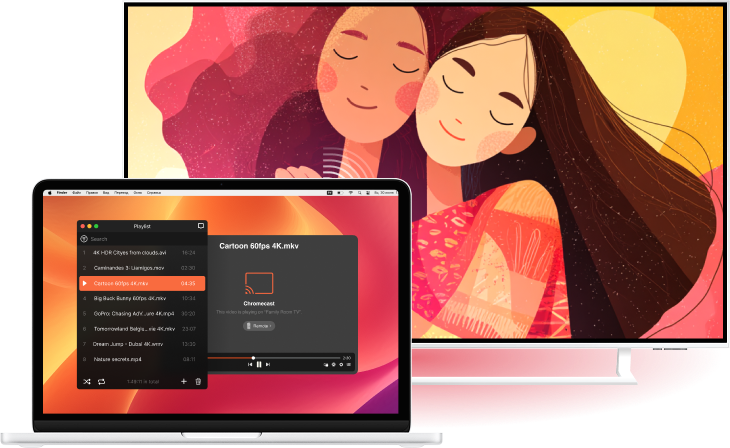
Not Just Roku
Your Roku device is part of a wider streaming setup. Elmedia Player can also stream video and audio to Google Cast-enabled devices, including Chromecast and Android TV, Apple TV and AirPlay-enabled Smart TVs, as well as DLNA-compatible Smart TVs.




Elmedia Player
4.5 rank
(
Learn more
)
More Than Just a Video Streamer
Elmedia Player is more than a tool to cast Mac to Roku. It is a decent video player for macOS with detailed playback controls, video adjustments, audio customization, and support for a wide range of media formats. Everything you need for watching, listening to, and managing your local media stays in one app.
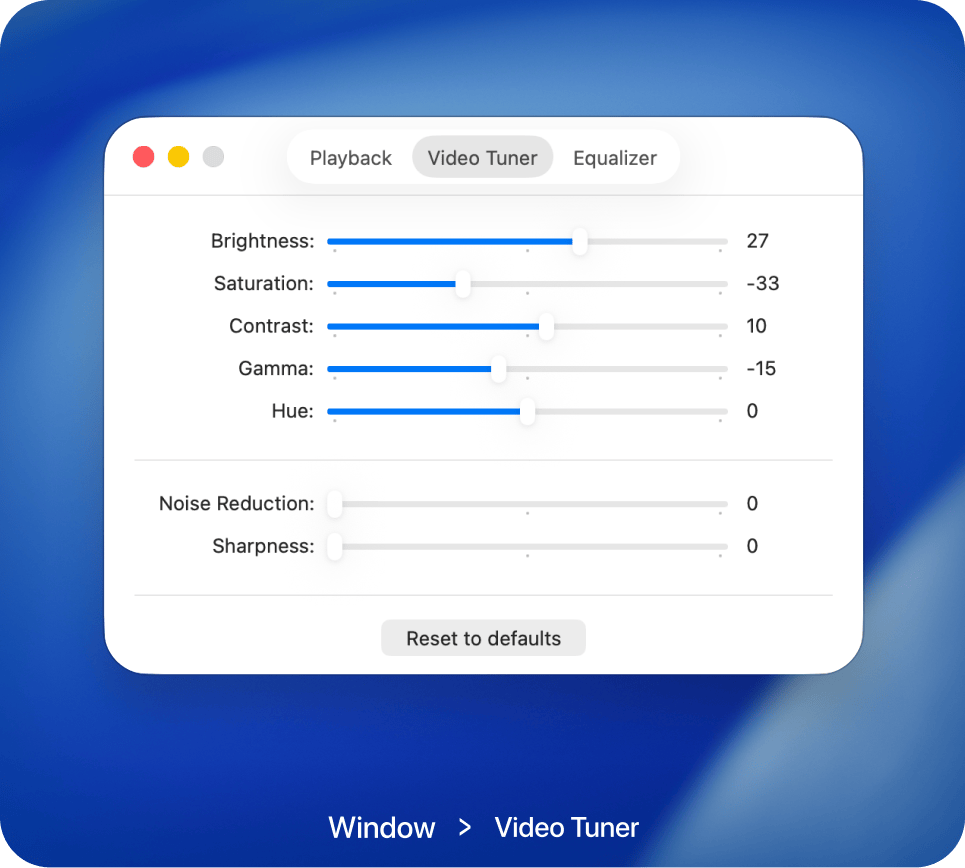
Adjust video the way you like
Improve video with easy-to-use image controls. Adjust brightness, color, contrast, and other settings in real time without interrupting playback.
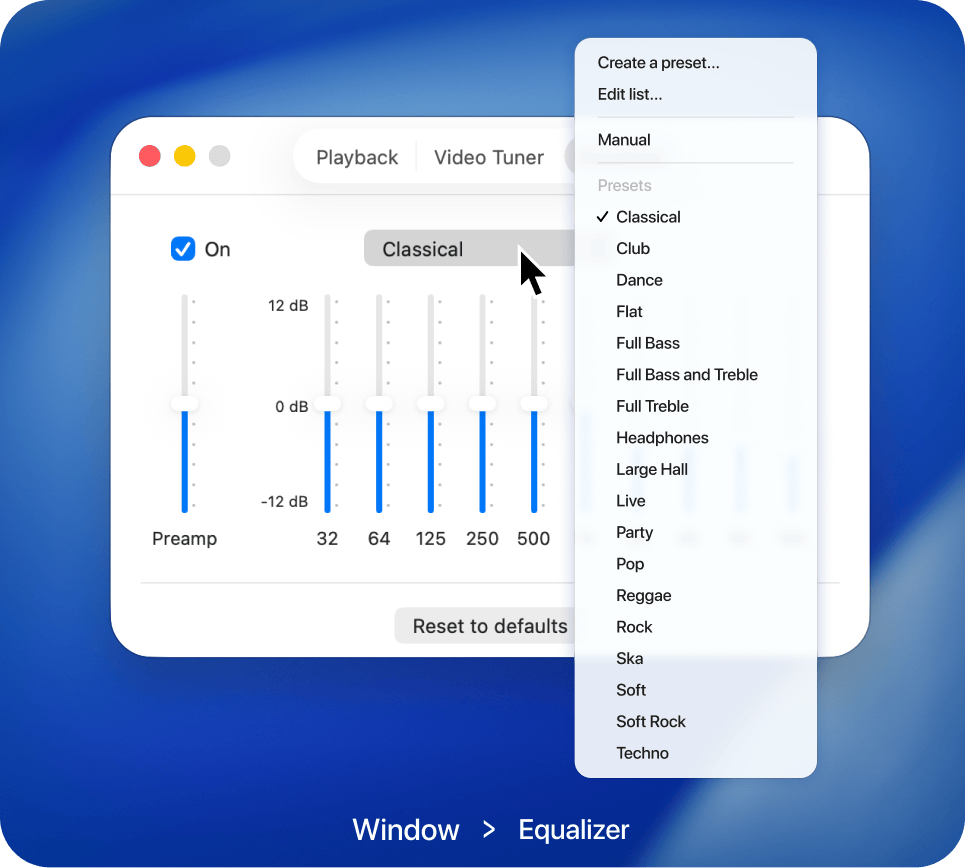
Audio that fits your taste
Customize sound using built-in equalizer controls or select from ready-made presets. Achieve balanced, detailed audio for every type of content.
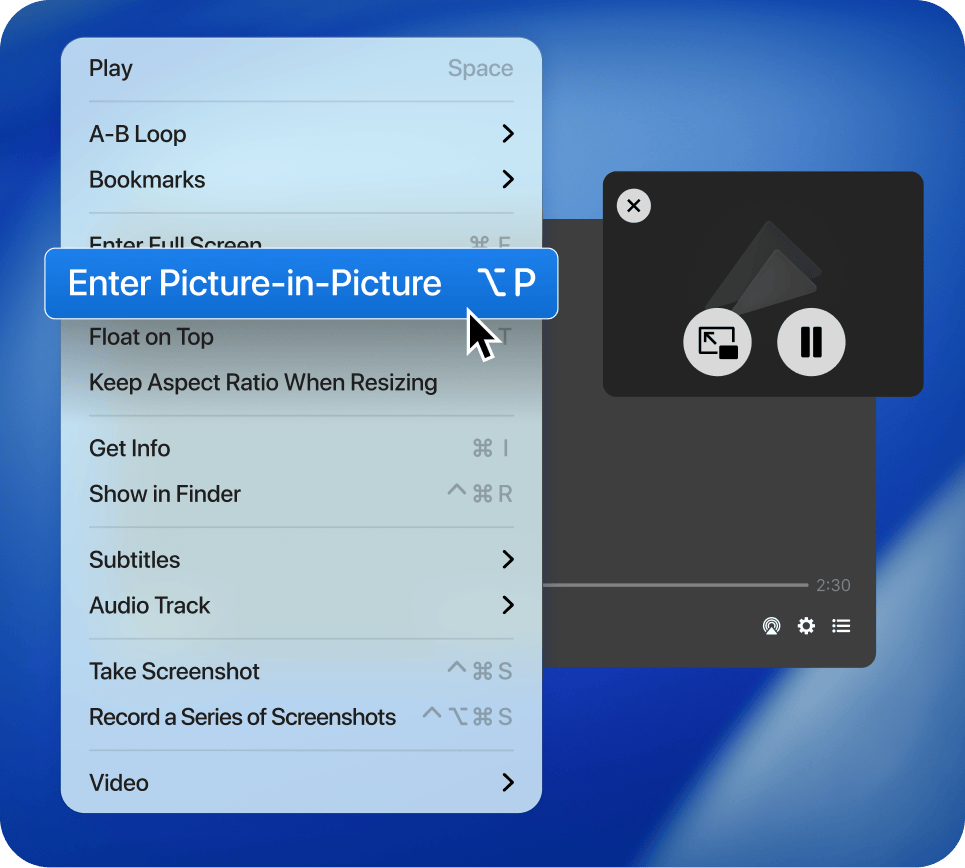
Support for Picture-in-Picture mode
Enable Picture-in-Picture mode to keep videos playing in a compact overlay. Browse the web, answer messages, or work on projects without hiding your content.
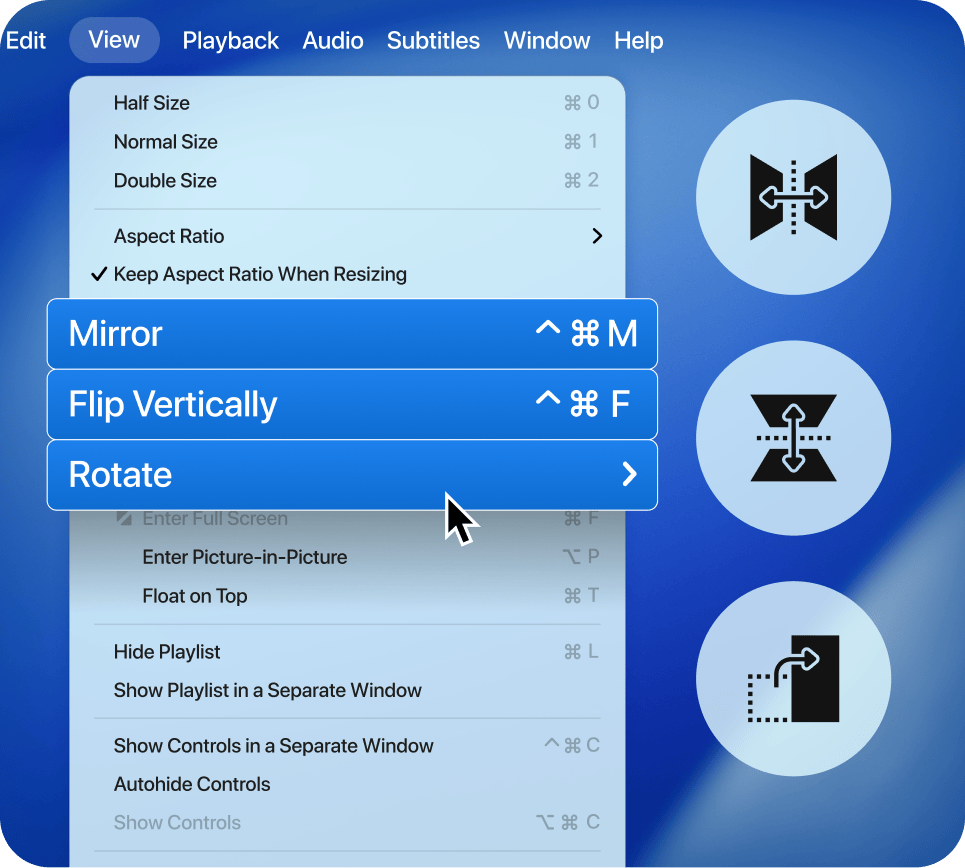
Adjust video rotation
Correct video orientation in seconds by rotating, mirroring, or flipping the image. Make every video comfortable to watch.
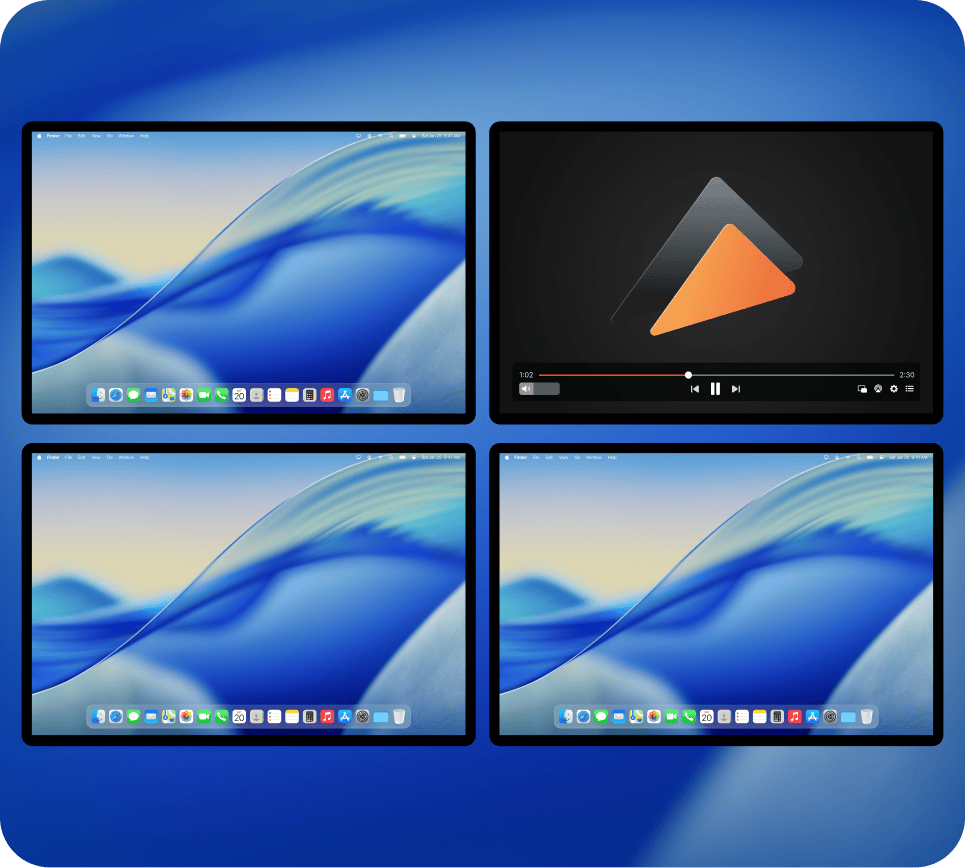
Full screen on any display
Open videos in full-screen mode on any connected screen and enjoy a spacious viewing experience that's perfect for movies and presentations.
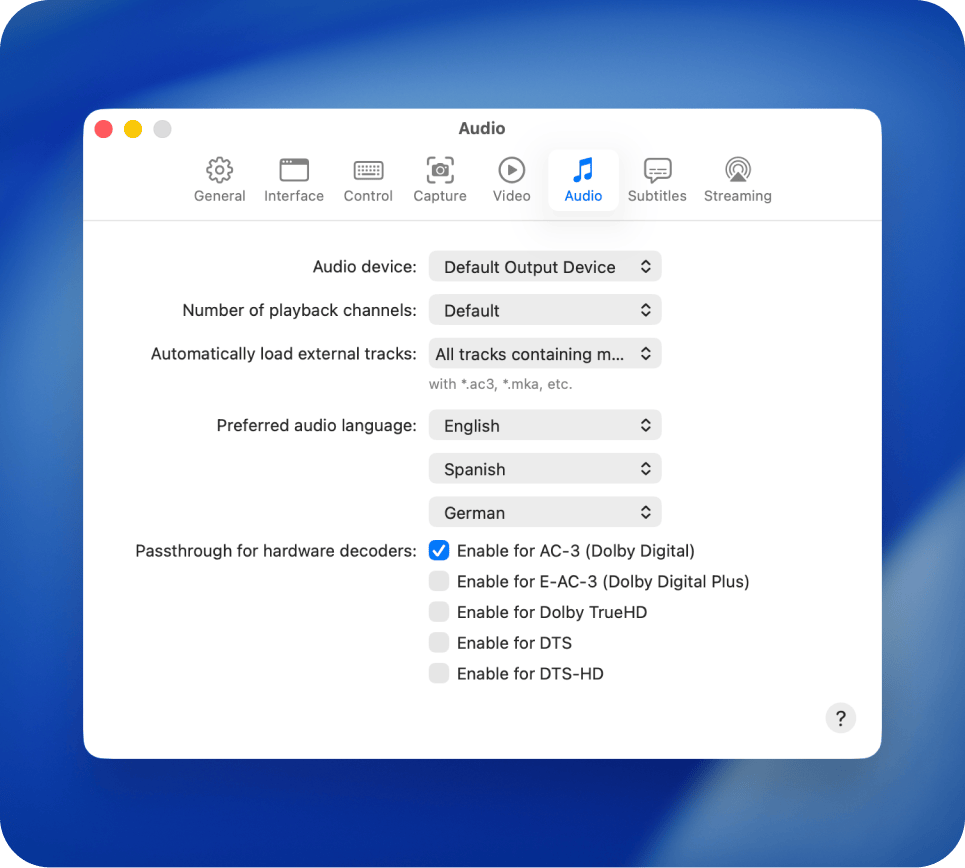
Advanced audio playback
Choose between available audio tracks, switch output devices in seconds, and enjoy support for Dolby Digital and DTS for high-quality sound.
Popular video formats
FAQ
Many newer Roku devices and Roku TVs support AirPlay 2. To check, open Settings. If you see Apple AirPlay and HomeKit option on your Roku, your device supports AirPlay 2. If this option is not available, go to Settings > System > Software update and check for a Roku OS update. If your Roku device supports AirPlay 2, updating to Roku OS 10 or later should add the Apple AirPlay and HomeKit option to Settings.
Compatibility depends on the specific Roku model and software version. Older Roku devices may have different streaming capabilities than newer models. If your Roku device is not detected by Elmedia Player, check that both devices are on the same Wi-Fi network and that the Roku model supports the required streaming technology.
Requirements: