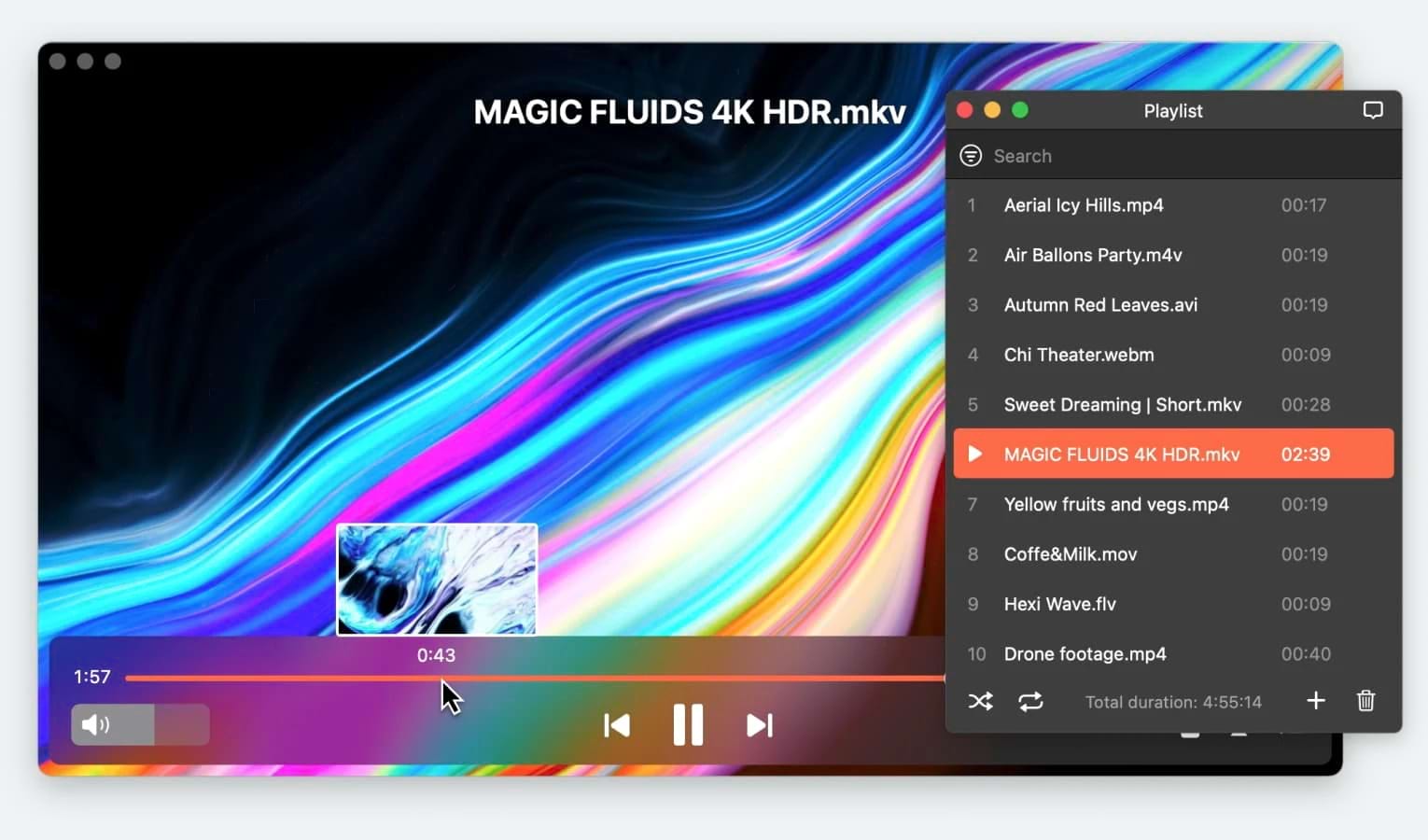
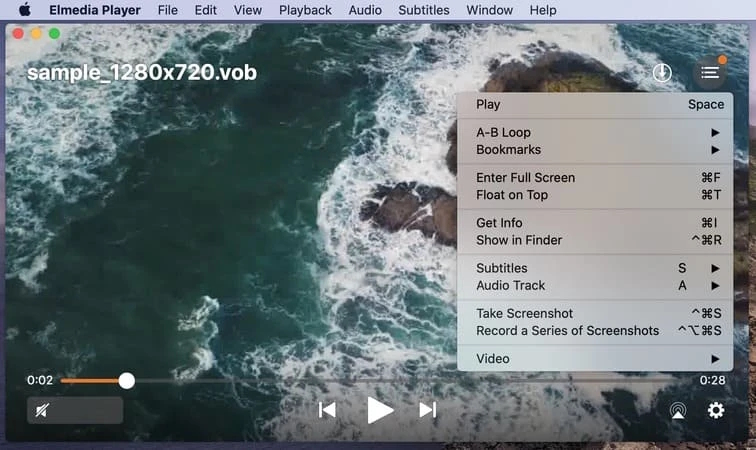
We’ve got an easy solution to play .vob on Mac. QuickTime can’t handle this format, but you can use a third-party player to open VOB on Mac and many other formats. There are many third-party players to choose from, so we will suggest the best one – and it’s Elmedia Player.
The Best VOB Macintosh Player
Elmedia Player is the best solution to play VOB on macOS. It includes a wide range of codecs, and VOB is no exception for this video player for Mac. Like any ordinary MKV or MP4, you’ll be able to open .vob with additional features – subtitle and audio sync, external track addition, bookmarks and playlists.
Elmedia PRO is a step above, since it enables the streaming feature, the video tuner and the audio equalizer. Only for $19.99! All three are perfect for your enjoyment of VOB on Mac.
Pros
- Almost every format supported
- Picture-in-picture mode for background playback
- Make playlists for every content type
Cons
- Complete Mac exclusivity
Supported OS: macOS
Price: free, Pro version is $19.9
App Store rating: 4.5/5
How to Open VOB Files on Mac
1. Download Elmedia Player on your Mac.
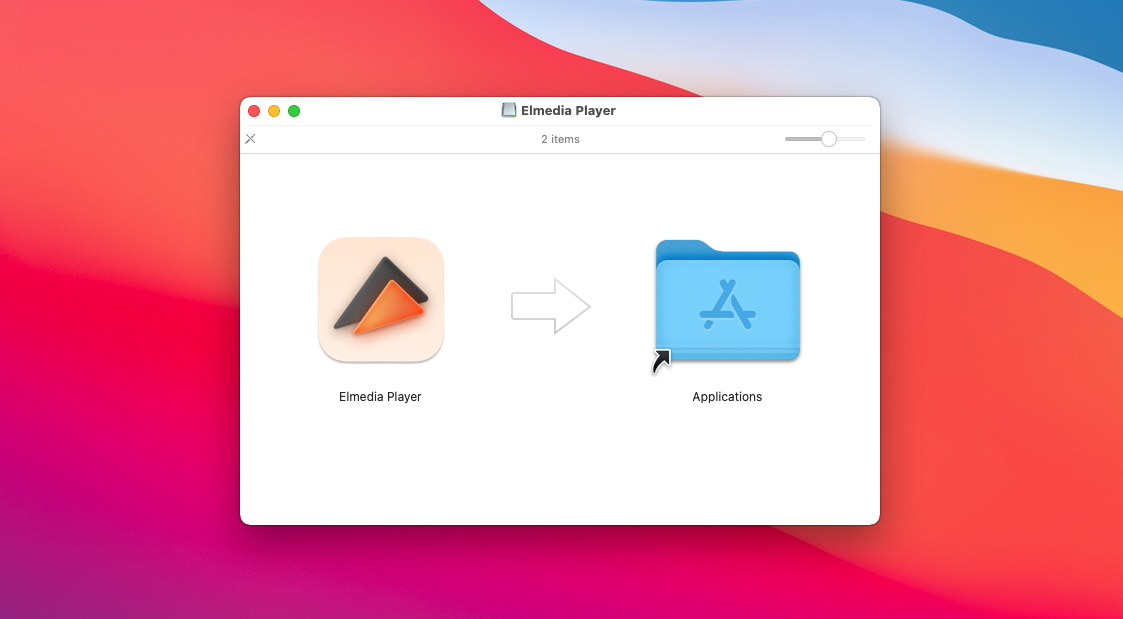
2. Open the app.
Open the app and you can open your VOB files in one of three ways:
- You can locate the VOB file on your Mac and drag it to the Elmedia Player window or icon in the dock.
- From the Elmedia Player window, you can go to “File” in the top menu bar, click “Open” and select the video you want to play.
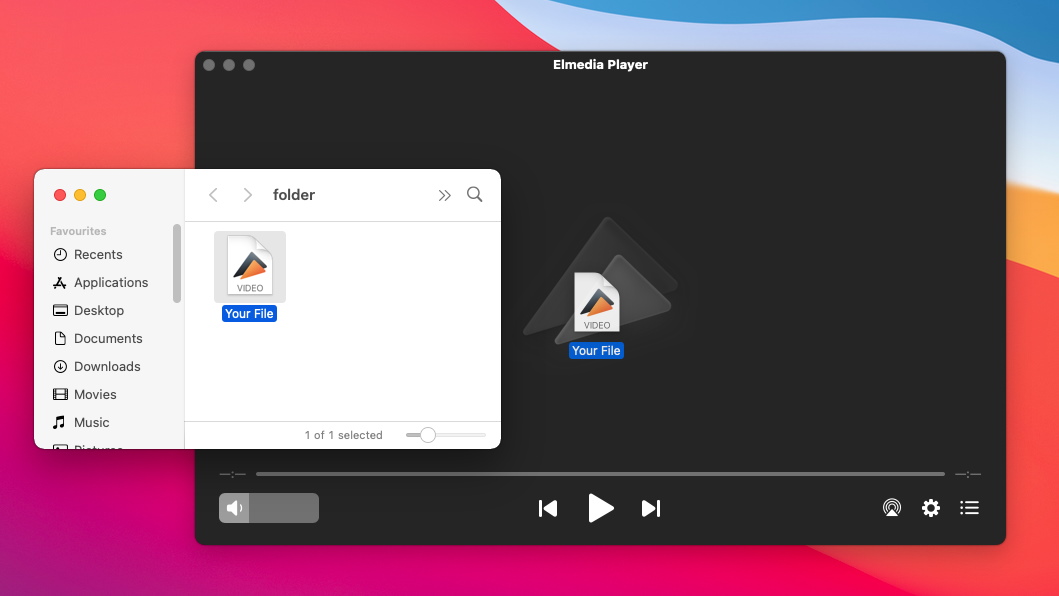
3. Enjoy watching VOB files on Mac!
Alternative Solutions
There are other third-party apps that support VOB playback, such as the popular media player VLC. For further converter apps, users might want to consider open-source programs like Handbrake or FFmpeg for converting VOB to MP4 on Mac. You’ll have to find out for yourself whether these apps will suit your needs, but for the easiest high-quality playback of VOB or MP4 files, we’d recommend Elmedia Player.
What is VOB?
VOBs are used to store data on DVD disks. Usually, they have a fixed size (due to DVD restrictions, to get the most out of disk space), and separate videos in them are placed back-to-back, with large tracks spanning multiple VOB files. It’s an unusual codec, unlike MOV or WMV, so VOBs are not natively supported on macOS.
Why Users Convert Video From VOB or to VOB Format
The advantage of VOB files is that they boast very low compression, allowing for higher quality audio and video codecs than with a more compressed video format like MP4. Additionally, they can hold multiple audio streams and subtitle tracks for DVD-video media in a single file. However, such files can’t be uploaded to YouTube and social media, and file encryption often makes it impossible to edit such videos without a VOB to MP4 converter for Mac, adapting them to a more flexible format.
Most Popular Format From VOB to MP4
The most common format to convert VOB to is MP4. MP4 is a very different kind of container format since it is compatible with a greater number of audio and video codecs and is almost universally supported by the most popular media player apps.
If you’re struggling to play this and similar formats, choosing a media player that supports playback on Mac, such as Elmedia Player, is the easiest solution. Since this app offers native compatibility, there’s no need to convert.
| Comparison Option | VOB | MP4 |
| Developer | CaDVD Forum | International Organization for Standardization; International Electrotechnical Commission |
| Type of Format | Container format | Container format |
| Extended from | MPEG program stream | QuickTime File Format and MPEG-4 Part 12 |
| Standard | DVD-Video Book | ISO/IEC 14496-14 |
| Container for | Audio, video, subtitles | Audio, video, text |
| Video codecs | MPEG-1, MPEG-2 | MPEG-4, H.263, H.264, H.265, MPEG-1/2, V8/9, AVC, HEVC, Cinepak, Theora, others |
| Audio codecs | MP1, MP2, PCM, DTS, MLP, LPCM, AC-3 | MP3, AC-3, MP1/2, AAC, Opus, ALAC, Dolby TrueHD, others. |
How to Open VOB Files: The Conversion Route
This is how it usually goes: if you can’t launch the file, convert it. We only suggest this as a last resort, as some quality (and even content, when it comes to VOBs) may be lost. But in the end, if you are completely opposed to the idea of a VOB-compatible player, these are the solutions you can try.
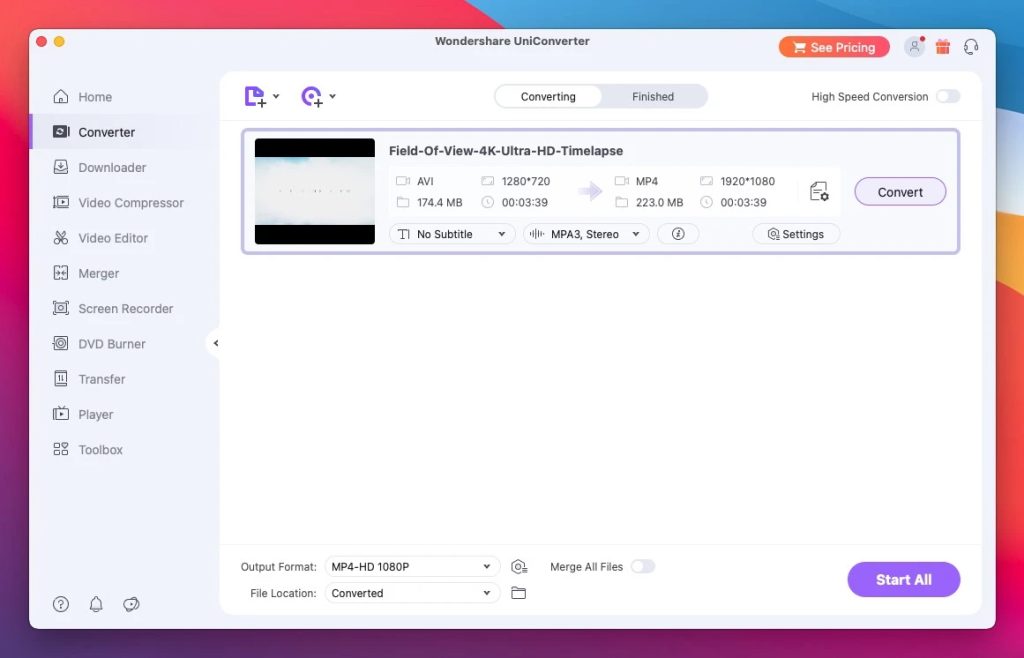
UniConverter by Wondershare
Sporting a wide variety of convertable formats, UniConverter represents your average desktop converter. VOB is on the list, as are many other standard filetypes like MP4. It’s quite light and easy to use, too.
Here’s a brief guide:
- Get UniConverter from the official site.
- Add the files to be converted.
- Select the output format.
- Push “Convert” and start the operation.
- Just wait until it’s done.
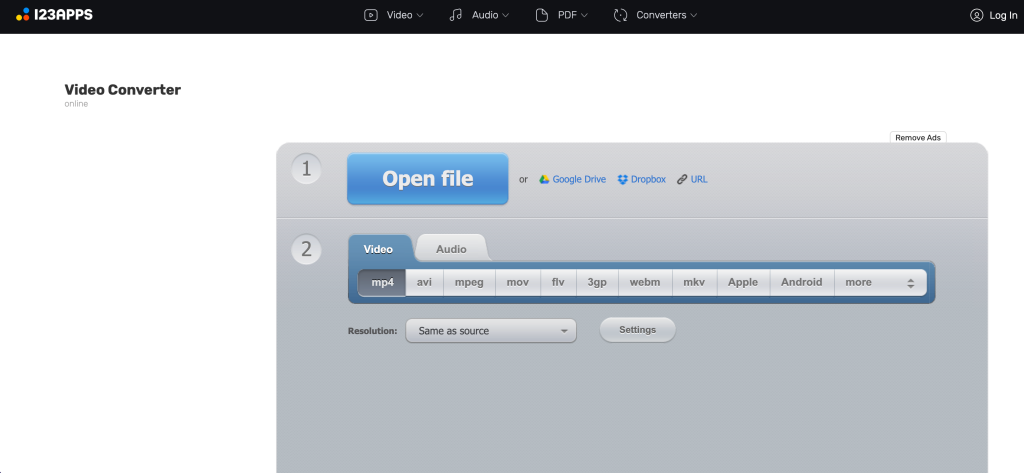
Using an Online Video Converter
o save yourself the effort of downloading any kind of software, go with this option. A special online service will require no setup to work on your Mac. Our personal recommendation is convert-video-online.com, but alternatives aren’t hard to find. Be careful with ads, links and popups.
Using one is a breeze:
- Click “Open” and navigate to the desired file.
- Select an output format that you can play.
- Choose “Convert”.
- When it finishes, you’ll have a playable file.
FAQ
It’s a real shame, but unlike PC, Mac doesn’t have a default player to open VOB files. Fortunately, there is a great variety of programs available for the task. Naturally, we will suggest tools like Elmedia Player, IINA or VLC.
Definitely – if you use Elmedia Player. Any playable video can be streamed to a Smart TV if you use the screencasting feature. It’s easily and quickly accessible through the signal icon in the main window.
QuickTime Player has no native support for this file type and, as a media player, can only play certain formats without the option to convert video. Consequently, QuickTime has zero use in playing VOB files on Mac unless you’ve converted them to MP4 with another app.
Editing a VOB file on a Mac is possible with the right software. Note that many programs do not support direct editing of VOB files, so you may need to convert the VOB to a more compatible format (such as MP4 or MOV) first. After conversion, you can start editing using tools like iMovie, VLC Media Player, HandBrake, and others.
Users situation: