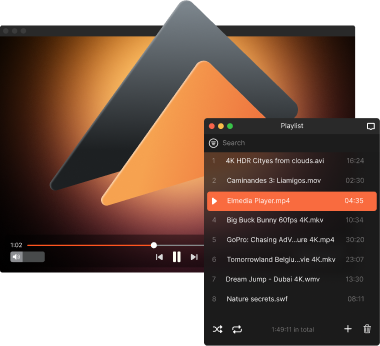
Playing AAC on Mac with Elmedia Player
Elmedia Player is a free AAC player for Mac, built to handle this format plus a dozen more with no extra configuration needed. It delivers smooth, high-quality sound and lets you customize your listening with an equalizer, playlist management, and adjustable playback settings. With the PRO version, you unlock additional audio tools, streaming, and finer sound control.

4.5 rank
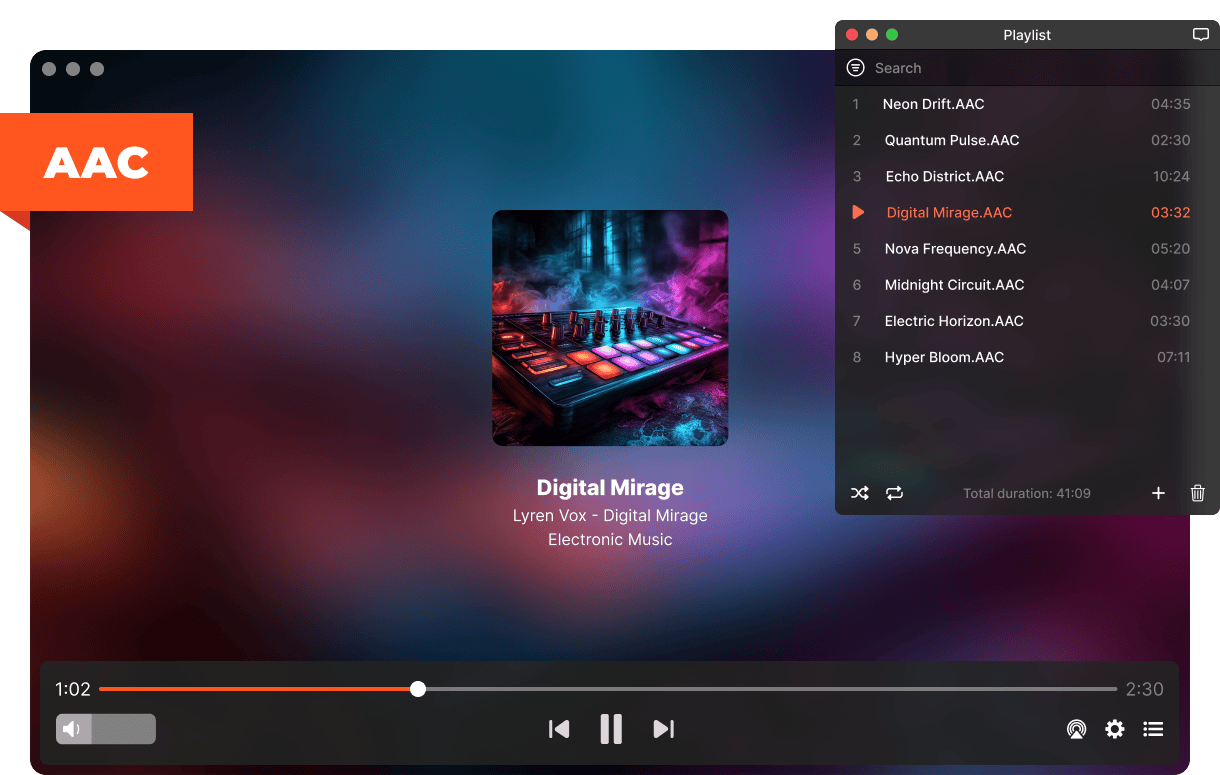
Fine-Tune Your AAC Playback
With Elmedia Player, you get easy-to-use tools that let you refine and adjust your AAC audio. Whether it's balancing the sound or changing playback behavior, the process stays simple.
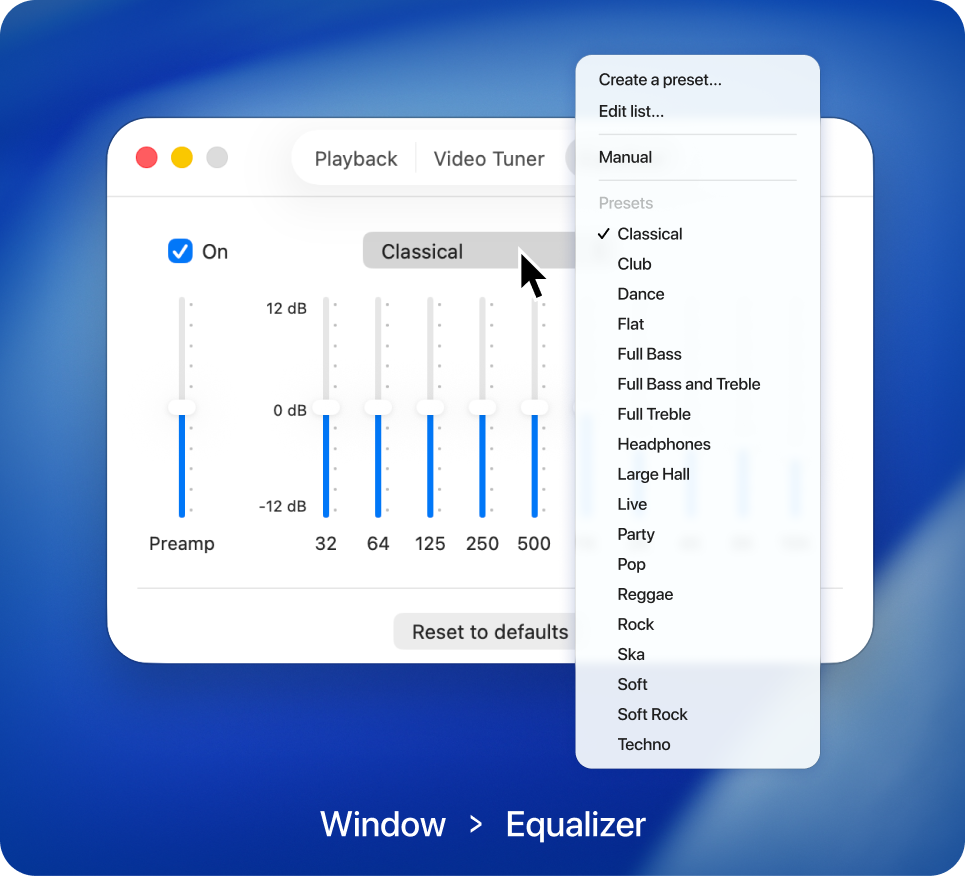
Audio equalizer
Take control of your sound with the built-in equalizer. Fine-tune frequencies manually, or choose from ready-made presets designed for different tracks and listening environments.
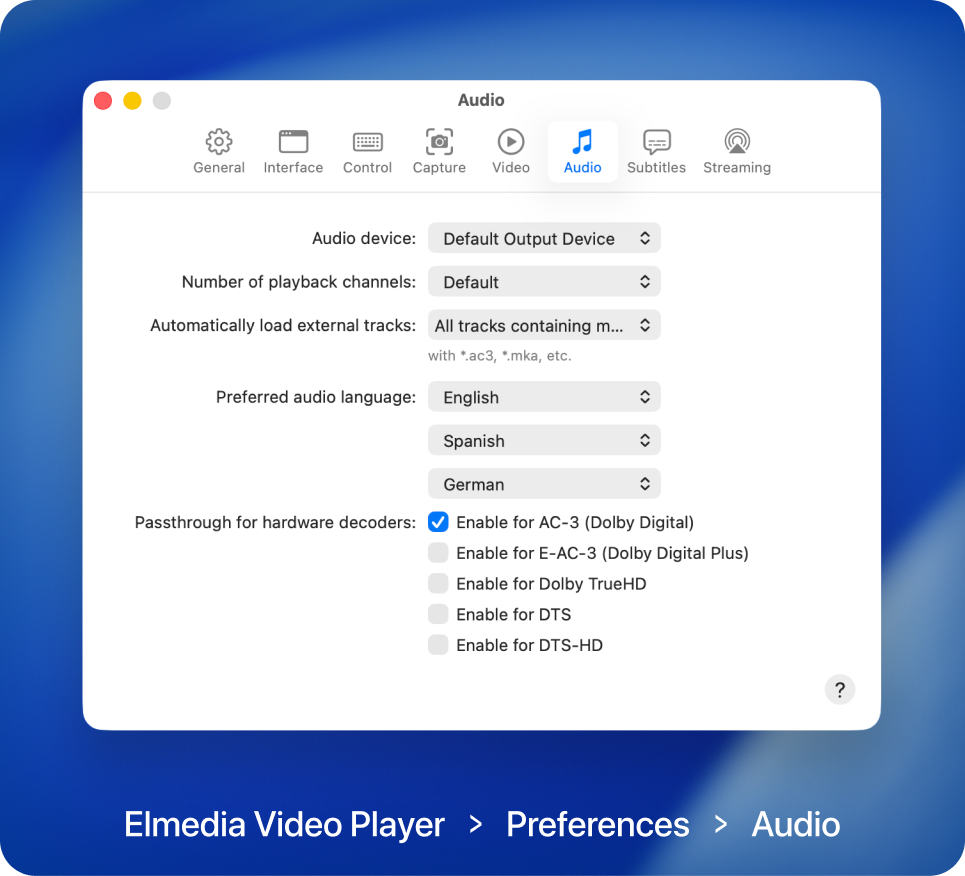
Advanced playback settings
Elmedia Player PRO lets you pick audio output devices, set playback channels, and fine-tune sound details, with support for Dolby and DTS.

Elmedia Player
4.5 rank
(
Learn more
)
AAC Player Built for Everyday Listening
Elmedia Player comes with handy tools that make working with AAC files simple and flexible. From organizing tracks to controlling playback, every feature is made to keep your listening smooth and hassle-free.
Build custom playlists
Group your AAC files into playlists that fit your routine or mood. Switch between them easily and keep your music collection organized your way.
Built-in volume control
Control sound levels directly from the player itself. When playing audio files, you can change the volume without touching your system settings, keeping things simple.
Loop playback
Repeat a single track or an entire playlist automatically with the PRO loop feature. Great for background music, continuous listening, or hands-free repeat play.
Choose playback channels
Pick the right number of audio channels for your setup, whether it's stereo, headphones, or surround sound. This PRO feature keeps channel output balanced and accurate, especially for multi-channel files.
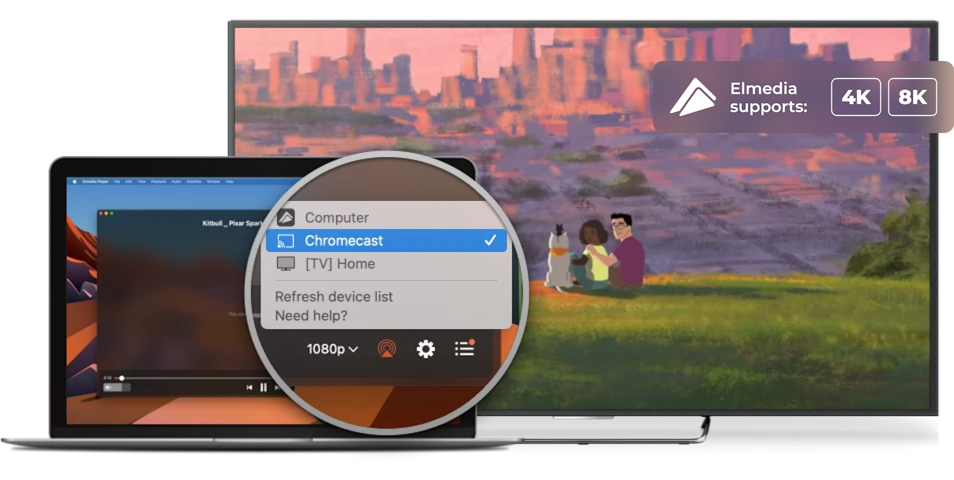
Stream AAC Audio Beyond Your Mac via Google Cast, AirPlay, and DLNA
With Elmedia Player PRO, you can send AAC files to external devices such as an Apple TV, Roku, Google Cast-enabled devices (including Chromecast and Android TV), or any other AirPlay or DLNA-supported device. It's a simple way to enjoy your music on more than just your Mac.

Apple TV and other AirPlay devices

Smart TV, Roku, DLNA devices

Chromecast and Android TV
Supported Media Formats
This media player for Mac has native support for a large number of multimedia formats, including:
See full list of suported formats
Elmedia Player
4.5 rank
(
Learn more
)
What Other Users Are Saying About Elmedia
5
I am extremely impressed by this app. I had previously tried using the FFᴘʟᴀʏ utility to play back VVC video, but it had such high CPU utilization that I couldn’t watch 4K content. Elmedia Video Player, on the other hand, is so efficient that it only uses about 3/8ths of my M3 MacBook Air’s CPU to play back 4K HDR VVC — the most computationally intensive video format available!
4.8
Elmedia Video Player for Mac offers a wide range of features to meet all your multimedia needs. You can stream directly to Smart TV or Apple TV.
4.8
It can play any file format including the widely-used ones like AVI, MP4, FLV, SWF, WMV, MKV, MP3, M4V, etc without the need of installing any other plugin or codec.
4.8
Elmedia Player has a wide variety of other features and capabilities, but having the ability to play just about every possible video format, tweaking settings as needed for sync, audio and video problems.


Requirements: