 ELMEDIA
When you’re buying a TV, you’ve probably noticed labels like HD, 4K, and 8K, but you might not know what they actually mean. Choosing a new television can become pretty confusing since there are so many formats competing for attention. In reality, TV resolution is just one part of the picture-quality puzzle, but it’s an important one.
In this guide, you’ll learn what the most common TV screen resolutions actually mean, how each affects your viewing experience, and which resolution best fits your home setup. You’ll also find simple ways to watch movies on a MacBook and stream video from Mac to TV in high quality using macOS-friendly tools.
Large Screen Resolutions: Brief Summary
Here’s a quick TV picture quality chart. It shows the most common TV resolution sizes and where they are usually used:
| Resolution Name | Pixel Dimensions | Common Uses |
| 10K | 10240 × 4320 | Experimental displays, professional cinema |
| 8K | 7680 × 4320 | Premium large-screen TVs, future-proofing |
| 4K UHD | 3840 × 2160 | Modern TVs, streaming, gaming |
| 2K | 2048 × 1080 | Digital cinema projection |
| 1080p (Full HD) | 1920 × 1080 | Standard HDTVs, Blu-ray |
| 720p | 1280 × 720 | Budget TVs, older displays |
What is TV Resolution?
TV resolutions refer to the number of tiny picture elements, pixels, that make up the image on a screen. Each pixel looks like a small colored square, and when millions of them work together, they form the visuals you see. Since pixels are so small, you rarely notice them individually unless you sit very close to the TV.
Display resolution standards define the number of horizontal and vertical pixels on a screen. Higher pixel counts improve clarity, allowing the screen to show finer textures, smoother edges, and more lifelike details. As a result, the viewing experience feels closer to what you’d see in a cinema.
There are several resolutions available for modern TVs. Many 32-inch TVs and other smaller or older models have roughly 1 million pixels (720p). Larger or more recent TVs have 8 million pixels (4K), whereas mid-sized TVs usually have about 2 million pixels (1080p).
More than 33 million pixels make up the best TV resolution (8K). Larger TVs can make the same number of pixels look less sharp, so factors like color, contrast, and HDR often affect picture quality more than just resolution. What is a good resolution for a TV? We answer that question below.
Why Resolution Matters for Your Viewing Experience
Resolution is important because more pixels allow a TV to display more detail. Higher resolutions make text easier to read. They also make colors more vivid and edges appear sharper. Long viewing sessions become more comfortable and realistic as everything comes to life, including subtle expressions and action scenes.
You can see subtle textures in a landscape or the individual hairs on a lion when you watch a 4K nature documentary. Everything is sharper and more engaging thanks to this enhanced detail, including multimedia content, games, and on-screen text.
Selecting the appropriate resolution can have a big impact on the viewing experience of people who value crisp, high-quality images, particularly on larger screens. For this reason, many people choose the highest resolution TV they can afford without overspending.
Different TV Resolutions
What is the highest resolution? Here are some of the most common types of TV resolution you’ll see:
8K and 4K (Ultra HD)
8K and 4K are the highest-resolution formats commonly available for consumer TVs. Both have very sharp images, but they differ in practicality and content availability.
A 4K TV resolution is 3840 × 2160 pixels, which means it provides four times the detail of Full HD (1080p). The higher pixel count produces sharper details, making images more lifelike and vibrant. 4K has become the standard for most modern TVs. Most streaming platforms, including Netflix, Amazon Prime Video, and Disney+, offer a huge library of 4K video resolution content.
Blu-ray discs and gaming consoles also support 4K, so it’s widely accessible. 4K is also great for larger screens and is generally considered the best TV resolution for movies and high-quality video.
Meanwhile, an 8K TV, with 7680 × 4320 pixels, produces incredibly fine detail. Although 8K quality has a higher pixel density than 4K, it is far more costly. There’s also very little native 8K content available for viewing. Large screens or situations where viewers are seated close to the screen are perfect for 8K TVs. However, the benefits are negligible for standard home viewing.
Is 8K better than 4K? The main difference between 4K and 8K is pixel count. With four times as many pixels as 4K, 8K can be sharper. However, unless you closely examine the screen, you won’t notice a big difference in your viewing experience. For most users, 4K is still the more useful and popular choice.
2K
A 2K TV resolution is 2048 × 1080 pixels. This format is more commonly used in digital cinema production than in consumer televisions. Even though it has a slightly higher horizontal pixel count than standard 1080p, it looks about the same in sharpness.
Since most consumer TVs use 1080p (Full HD) or 4K (Ultra HD), which give a bigger jump in detail and work better on large screens, most people won’t run into true 2K at home. For this reason, 2K is still mostly used for movie theaters rather than home TVs.
1080p or Full HD
1080p, also called Full HD, was the top TV resolution for a long time and is still the go-to for everyday viewing. The “p” means progressive scan, which shows full frames for smoother motion and less flicker compared to older interlaced video formats, such as 1080i.
Since it looked noticeably better than 720p without using too much bandwidth, Full HD became very popular and worked well for broadcast television, Blu-ray, and early TV streaming. 1080p is still common today, even as 4K is starting to take over.
720p
Often just called “HD,” 720p is probably the first high-definition resolution many of us saw on TV. It used to be common in budget and mid-range TVs, but with 1080p and 4K becoming the standard, you don’t see it as much anymore.
You’ll still find 720p on smaller screens, especially 24- to 32-inch TVs, where the lower pixel count isn’t very noticeable from a normal viewing distance.
While 720p doesn’t show as much detail as 1080p or 4K, it’s still a great option if you want a cheaper TV or need to save on data for streaming. It’s a step up from standard definition, even if it won’t give you the sharpest picture on larger screens.
What is UHD Resolution?
Ultra High Definition, or UHD, is a TV resolution standard that usually refers to 4K (3840 × 2160 pixels), which produces images that are sharper and more colorful than standard HD. Incredible detail, richer colors, and a more immersive viewing experience are some of its advantages.
When considering the difference between UHD and HD, the UHD standard provides four times as many pixels as 1080p, meaning it has better overall picture quality without pixelation at close range, finer textures, and crystal-clear colors. This makes it perfect for high-quality video content, but it needs compatible sources like Blu-ray or 4K streaming.
How to Choose the Right TV Resolution for Your Needs
Choosing the right TV screen resolution may seem overwhelming, but in the end, it all comes down to your setup, budget, and viewing preferences. Start by taking your viewing distance and screen size into account. Larger screens (usually 55 inches and up) are best for higher resolutions like 4K.
4K TV resolution provides an amazing, immersive gaming and streaming experience for a standard living room. 1080p is an affordable option if you have a second TV or a smaller space because it offers an excellent image for daily viewing without the high price tag.
Next, consider what you actually watch. Purchasing a 4K display makes sense if you enjoy high-quality video and have subscriptions to multiple 4K streaming services. On the other hand, a 1080p TV might be better if you mostly watch cable or DVDs, since it handles that content more naturally than a 4K TV.
Although 8K is the highest resolution TV currently on the market, most people don’t think it’s necessary. It is a specialized product for tech enthusiasts due to its high cost and lack of native content. Similar to this, 720p is now mostly found in more affordable, smaller models that are great for casual viewing in a kitchen or bedroom.
By balancing key factors like screen size, distance, content quality, and cost, you can easily choose the right resolution for a TV that perfectly fits your space and viewing habits.
How to Check TV Resolution
There are two simple ways to check if your TV’s resolution matches what was advertised:
Method 1: Use your TV’s remote and settings menu
- On your remote, press the Settings or Menu button.
- Look for sections like Resolution, Picture, Display, or Setup. Many TVs show the current output resolution there, so you can see what the screen is actually displaying.
- You might notice it changes between Full HD, HD, or 4K depending on what you’re watching.
Method 2: Check the product information
Go to your TV’s system information pages, usually under About, Device Info, or System Information. These menus show the TV’s actual hardware specs, including the panel’s native resolution, no matter what content you’re watching.
How to Play High-Quality Content on Mac
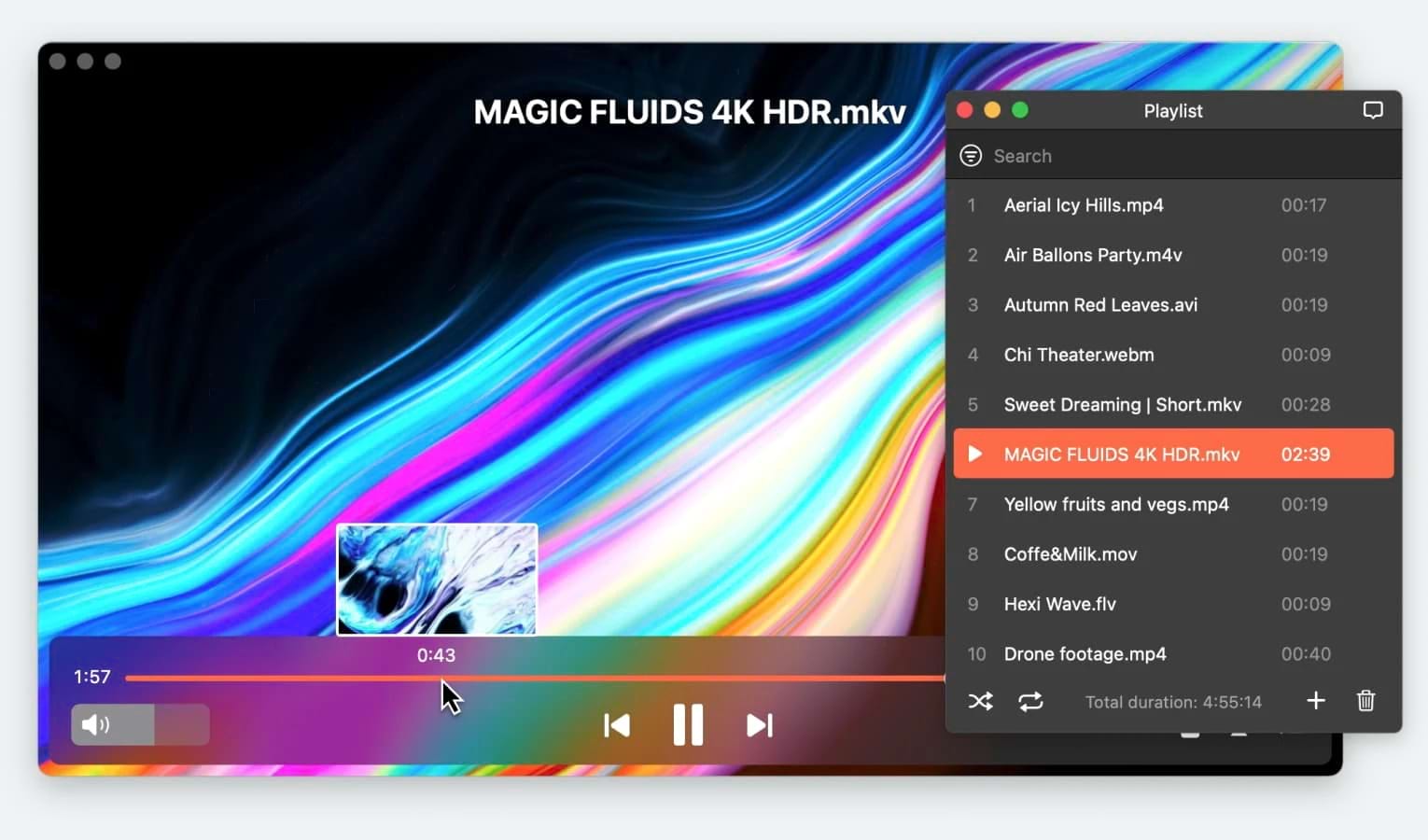
If you want to play 4K and 8K videos on a Mac, Elmedia Player is a great choice if you’re looking for a way to open your content on your Mac. It’s a good option for anyone who needs a flexible, high-performing media player because it can handle a wide range of file formats. All resolution sizes play with excellent quality and stability, thanks to its advanced playback features and easy-to-use interface.
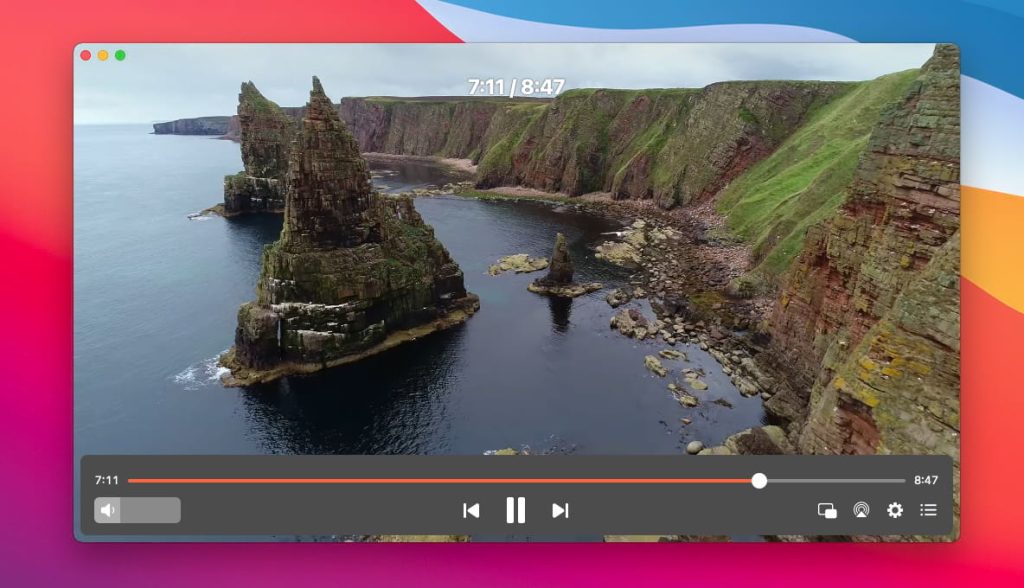
Beyond local playback, Elmedia allows you to wirelessly stream your content on a bigger screen. The app supports streaming directly from Mac to various devices such as AirPlay, Roku, Chromecast, and DLNA devices, covering most modern smart TVs.
Thanks to its wide format compatibility, you can even stream high-quality MKV files to your TV without having to convert your files first.
Bottom Line
Knowing your TV resolutions helps you pick the right setup for how you watch. What’s the best TV resolution? While 8K is the newest standard, 4K UHD gives most people the best balance of picture quality and available content.
If you want high-quality video on a bigger screen, Elmedia Player makes it easy to watch movies on your Mac, stream to a TV, and enjoy a cinema-like experience at home.