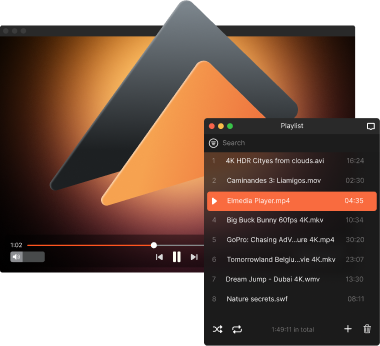
Free MP3 Player for Mac
If you’ve only used the default apps as your Mac MP3 player, you’re missing out on better control and flexibility. Elmedia Player stands out as the best music player for Mac thanks to its broad format support, including MP3, FLAC, WMA, and AC3 with no need for conversion. With a customizable equalizer and advanced audio settings available in the PRO version, you can adjust the sound to match your preferences and enjoy smooth, high-quality playback every time.

4.5 rank
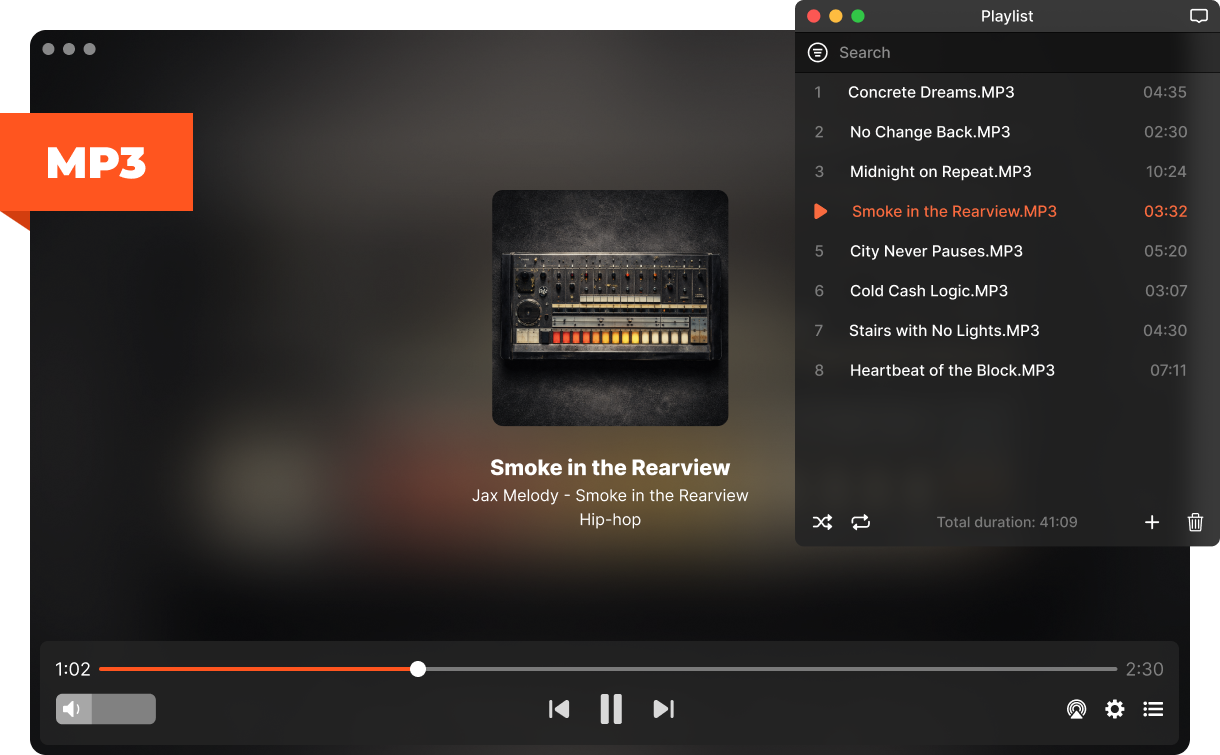
Enjoy Audio Playback with this MP3 Player for Mac
Fine-tune how your music sounds with flexible audio tools and playback settings. Adjust the sound to match your device, preferences, and listening environment.
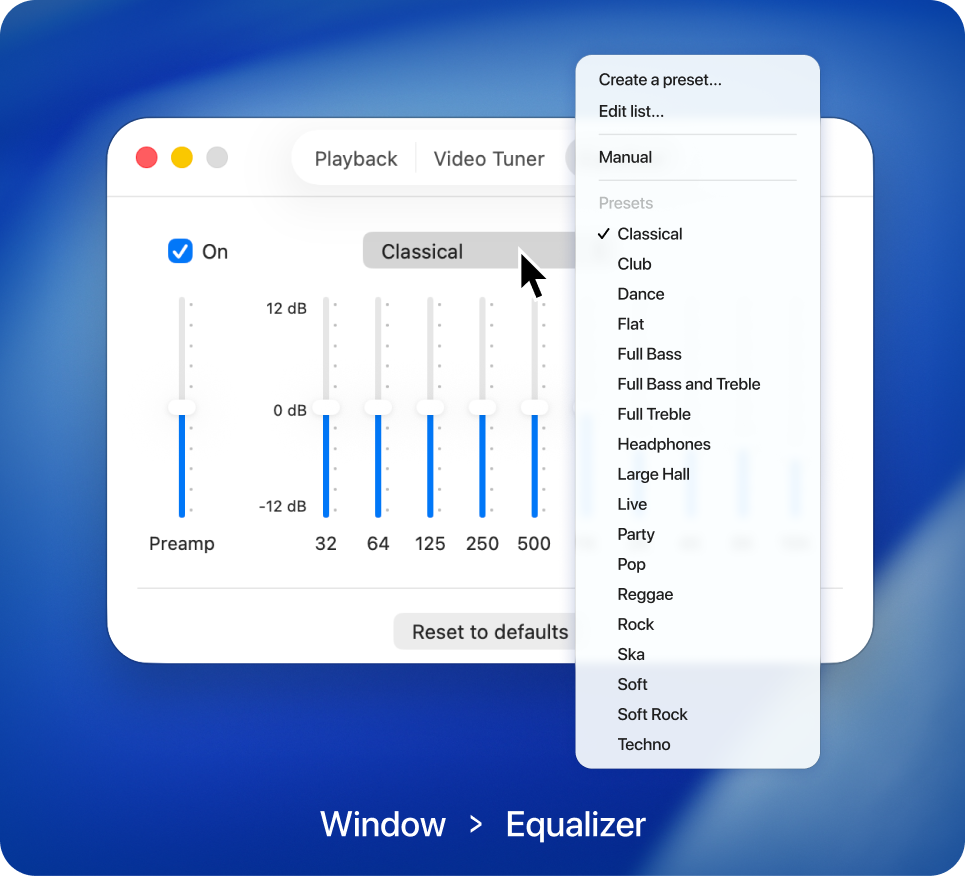
Equalizer with ready-made presets
Fine-tune your audio with the built-in equalizer. Choose from ready-made presets or adjust frequencies manually to match your music style and speakers.
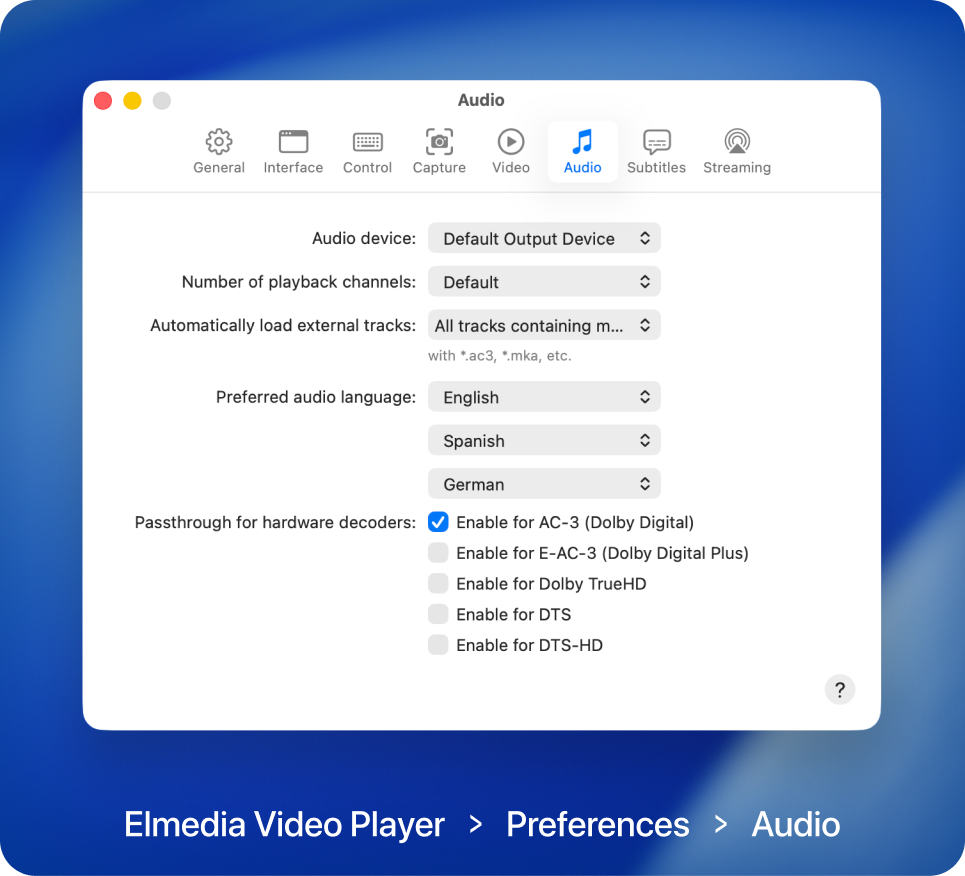
Advanced music playback settings
With Elmedia Player PRO, you can choose audio output devices, set the number of playback channels, and adjust playback options for detailed, high-quality sound with Dolby and DTS support.

Elmedia Player
4.5 rank
(
Learn more
)
Take Full Control of Your MP3 Playback
Benefit from powerful audio features designed to give you full control over your listening experience. Elmedia Player lets you organize tracks, fine-tune playback, and customize how your music sounds and plays on your Mac.
Personalized playlist creation
Creating and enjoying your custom-made playlist of tracks and music has never been more straightforward. Simply use the Elmedia MP3 player’s playlist feature to organize and categorize your favorite audio files. They’ll be ready to play whenever you want.
App-specific volume controls
Native volume control lets you have exclusive control of Elmedia Player’s volume without affecting the rest of the system volume settings. Even if your Mac’s notifications are on when you play MP3 on Mac, they won’t blast as loud as the playing music.
Never-ending loop
Rewind your favorite parts of audio tracks with unprecedented ease. Elmedia Player has a unique feature among Mac MP3 players. This PRO feature lets you loop any part (not just the entire song) of any audio file repeatedly and uninterrupted for as long as you like.
Choose playback channels
Select the number of playback channels to match your audio setup - stereo, headphones, or surround sound. This PRO feature ensures balanced output and proper channel routing, especially when playing multi-channel audio files.
MP3 Player Mac: Connect with Apple TV, Google Cast-, DLNA-, and AirPlay-compatible Devices
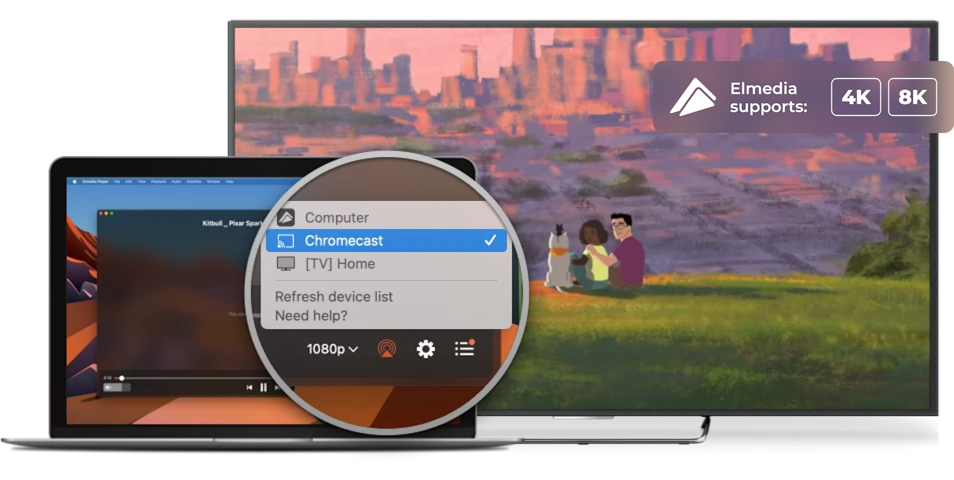
No matter how advanced your Mac MP3 player is, your computer’s screen size and internal speakers can’t compete with external surround sound and a big-screen. Elmedia Player PRO lets you stream video and audio from your Mac to Apple TV and other AirPlay devices, Smart TV, Google Cast-enabled devices (including Chromecast and Android TV), as well as Roku or DLNA-enabled TVs.

Apple TV and other AirPlay devices

Smart TV, Roku, DLNA devices

Chromecast and Android TV
Supported Media Formats
This media player for Mac has native support for a large number of multimedia formats, including:
See full list of suported formats
Elmedia Player
4.5 rank
(
Learn more
)
What Other Users Are Saying About Elmedia
5
I am extremely impressed by this app. I had previously tried using the FFᴘʟᴀʏ utility to play back VVC video, but it had such high CPU utilization that I couldn’t watch 4K content. Elmedia Video Player, on the other hand, is so efficient that it only uses about 3/8ths of my M3 MacBook Air’s CPU to play back 4K HDR VVC — the most computationally intensive video format available!
4.8
Elmedia Video Player for Mac offers a wide range of features to meet all your multimedia needs. You can stream directly to Smart TV or Apple TV.
4.8
It can play any file format including the widely-used ones like AVI, MP4, FLV, SWF, WMV, MKV, MP3, M4V, etc without the need of installing any other plugin or codec.
4.8
Elmedia Player has a wide variety of other features and capabilities, but having the ability to play just about every possible video format, tweaking settings as needed for sync, audio and video problems.


Requirements: