Best WMV Players on macOS in 2026

thumbnail

As a non-native format, WMV may be troublesome for Apple users. Fortunately, there are plenty of Mac WMV video players to choose from. These may be free or premium, light or feature-rich, and they implement their interface in different ways. Select the right player to play your WMV files on macOS devices.

Users situation:
I have seen many converters discussed from the last decade. Is there a current and trusted SW product that can play and/or convert WMV files to MOV files so I can view them on my Mac?
— Apple Support Community

Free WMV Player for Mac - Elmedia

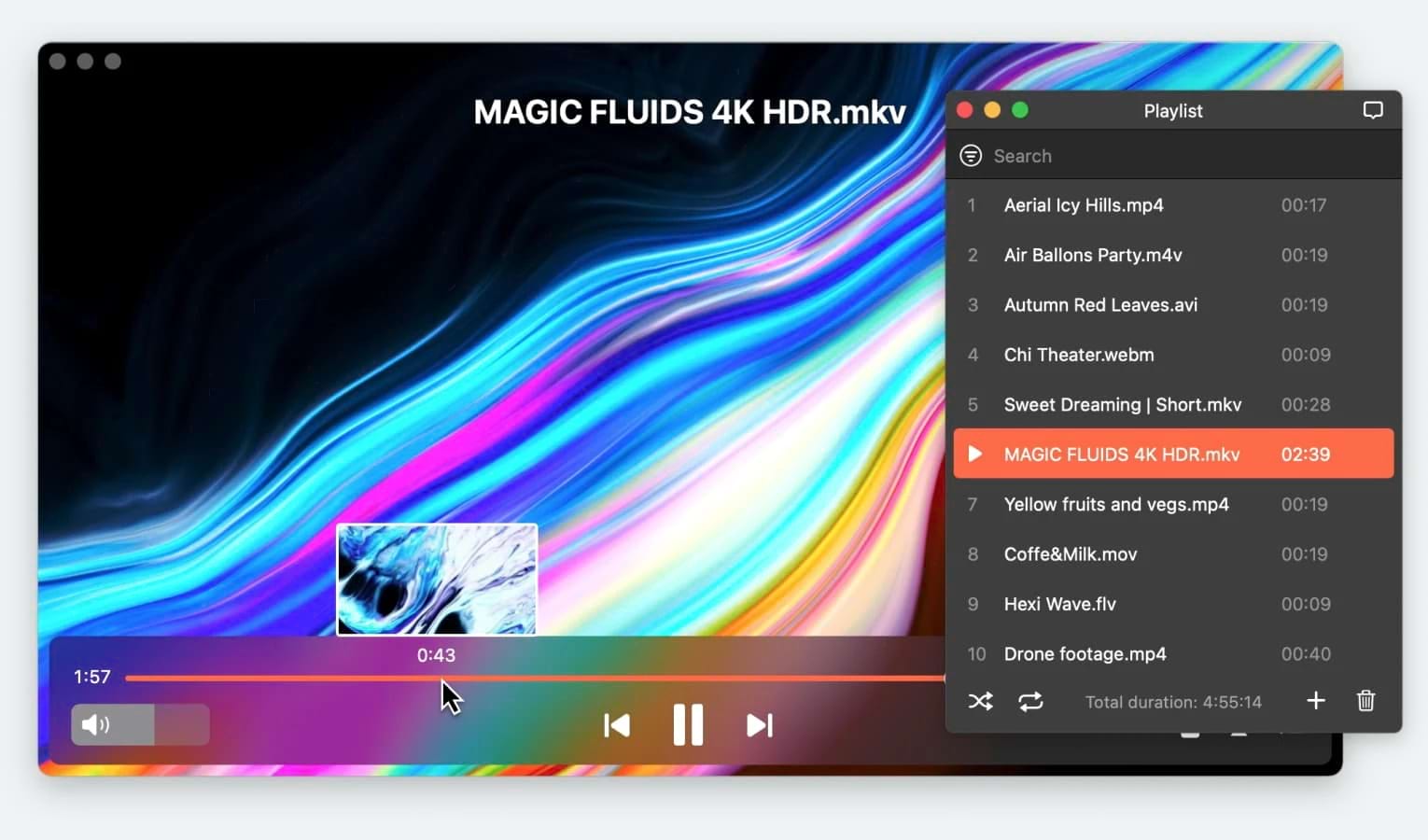
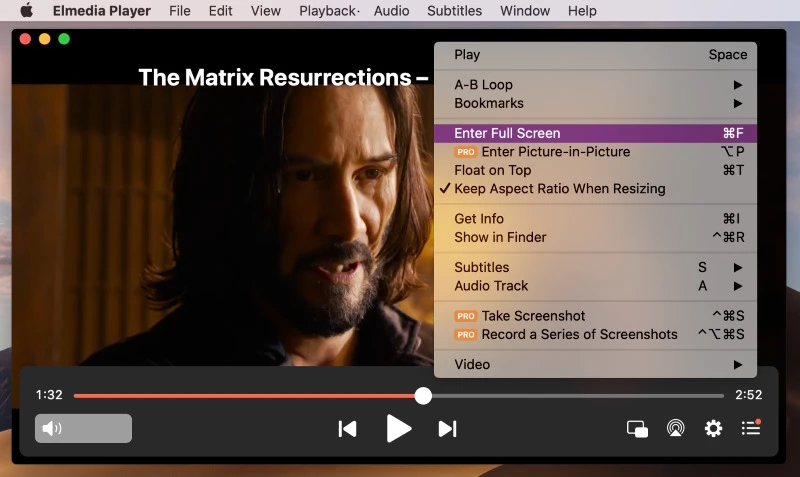
Elmedia is our top choice among WMV players for Mac. Even though it is available for free, it has everything you need in a Mac WMV player – compatibility with most codecs, high-quality HD playback and the ability to save and open playlists. Elmedia supports subtitles, and it’s able to open and select alternative audio or subtitles to go with your videos.

After upgrading to Elmedia PRO, you get access to unlimited AirPlay 2, DLNA and Chromecast streaming. Not only that, but you also get to access advanced settings, mainly the video tuner and the audio equalizer.

License: free version available, PRO is for $19.99

Platforms: macOS only

Rating on Mac App Store4.5 out of 5

Latest update: Jan 22, 2025

best WMV player for Mac
"Elmedia Player is particularly so good that chances are you will never want to switch to any other media player again"
— Editorial Staff, Techolac

How to Play WMV on Mac

1. Download and install Elmedia Player.
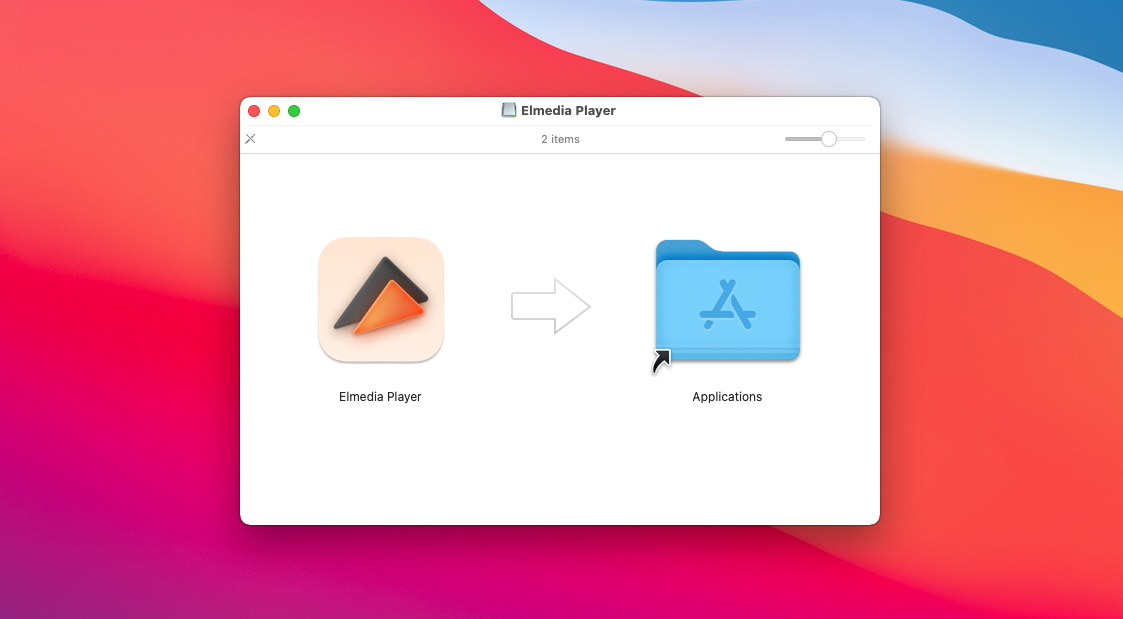
Get Mac WMV Player

2. To watch WMV file, open the player and use one of these methods:

  • Navigate to the file using “File – Open”.
  • Drag the file from Finder to the player window or to the Dock icon.
  • In Finder, Right-click the file, and use the “Open With” option.

2. Here’s how easy it is to open and play WMV.
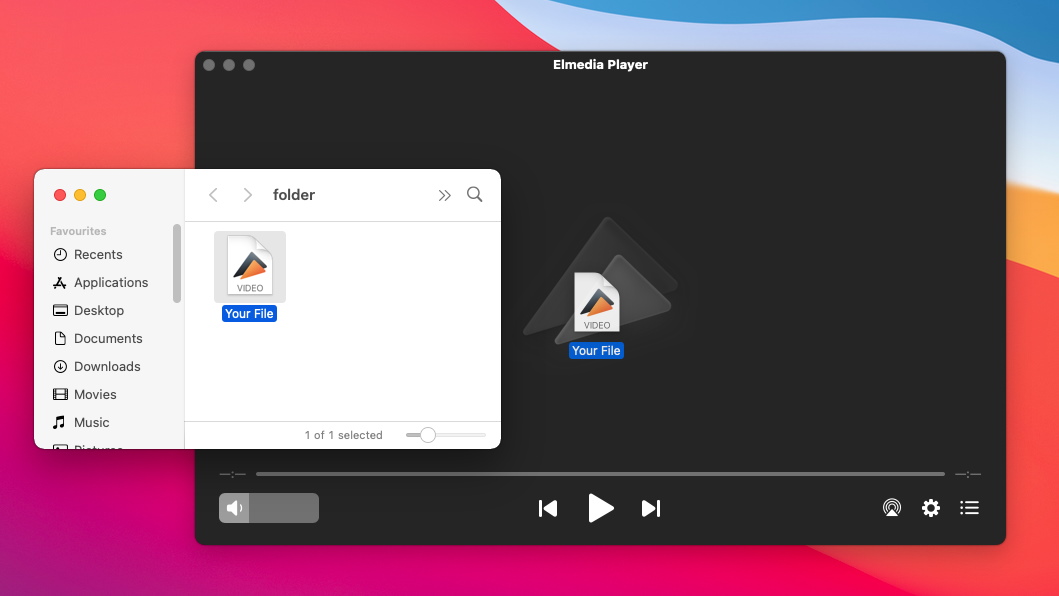
How to open WMV on Mac
How to Play WMV Files on Mac

Pros

  • Streaming in one click
  • Universal codec compatibility
  • Easy-to-use UI
  • Plentiful configuration options

Cons

  • PRO upgrade needed for the best experience

VLC Media Player

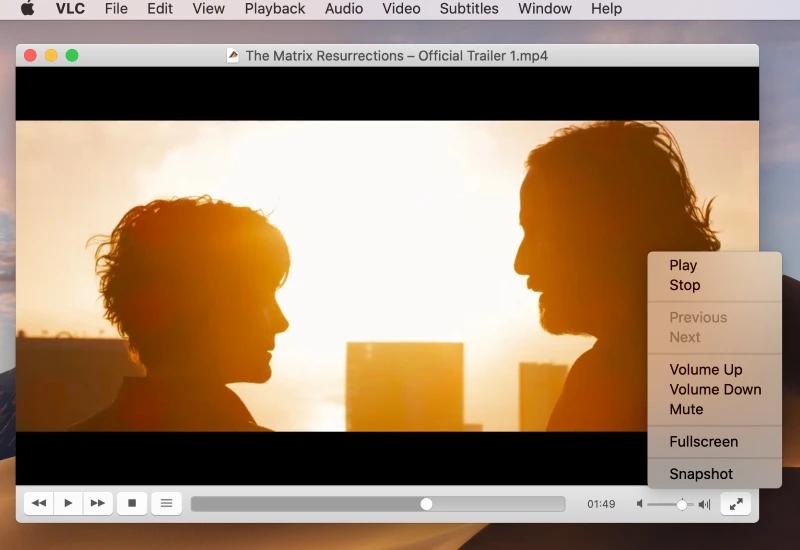
The VideoLan Client can open many formats, both popular and unusual, and WMV is no exception. It’s a completely free WMV player for Mac with a shocking amount of settings – so many, in fact, it may be hard to find the one you need. And streaming is just a pain. Nonetheless, it’s excellent if you simply want to play a media file, or a playlist.

License: free

Platforms: Mac, Windows, Linux, Android, ChromeOS, iOS, etc.

Rating on Trustpilot: 2.5 out of 5

Latest update: Aug 23, 2024

free WMV player for Mac

Pros

  • Handles a huge range of file types
  • Completely free
  • Countless features and settings

Cons

  • Advanced features are hard to use
  • Doesn’t update often

5KPlayer

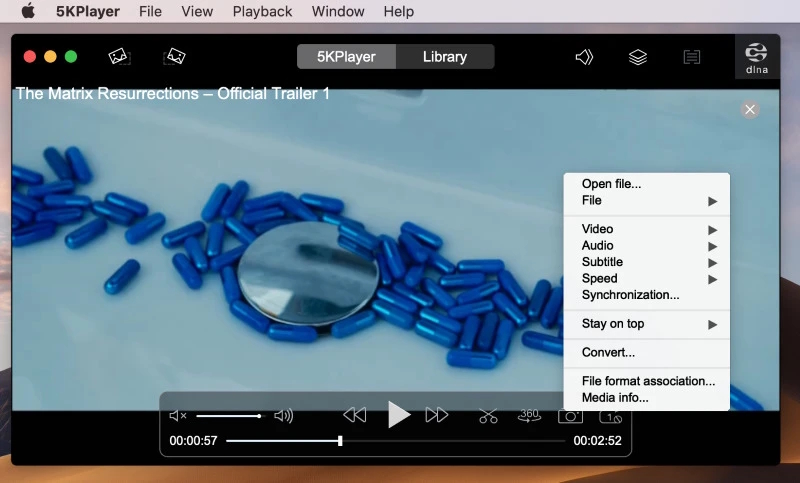
A premium .wmv player for Mac. If you like having all your media in one place, 5KPlayer offers a search feature, along with a media library. Another upside is the ability to stream videos directly from YouTube. But, even though the streaming will be ad-free, the app itself isn’t. The free version of 5KPlayer is supported by ads, which will show up in the menus.

License: free

Platforms: macOS, Windows

Rating on Trustpilot: 2.6 out of 5

Latest update: Oct 26, 2021

WMV video player

Pros

  • A bit confusing for beginners
  • Has a convenient media library

Cons

  • Free version has ads
  • Uses a lot of system resources

IINA WMV Player

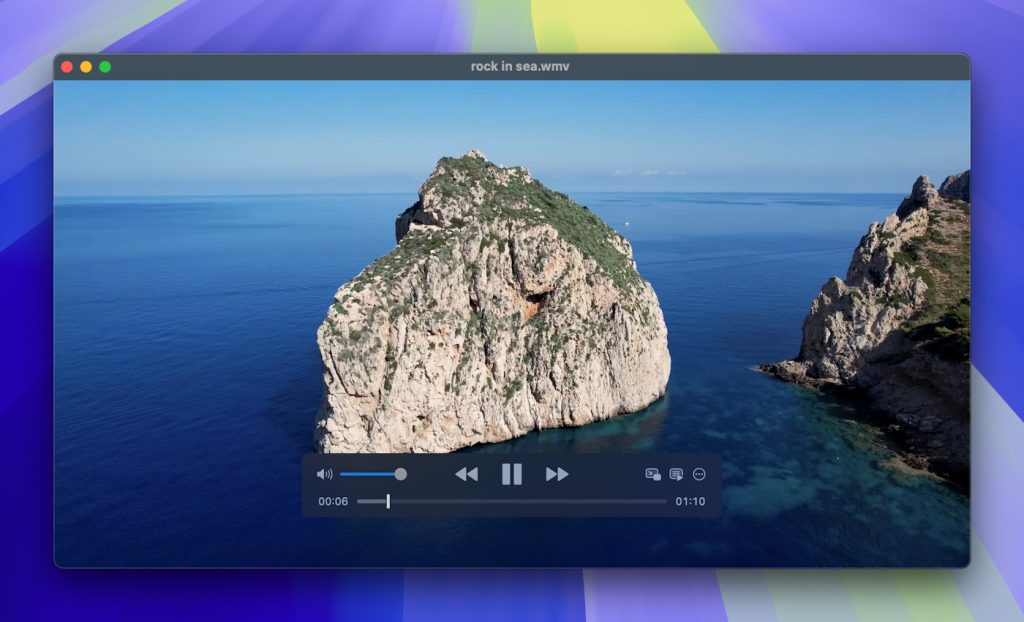
IINA plays WMV, and doesn’t look out of place on a macOS desktop. It can offer more than style, integrating many Macbook features such as the Touch Bar and gesture controls. It also has numerous options to customize WMV playback. But, best of all, this application is completely open and free.

License: totally free

Platforms: macOS only

Rating on MacUpdate: 4.4 out of 5

Latest update: May 31, 2024

WMV media player

Pros

  • Great UI
  • Free of charge

Cons

  • Always in development, not very stable
  • Has issues opening some .avi videos

Switch Player

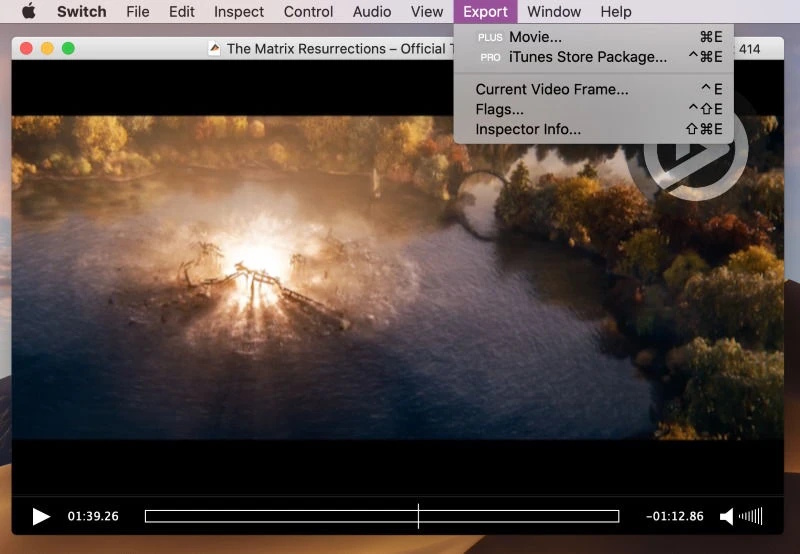
Switch is a professional tool which is not only designed to play, but also to inspect, correct and recode footage, including WMV. That doesn’t mean that it’s not suitable for just playing videos. The catch here is that the advanced features come at a steep price – $699 and up! Fortunately, the player itself is only $19.95.

License: $19.95

Platforms: macOS only

Rating on Softpedia: 3.8 out of 5

Latest update: Nov 23, 2024

WMV media player

Pros

  • Can inspect video files
  • Professional quality

Cons

  • The full edition is highly expensive
  • Full subtitle support requires Plus or Pro

WMV Video Player Comparison

To make your choice easier, here’s a table detailing the features of the previously-mentioned players. Make one final comparison, with every app placed side-by-side!

Top features Elmedia VLC 5KPlayer IINA Player Switch Player
Complete support for several video formats   (AVI, FLV, SWF, MP4, WMV, MOV, DAT, M4V, MPG, DivX, MKV, etc.)   (MKV, MP4, VOB, WMV, MPG AVI, etc. )  (MKV, M2TS, MP4, AVI, WMV, FLV, etc.)   ( AVI, MP4, FLV, SWF, WMV, MKV, M4V, etc. )   (MKV, AVI, FLV, AVCHD, WMV, etc.)
Supports several popular audio formats

(MP3, WMA, AC2, MKA, OGG, FLAC, AAC, etc.)  

(AAC, AC-3, FLAC, MP3, ALAC, etc.)   (MP3, AAC, AC3, WMA, FLAC, ALAC, etc.)   (AAC,FLAC, MP3, WAV, WMA, etc.)   (MP3, OGG, ACC, WMA, AIFF, etc.)
Allows local WMV streaming to TV (PRO)  
Integrated Video Tuner (PRO)  
Allows subtitle playback acceleration/deceleration (Subtitle sync) (PRO)
Supports online searching for subtitles add-on  
Enables screen recording
Free versions

Tips for Choosing a WMV Player

Some features are too important to pass up. Here are the things you should expect from a decent player:

  1. Stable HD and Ultra HD playback.
  2. Compatibility with new system releases, such as macOS Ventura.
  3. A lack of ads.
  4. Ease of use.
  5. Efficient use of system resources.

What is WMV?

WMV stands for Windows Media Video. It’s a proprietary format that uses ASF as the container, with special Windows Media codecs for audio and video. The codecs keep updating, much like AVC and AAC, but WMV keeps lagging behind MP4 in popularity. It has to do with the format’s proprietary nature and the lack of native support on various devices.

Conclusion

While WMV is not the most common format on macOS, it is still widely utilized by Mac users, and having a reliable player ensures that you can open and play WMV and enjoy this format without compatibility issues. Among other WMV players, Elmedia becomes the clear winner thanks to its combination of powerful features, smooth playback, extensive format support and user-friendly interface.

FAQ

To convert WMV to MP4 on Mac, you can use video converters like HandBrake or online tools, but with Elmedia Player you don’t need conversion. It plays WMV and MP4 formats and can stream them directly to your TV without additional codecs or third-party software.

QuickTime is incapable of opening WMV videos. Instead, try Elmedia Player.