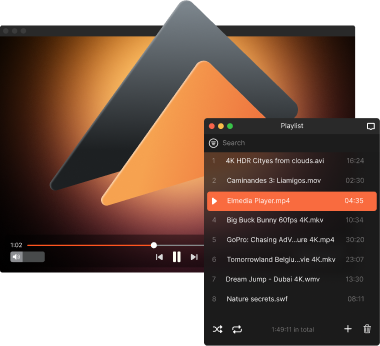
Playing WAV on Mac with Elmedia Player
Elmedia Player is a free WAV player for Mac that makes it easy to play not only WAV files, but also a dozen other formats without extra setup. It delivers smooth, high-quality playback and allows you to fine-tune sound with an equalizer, manage playlists, and adjust playback settings to match your preferences. If you need more control, the PRO version unlocks additional audio features, including advanced playback options, streaming, and deeper sound customization.

4.5 rank
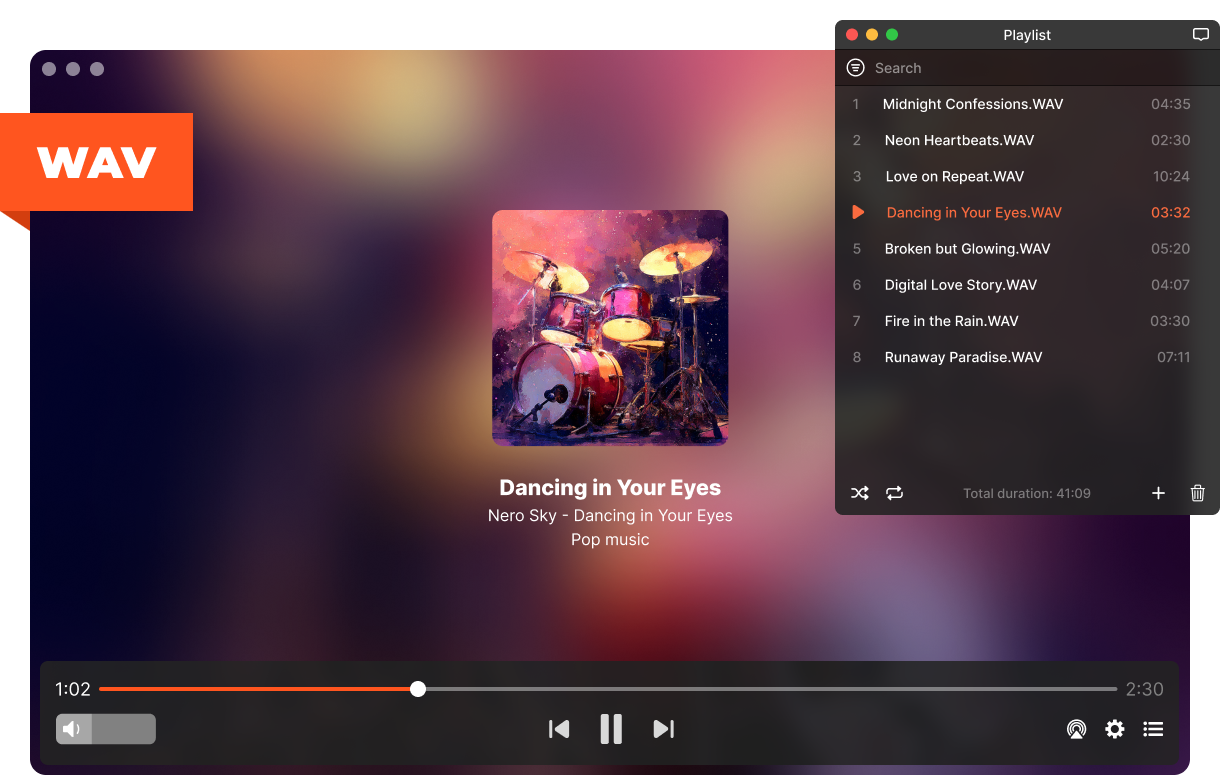
Fine-Tune Your WAV Sound
Get more out of your WAV files with tools designed to refine and enhance every detail of your listening experience. Whether you want to adjust sound balance or tweak playback behavior, Elmedia Player gives you the flexibility to do both with ease.
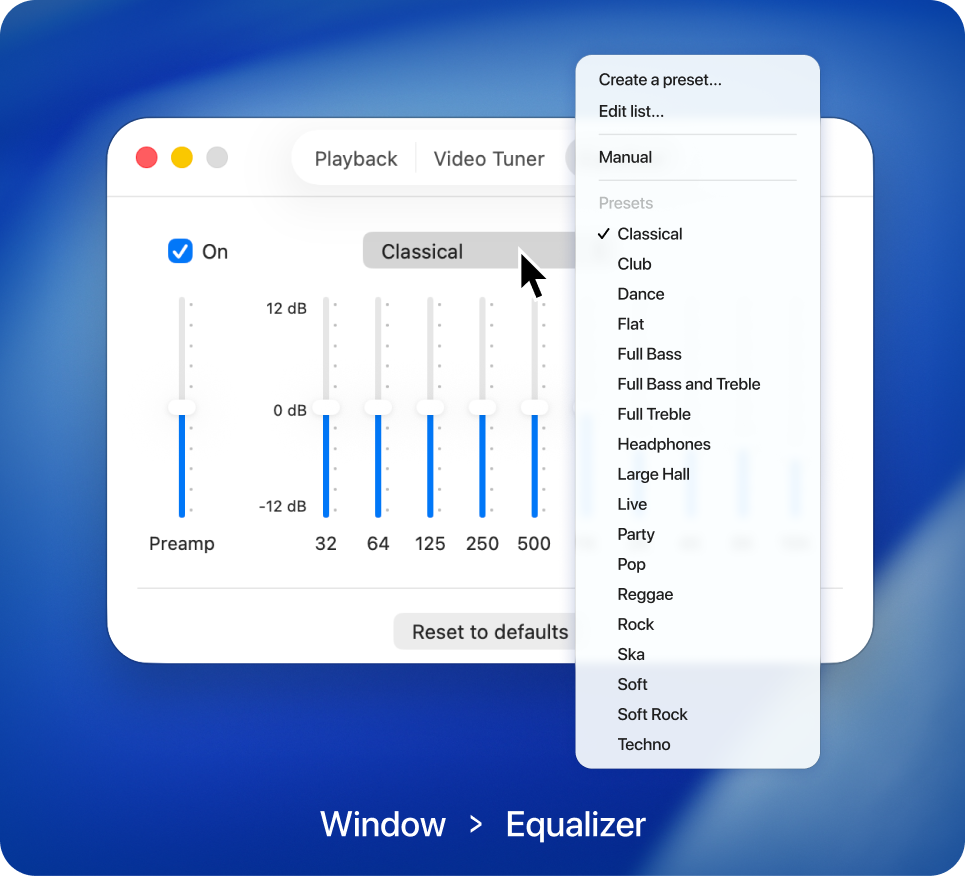
Audio equalizer
Get more control over your audio with an intuitive built-in equalizer. Manually adjust frequencies or pick from ready-made presets to suit different tracks and listening setups.
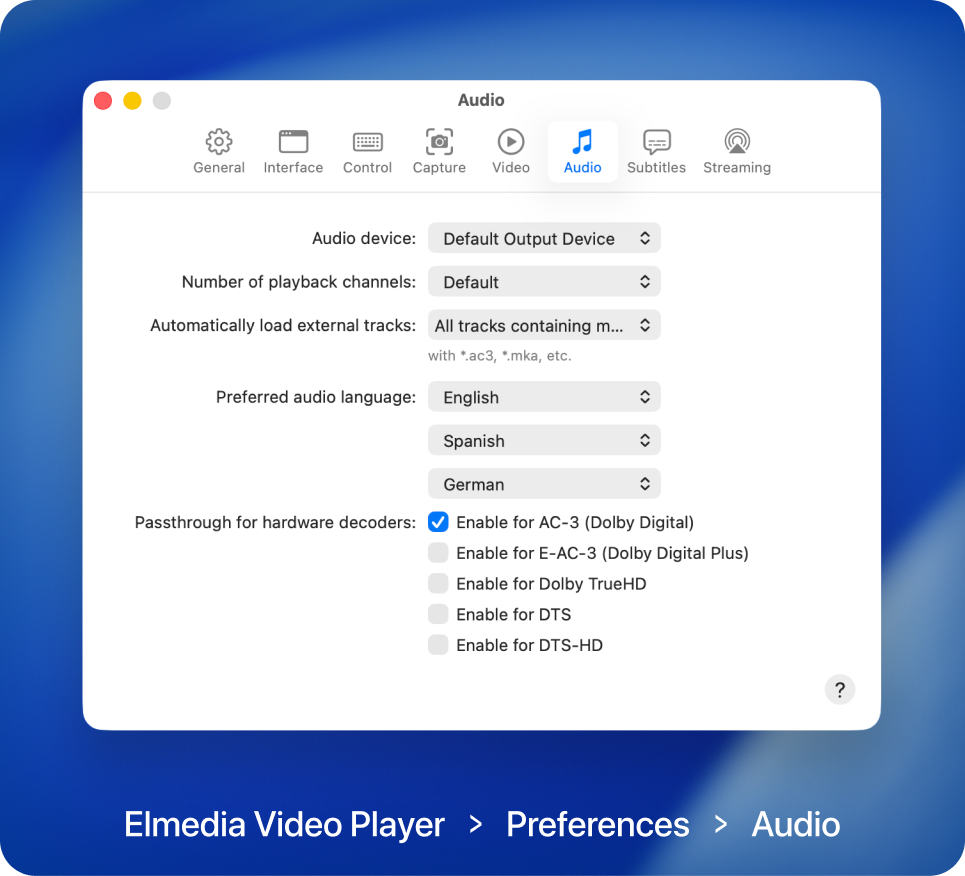
Advanced playback settings
With Elmedia Player PRO, you can choose audio output devices, adjust playback channels, and fine-tune settings for more accurate and detailed sound, with support for Dolby and DTS.

Elmedia Player
4.5 rank
(
Learn more
)
WAV Player with Smart Features for Everyday Audio Playback
Elmedia Player includes a set of practical tools that make working with lossless WAV files easier and more flexible. From organizing your music to controlling how it plays, these features are designed to improve your overall listening experience. Everything works smoothly and is easily accessible, so you can focus on the sound itself.
Build custom playlists
Organize your WAV files into playlists that match your workflow or mood. Easily switch between them and keep your audio library structured the way you prefer.
Built-in volume control
Easily manage sound levels within the player itself. When you play WAV files, you can quickly adjust volume without touching system controls, keeping everything simple and in one place.
Loop playback
Replay individual tracks or entire playlists automatically with the loop feature available in the PRO version. This is ideal for continuous listening, background audio, or repeated playback without manual control.
Choose playback channels
Choose the exact number of audio channels to match your setup, whether it’s stereo, headphones, or surround sound. This PRO feature ensures proper channel distribution and balanced output, especially when playing multi-channel audio files.
Stream WAV Audio Beyond Your Mac via Google Cast, AirPlay, and DLNA!
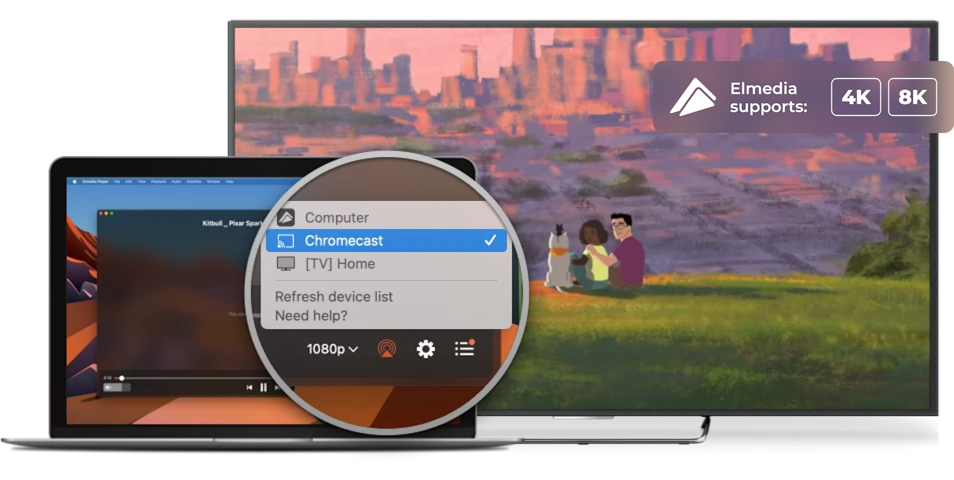
With Elmedia Player PRO, you can stream WAV files to external devices like an Apple TV, Smart TV, Google Cast-enabled devices (including Chromecast and Android TV), or any other DLNA-enabled or AirPlay device. It’s a convenient way to expand your listening experience beyond a single device.

Apple TV and other AirPlay devices

Smart TV, Roku, DLNA devices

Chromecast and Android TV
Supported Media Formats
This media player for Mac has native support for a large number of multimedia formats, including:
See full list of suported formats
Elmedia Player
4.5 rank
(
Learn more
)
What Other Users Are Saying About Elmedia
5
I am extremely impressed by this app. I had previously tried using the FFᴘʟᴀʏ utility to play back VVC video, but it had such high CPU utilization that I couldn’t watch 4K content. Elmedia Video Player, on the other hand, is so efficient that it only uses about 3/8ths of my M3 MacBook Air’s CPU to play back 4K HDR VVC — the most computationally intensive video format available!
4.8
Elmedia Video Player for Mac offers a wide range of features to meet all your multimedia needs. You can stream directly to Smart TV or Apple TV.
4.8
It can play any file format including the widely-used ones like AVI, MP4, FLV, SWF, WMV, MKV, MP3, M4V, etc without the need of installing any other plugin or codec.
4.8
Elmedia Player has a wide variety of other features and capabilities, but having the ability to play just about every possible video format, tweaking settings as needed for sync, audio and video problems.


Requirements: