 ELMEDIA
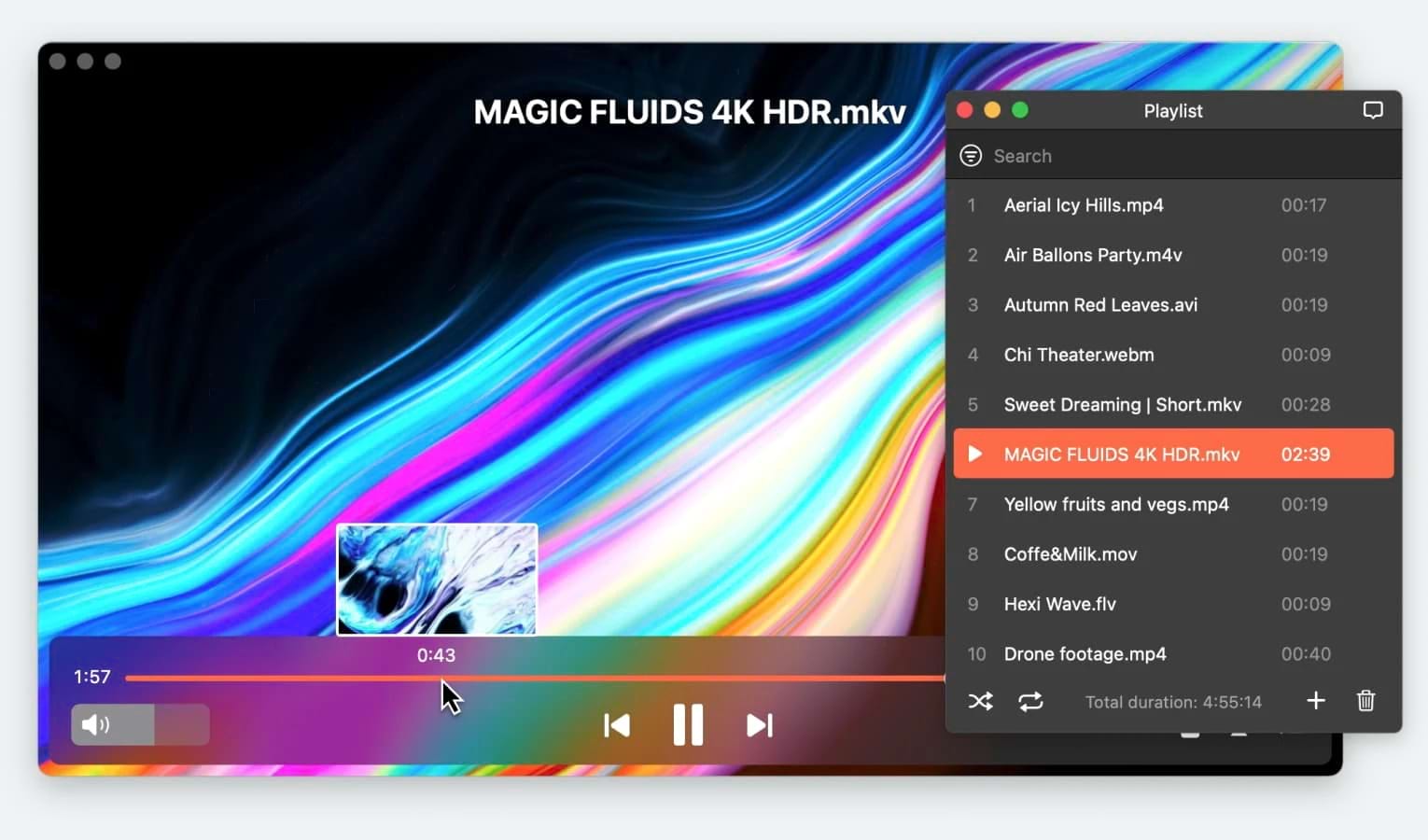
QuickTime can’t play MKV files on Mac, but several alternative media players can. These options support Matroska and other formats not natively handled by macOS. Our top list helps you choose the best MKV player based on features and performance. Each one can open this format files without requiring additional codecs.
Important Mac .mkv Player Features
Some of these players carry a large price, but even if it’s free, you’ll be investing your time, and it will be harder to move on once you’ve gotten used to it. Go for the players that have these important features:
- It should play more than MKV! WMV, AVI, MOV, MP4, MP3, DAT, FLAC, FLV, SWF, MP3, M4V and MPG are formats you’ll encounter often.
- It should run natively on your OS version to make sure that it can play 4K and 8K videos lag-free.
- The interface should be easy for you to use. This depends on your skill level, but most people prefer a simple, convenient UI.
- Make sure you can create, load and manage playlists in the software.
- Avoid adware and other malicious attempts at your computer’s security.
MKV Player for Macs - Elmedia Player
Since it opens almost any codecs, Elmedia is an effective MKV player for Mac. It can save screenshots and playlists, create and edit bookmarks, and you can switch to the audio device you need. Elmedia Player is also fully compatible with subtitles, with a built-in function to search on OpenSubtitles.
After upgrading to Elmedia PRO, you can stream over AirPlay 2 and DLNA, tune audio and video, save your downloaded subtitles, enable deinterlacing, and loop fragments of your clips.
Latest update: Jan 22, 2025
Price: free (basic features), price for Pro version – $19.99
Supported OS: macOS
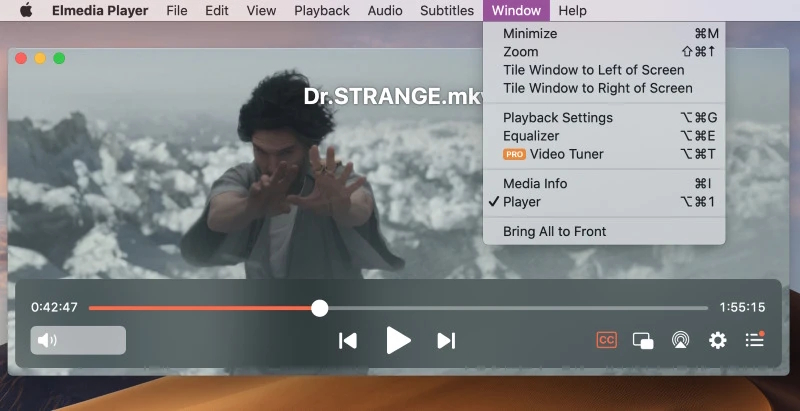
Overall, best video player in the market. Fast, easily adaptable to any video codec available and most importantly its ability to stream easily to other devices is exceptional. Subtitles can be a challenge, especially if you are streaming to another device as there appears to be no real conformity to a standard excepted from one device to another. Other than that, this is the best player on the market— cjnwo4life, Mac App Store
Pros
- Plays MKV files directly without conversion
- Supports any format
- Frequent updates
- Many configurable settings
- Easy streaming
Cons
- Mac only
- Free version has restricted features
IINA Player
IINA is a Mac MKV player with an Apple-like UI. Use this player if you like using Force Touch, the Touch Bar, and Trackpad gestures. It also offers other unusual options, such as intricate playback speed controls. IINA is a rather universal player, so you’ll be able to play many different media files with it.
Latest update: Jun 3, 2024
Price: free
Supported OS: macOS
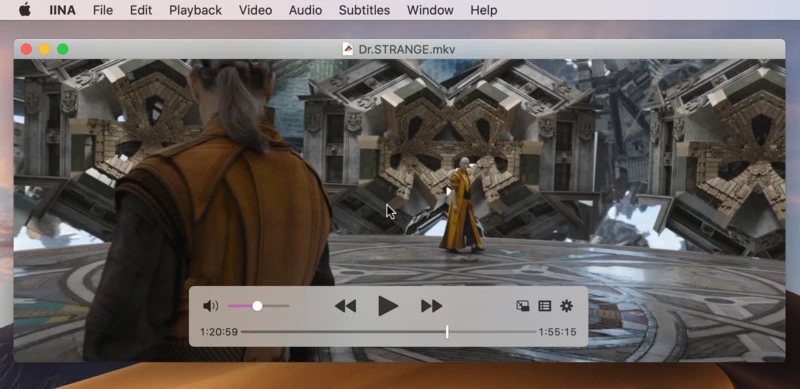
A great player, and very competitive with VLC, but I haven't discovered a way to synchronize, play and scrub through two videos at the same time using a single set of controls. I'd happily drop a few dollars for the feature if the developers could figure out how to accomplish this— Ptrix, MacUpdate
Pros
- Authentic UI
- Uses Macbook features
- Free and Open Source
Cons
- Uses a lot of CPU for HD playback
- Currently in development
Cisdem Video Player
This player’s functionality is somewhat limited, but it will allow you to play MKV files on Mac. Cisdem can handle 50 formats in total, and it’s great for Ultra HD playback, showing high performance with 4K and 5K videos. Surprisingly, it can also convert some types of media files.
Latest update: Jan 8, 2025
Price: free, Pro version is available for $19.99
Supported OS: macOS, Windows
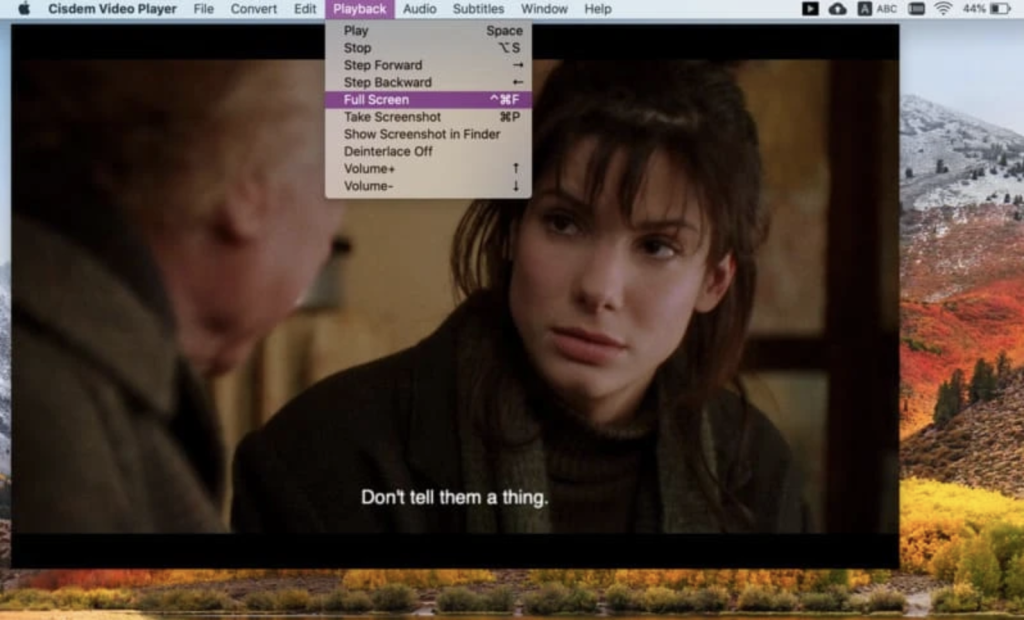
It acts good as a media player, easy to upload and switch videos on a playlist window… Surprised to find out that there is an in-app purchased convert function, just like a light video converter, which includes all the popular formats and devices, it is totally enough for normal use— Christine_TB, Mac App Store
Pros
- Good performance with UHD video
- Can convert video and audio
Cons
- Limited features
- Free version is restricted
Omni Player
Omni Player is a premium-quality player that can be used for free, at the expense of features. It opens MKV easily, and has countless settings for every aspect of your playback. Some of them are unique – for example, Omni Player can make a .gif image of any video moment you want.
Latest update: Oct 24, 2023
Price: free, upgrade to VIP is for $9.99
Supported OS: macOS, Windows
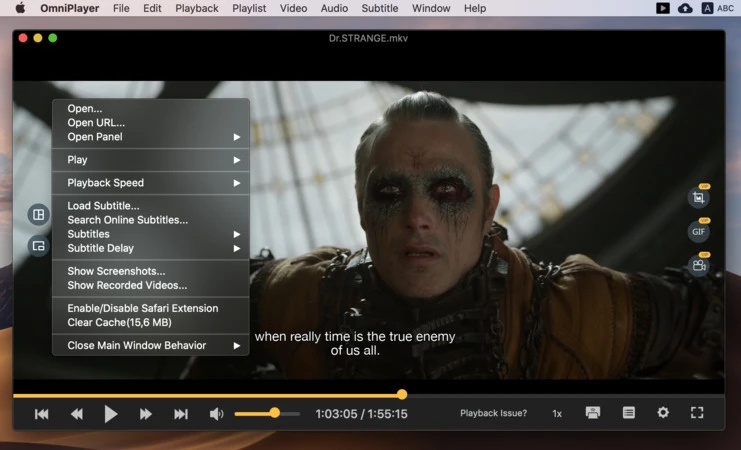
Versatile video player. Play almost any video format. Many other useful functions are implemented in it. Wish I can play or pause the video by using mouse click anywhere on video display— Magneto1218, Mac App Store
Pros
- Highly customizable
- Free to use
- Has some unique features
Cons
- Costly upgrade needed to access all of it
VideoLan Client (VLC)
A fully free MKV player that can do almost anything, VLC also suffers from the amount of options. It can stream, but you’ll have to go through numerous menus with unclear settings. It can customize playback like no other player, but the Advanced Preferences menu will make you resort to Google. For simple tasks, like playing MKV, it is excellent, and perfectly usable.
Latest update: Aug 23, 2024
Price: free
Supported OS: macOS, Windows, Linux, Android, iOS, etc.
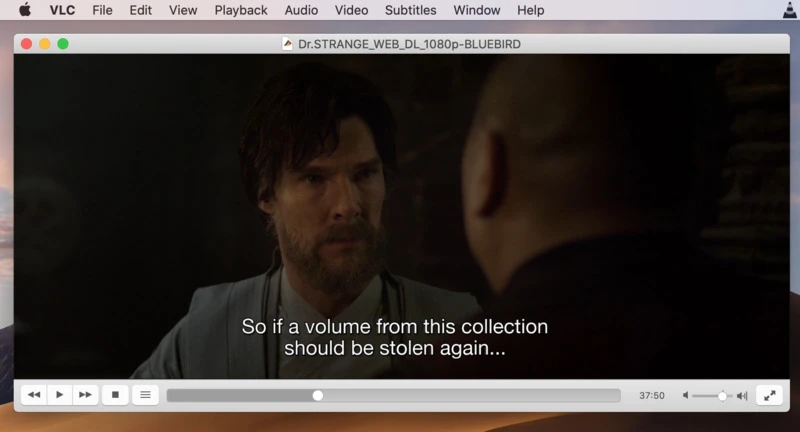
I have been using VLC for the last 10 years and no other media player has ever come close to delivering the performance that VLC has provided. Apart from the performance, it is so lightweight that it can work easily on a dusty 5-year-old computer with the same efficiency as on any latest computer— Trustpilot
Pros
- Massive amount of settings
- Plays almost any file
- No hidden costs
Cons
- Easy to get lost in the settings
- Streaming is painful
Player Comparison Table
Here, we will compare the Mac MKV players side-by-side, with all their features listed for better visibility.
| Features | Elmedia | INNA | Cisdem | OmniPlayer | VLC |
| Support for many media formats | (MKV, WMV, AVI,MP4, SWF, FLV, AAC, WMA, FLAC, MP3, etc.) | (AVI, MP4, FLV, SWF, WMV, MKV, M4V, AAC,FLAC, MP3, WAV, WMA, etc.) | (MKV, AVI, FLV, AVCHD, WMV, (MP3, OGG, ACC, WMA, AIFF, etc.) | ( AVI, MP4, FLV, SWF, WMV, MKV, M4V, AAC, FLAC, MP3, WAV, WMA, etc. ) | (MKV, MP4, VOB, WMV, MPG AVI, MP3, WMA, AAC, etc.) |
| Subtitle support | |||||
| Screen recording option | PRO | ||||
| Advanced playback options | |||||
| Create and manage playlists | |||||
| Built-in audio equalizer | |||||
| Free versions |
Conclusion
All of the free MKV players listed in this article offer solid performance and a range of features for Mac users. Elmedia Player, in our opinion, stands out as one of the best options, especially for those who need reliable streaming, rich playback options and frequent updates. IINA is ideal if you need a modern interface with deep macOS integration, while Cisdem is good for ultra-high-definition video playback.
Regardless of which player you choose, each of these apps can play MKV files on Mac without additional downloads or codec packs – just install and start watching and enjoying your favorite content.
FAQ
- Download Elmedia Player .dmg from this site.
- Install and open the app.
- Using Finder, drag the file to the Elmedia Player window, or use the context menu and choose Elmedia in the “Open With” dialog.
Safari Browser can’t play .mkv videos. In fact, it can only play formats that are natively supported on macOS.
QuickTime does not include MKV-playing functionality. A different third-party player is needed for that. Elmedia Player is our top recommendation to play MKV files on Mac for free in a few clicks.
Elmedia Player supports tons of codecs, so it is certain to play any MKV file, no matter how it’s encoded, so we believe it’s a perfect choice to open MKV on Mac for free.
Users situation: