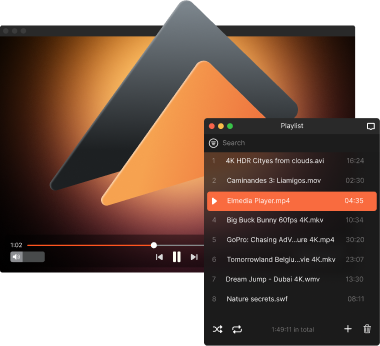
WMA Player for Mac – Play Windows Media files
Elmedia Player is a free WMA player for Mac that lets you open WMA files and start listening right away. It supports this format along with other popular audio types, so you can play songs and organize playlists in one place. The PRO version adds more audio control, including advanced playback settings, channel selection, the ability to stream your music to external devices for a more flexible listening experience, and way more.

4.5 rank
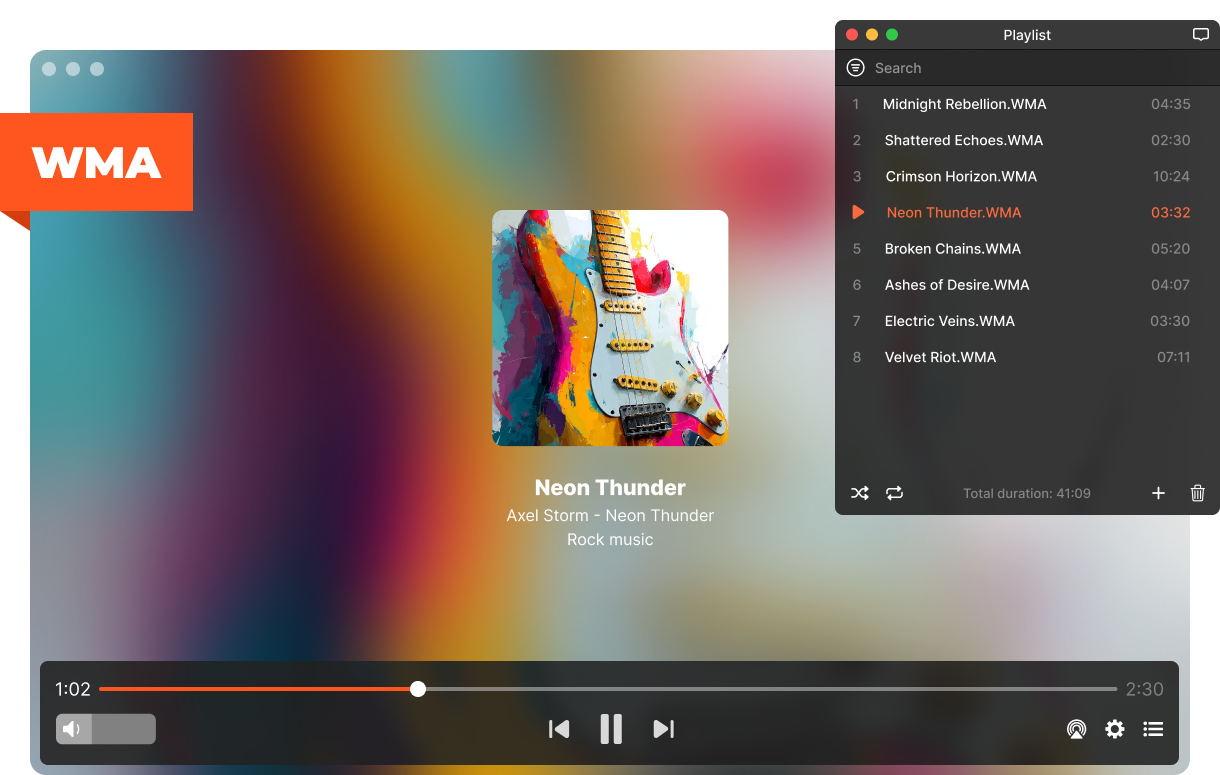
Control How Your WMA Files Sounds
Manage your music the way you want. Elmedia Player includes simple tools to control playback and adapt audio to your setup. Everything is designed to make listening to WMA files more flexible and comfortable.
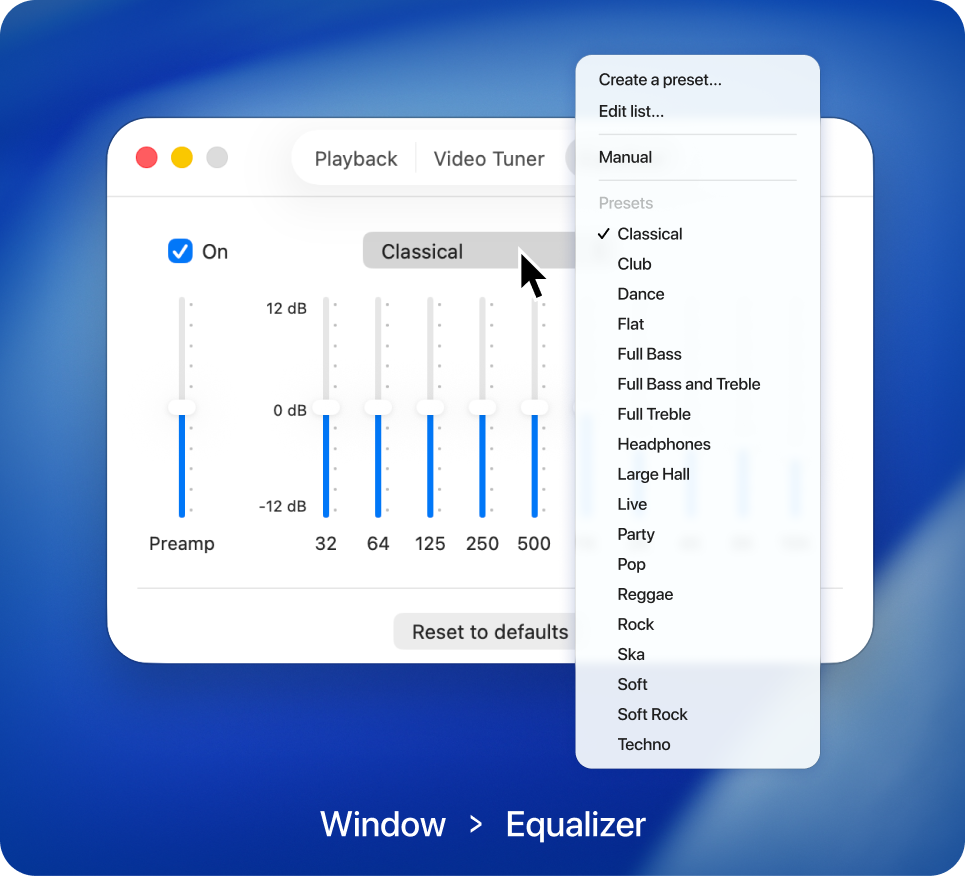
Adjust sound with equalizer
Use the equalizer to shape your audio the way you like. Boost bass, enhance vocals, or apply presets to match different music styles and improve overall sound quality.
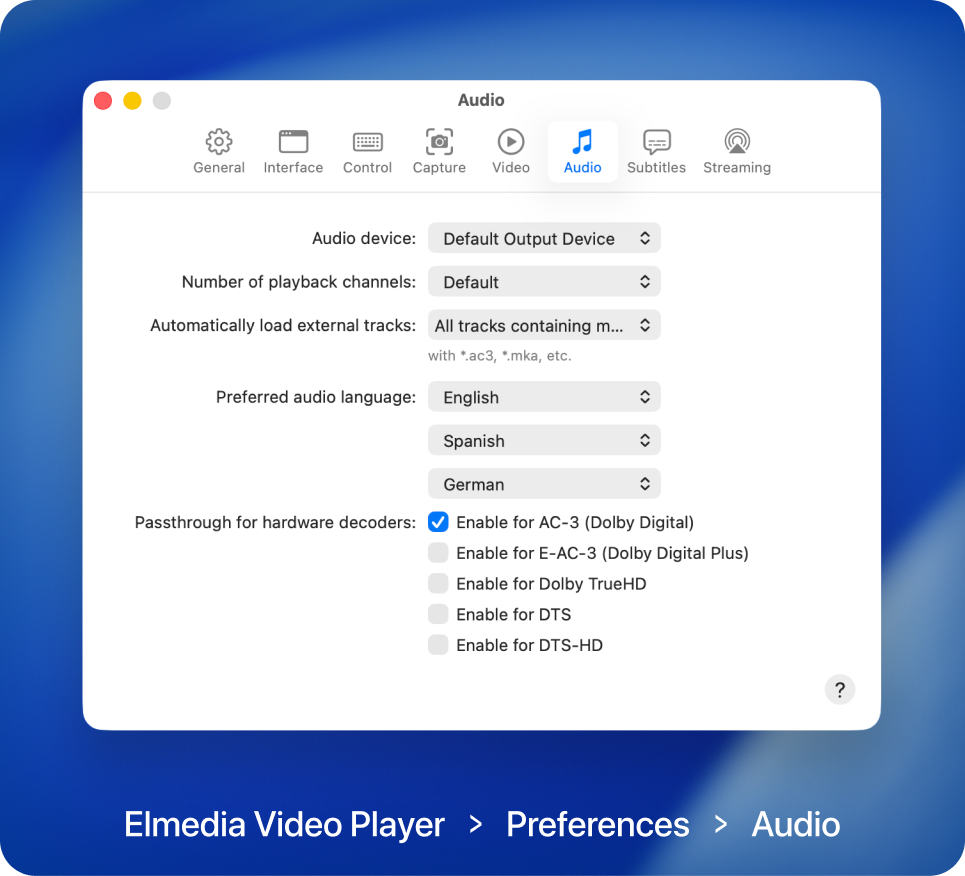
Advanced playback settings
With Elmedia Player PRO, you can choose your audio output device, adjust playback behavior, and fine-tune sound settings for better WMA audio quality.

Elmedia Player
4.5 rank
(
Learn more
)
Tune Your Music Playback with Ease
Choosing Elmedia Player comes with a lot of benefits for the end user. The application was created with both savvy users and beginners in mind. With Elmedia Player, you are getting the ultimate audio experience.
Create playlists in seconds
Build and manage playlists with ease. Add WMA files along with other formats and keep your music organized in one place. Switch between playlists anytime
Individual volume controls
Control audio directly inside the player. Adjust volume, mute sound, or fine-tune levels without touching macOS settings - perfect for multitasking or background playback.
Choose playback channels
Select the number of playback channels to match your audio setup. This PRO feature ensures accurate channel output and lets you get the best sound whether you're using headphones, speakers, or a home audio system.
Never-ending loop
Keep your music playing without interruptions. Loop a single track or an entire playlist and enjoy continuous playback for as long as you need. With the PRO version, you also get A-B loop, allowing you to repeat a specific part of a track.
Stream WMA Files to Other Devices
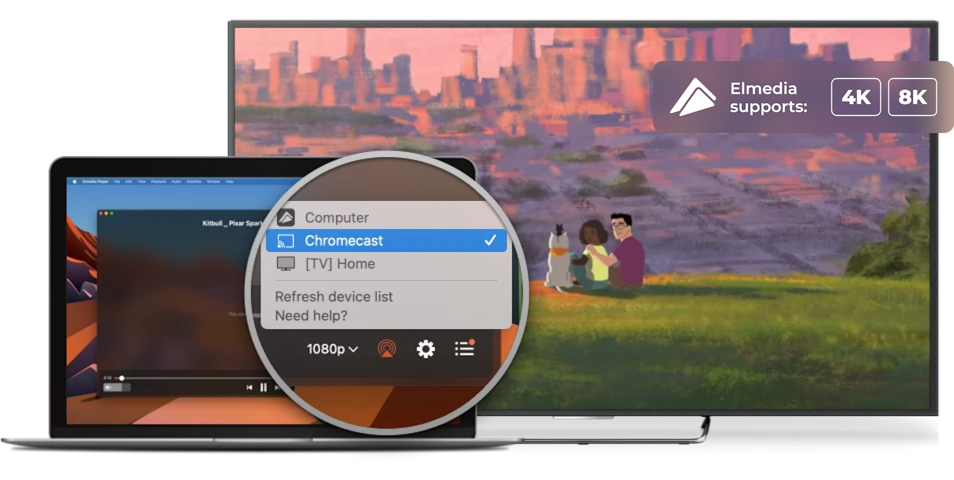
Expand how you enjoy your music beyond your Mac. With Elmedia Player PRO, you can stream WMA to Apple TV, Smart TVs, Google Cast-enabled devices (including Chromecast and Android TV), Roku or any DLNA- or AirPlay-enabled devices. It’s a convenient way to listen to your songs and playlists on bigger screens or external speakers without transferring files manually.

Apple TV and other AirPlay devices

Smart TV, Roku, DLNA devices

Chromecast and Android TV
Supported Media Formats
This media player for Mac has native support for a large number of multimedia formats, including:
See full list of suported formats
Elmedia Player
4.5 rank
(
Learn more
)
What Other Users Are Saying About Elmedia
5
If you are searching for an advanced media player for your mac system, then Elmedia Player 7 is here for you. Elmedia Player 7 is known as the best media player amongst the new generation of Mac users.
4.8
Elmedia Video Player for Mac offers a wide range of features to meet all your multimedia needs. You can stream directly to Smart TV or Apple TV.
4.8
It can play any file format including the widely-used ones like AVI, MP4, FLV, SWF, WMV, MKV, MP3, M4V, etc without the need of installing any other plugin or codec.
4.8
Elmedia Player has a wide variety of other features and capabilities, but having the ability to play just about every possible video format, tweaking settings as needed for sync, audio and video problems.


Requirements: