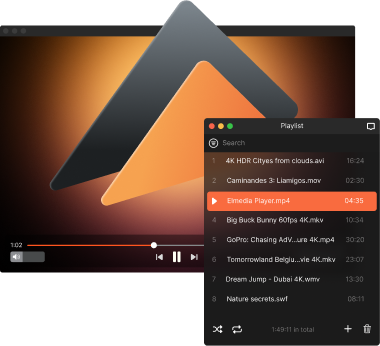
Elmedia Player: An Alternative to QuickTime for Mac
QuickTime Player is a convenient starting point for watching videos on macOS, but you may want more playback options and broader format support. Elmedia Player offers a flexible alternative to QuickTime Player, combining support for numerous media formats with playlist management, subtitle customization, and precise playback controls. Upgrade to Elmedia PRO to unlock wireless streaming, enhanced video adjustments, and additional tools for enjoying your media on Mac.

4.5 rank
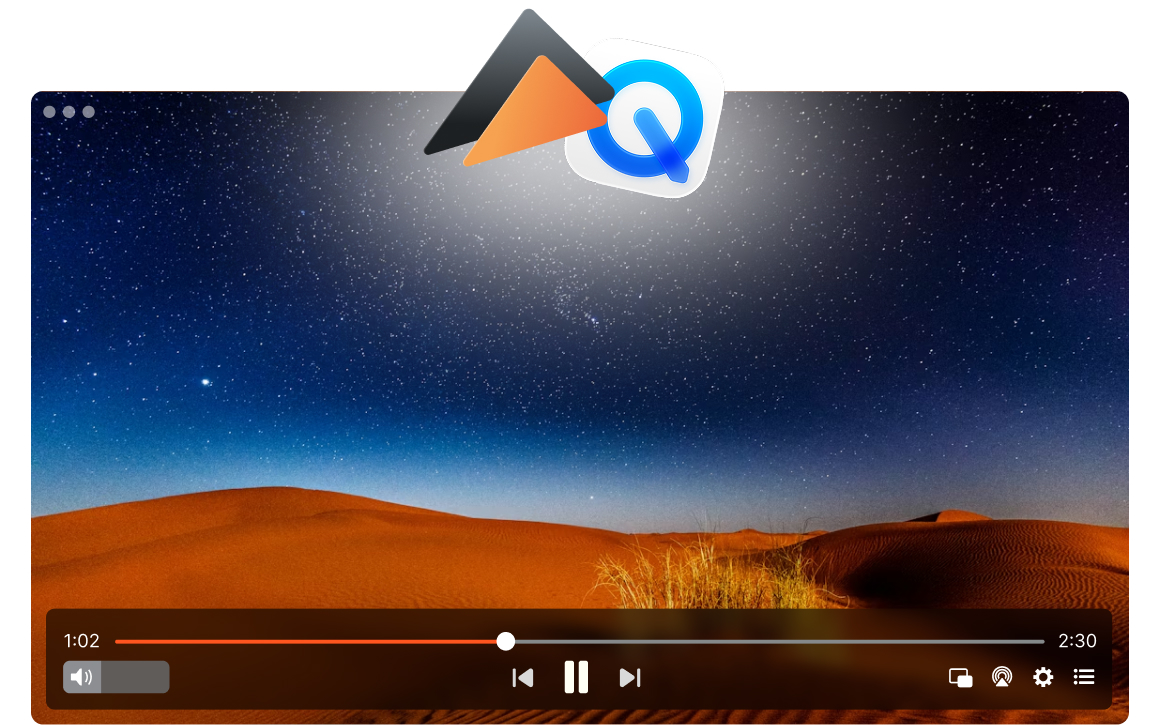
Versatile Video Player for Mac
Elmedia Player takes everyday video playback further with tools that let you tailor the experience to your preferences. Change playback speed, fine-tune picture settings while watching, preview thumbnails to find the right moment without repeatedly seeking through a video, and way more. It’s a flexible Mac video player for everyday viewing and more demanding media libraries.
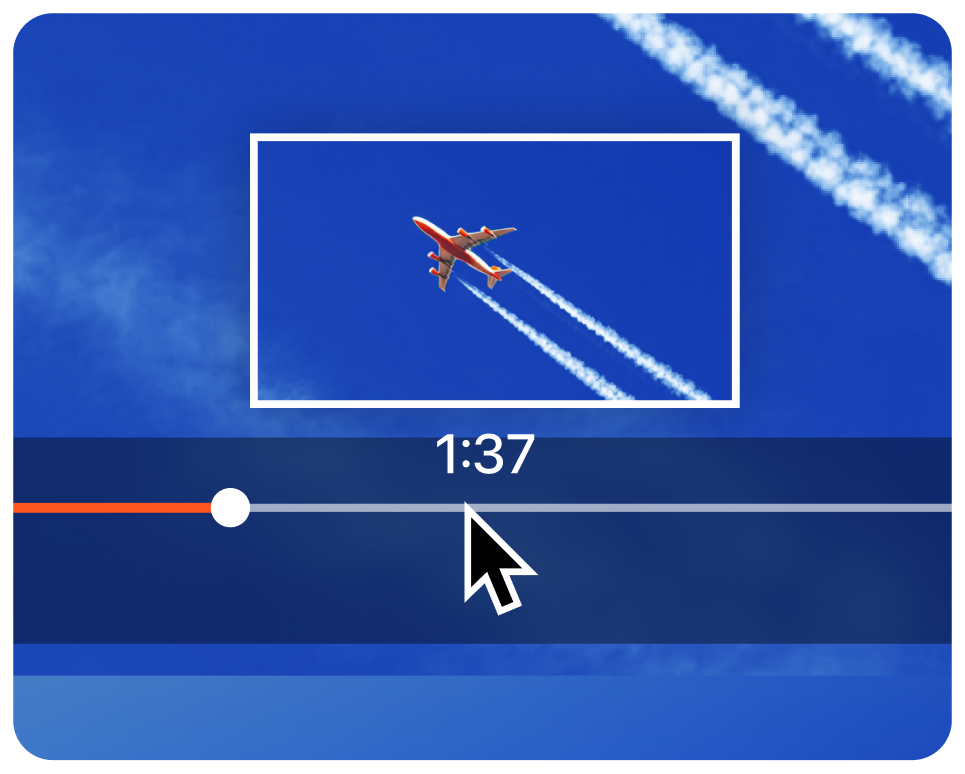
Preview thumbnails
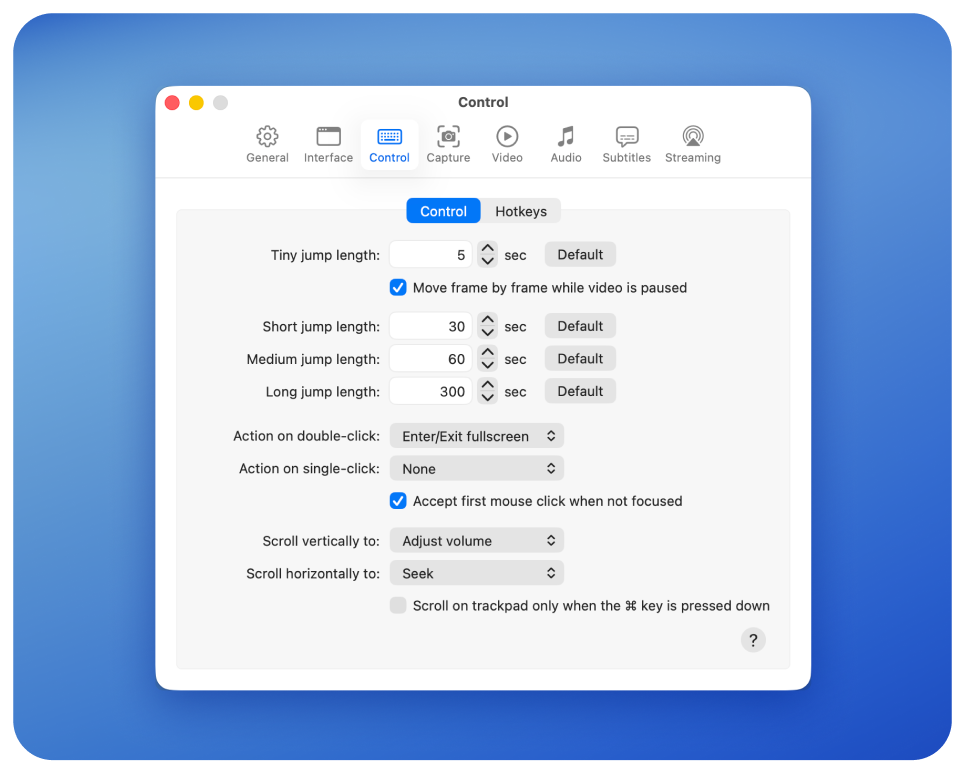
Сontrol and hotkeys
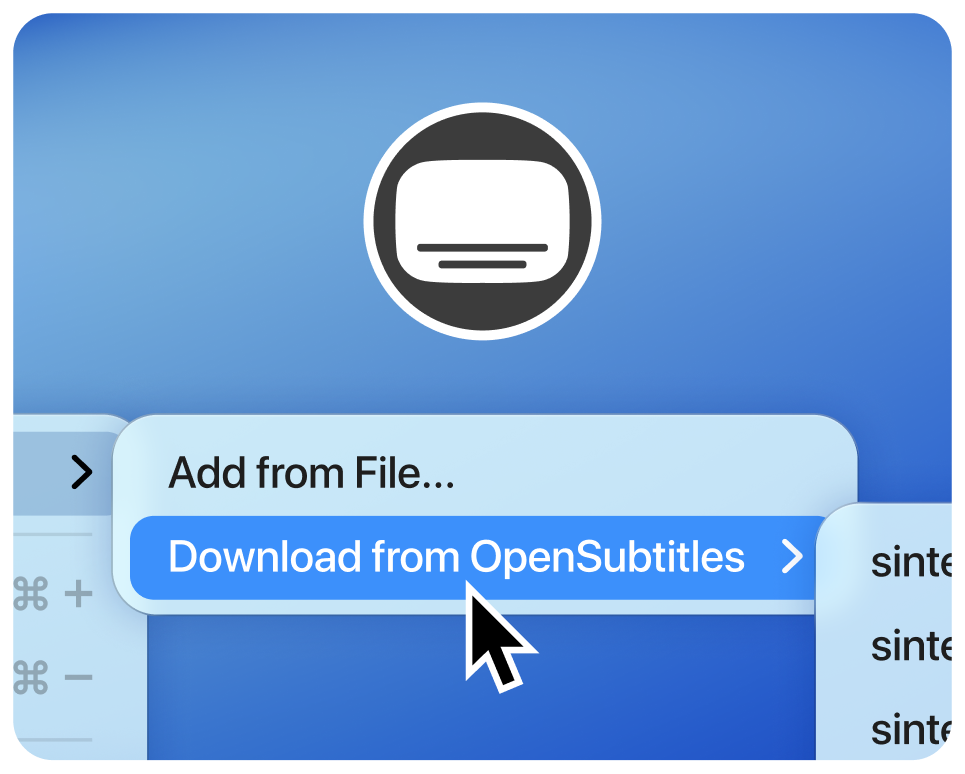
Online subtitle search
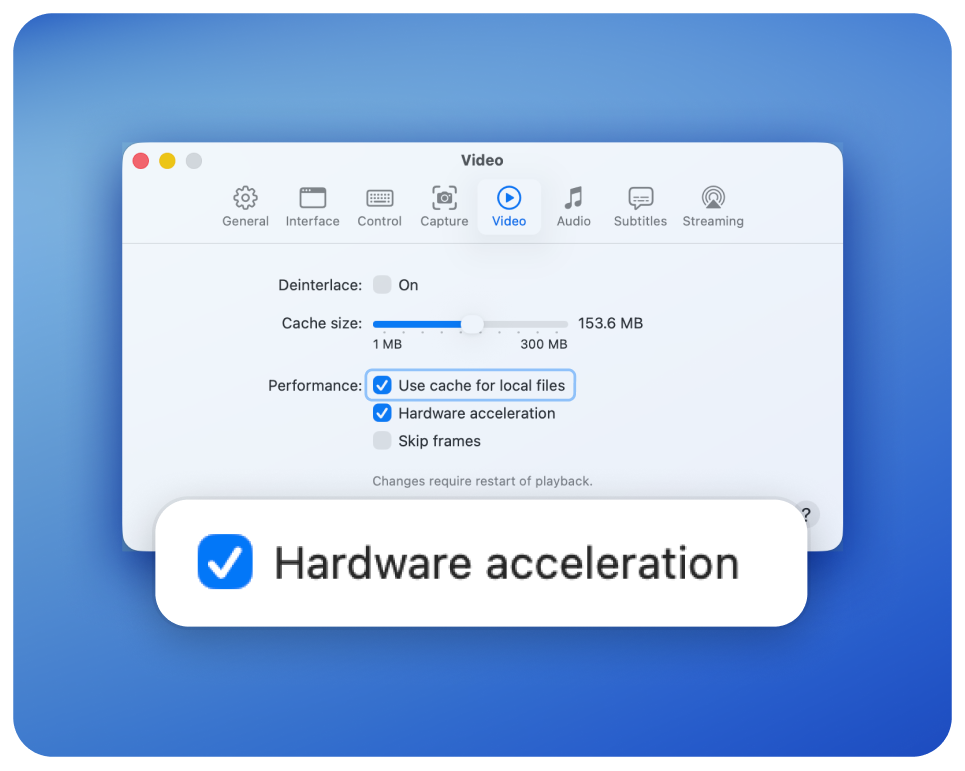
Hardware acceleration
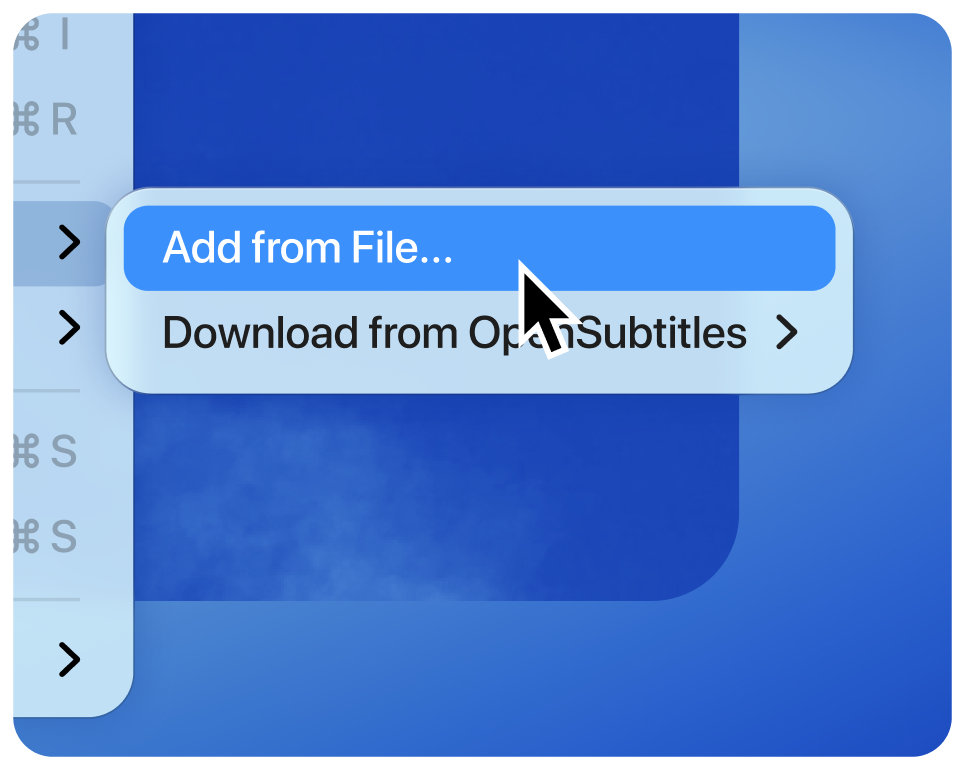
Support for external audio and subtitles
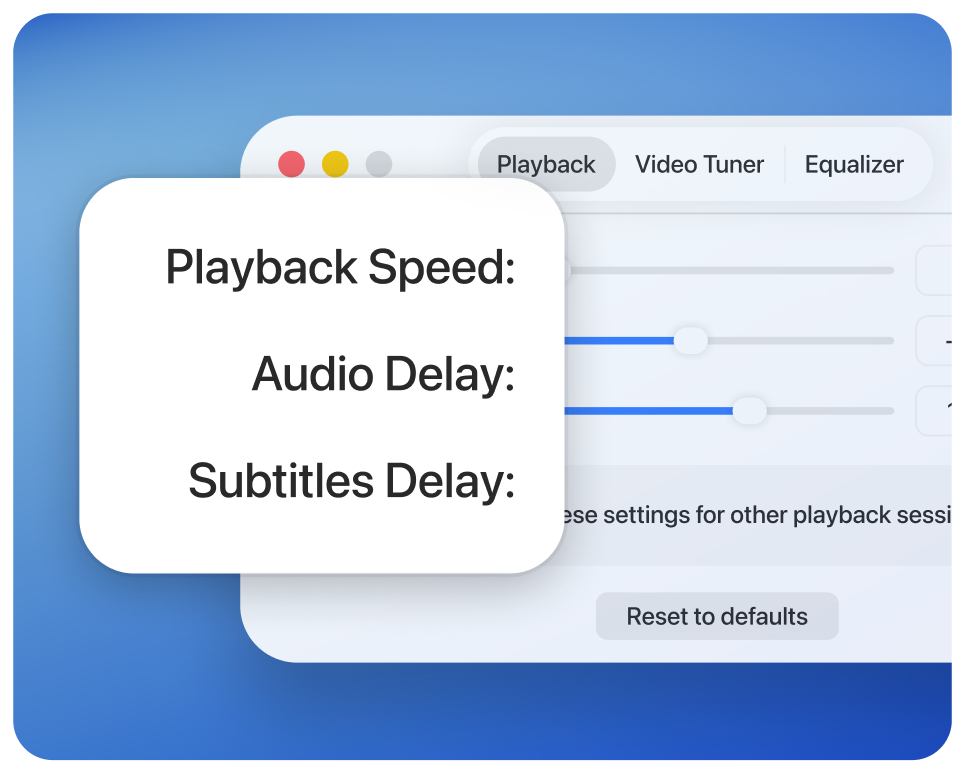
Speed control

Elmedia Player
4.5 rank
(
Learn more
)
More Ways to Enjoy Your Videos with a QuickTime Alternative for Mac
Elmedia Player PRO adds another level of flexibility to watching videos on Mac. This QuickTime alternative for Mac is designed for viewers who want more control over their media without switching between different applications. Its advanced playback tools make it easier to adapt the viewing experience to your preferences and get more out of your video collection.
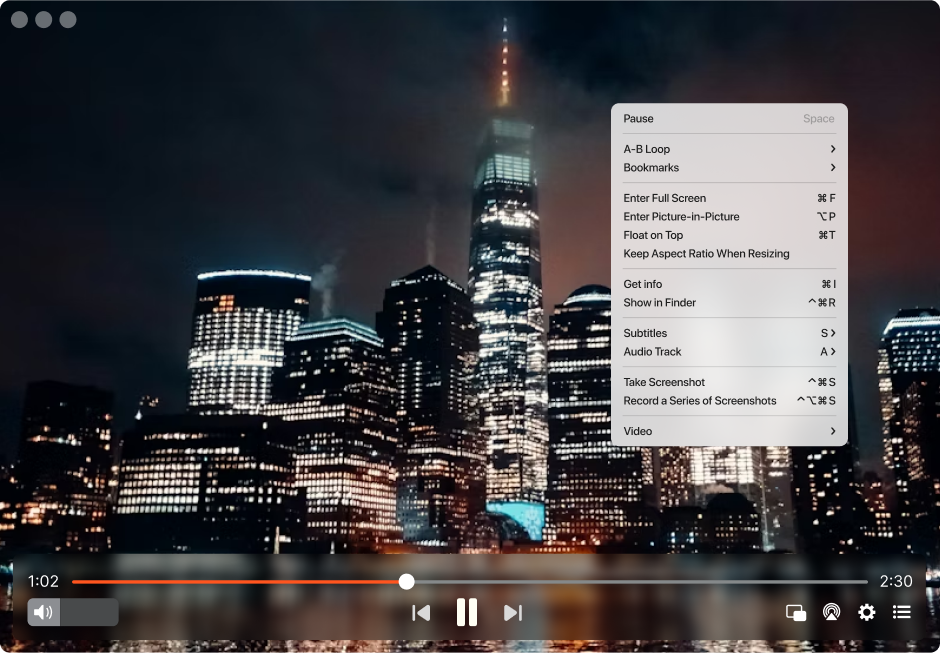
Fullscreen playback across monitors
Elmedia PRO makes multi-monitor viewing more convenient. Select the display you want to use for fullscreen playback and enjoy your videos at the screen’s native resolution when supported.
Fine-tuning video
Get more control over the image with adjustable brightness, contrast, hue, gamma, sharpness, and noise reduction. Elmedia PRO lets you make changes while your video is playing.
Take screenshots from any scene
Elmedia PRO makes it easy to save individual video frames. Find the scene you want to keep, capture the image, or create a gallery of frames for later use.
Loop any part of a video
Focus on a particular part of a video with the looping tool in Elmedia PRO. Choose the segment you want to repeat and let it play again without manually rewinding.
Video deinterlacing
Elmedia Player PRO includes a deinterlacing tool for videos with interlacing artifacts. Enable it to reduce distracting lines, flickering, and jagged edges for smoother-looking playback.
Correct Audio Delay While Watching
Audio that starts too early or too late can distract from a movie. Elmedia PRO gives you control over audio delay, helping you synchronize the sound with the on-screen action.
Stream Videos from Mac to TV Without Cables
Elmedia Player PRO makes it easy to enjoy your video collection on a bigger screen. Send media wirelessly from your Mac to Apple TV, AirPlay-compatible devices, Google Cast-enabled devices, including Chromecast and Android TV, as well as supported Smart TVs and DLNA-enabled devices. Keep playback controls on your computer while watching from the comfort of your couch.

Apple TV and other AirPlay devices

Smart TV, Roku, DLNA devices

Chromecast and Android TV
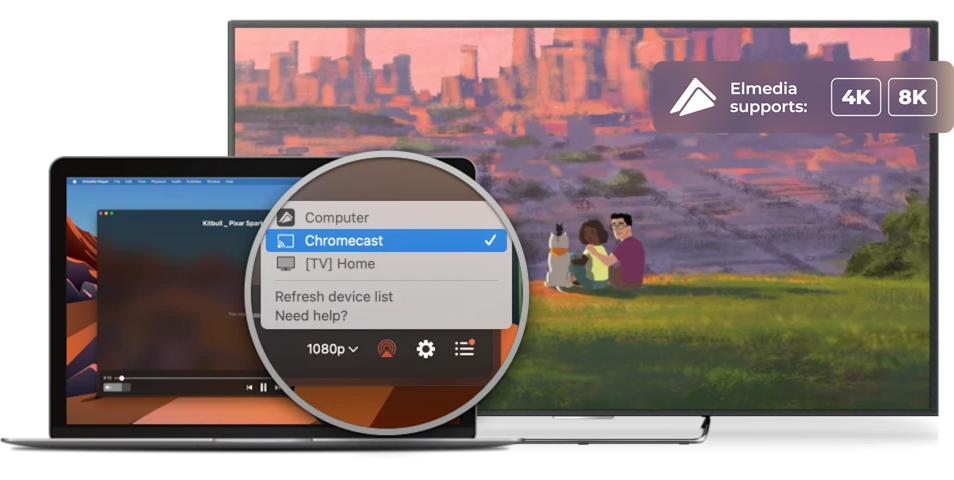
Broad format support
Elmedia PRO combines local playback with wireless streaming for a wide selection of media formats. Watch videos on your Mac or send compatible files to supported TVs and streaming devices.
Control streaming from Mac
Streaming doesn’t mean giving up control. Use Elmedia PRO to manage playback while your video is displayed on a compatible TV or streaming device.
Stream playlists with ease
Organize your videos into playlists and stream compatible content to supported devices with the PRO version. Keep your viewing session organized without selecting every file individually.
Subtitle support
Enjoy movies and other media with subtitle support in Elmedia Player. Whether you use built-in tracks or external files, this video player for Mac helps make foreign-language content easier to follow.
Enjoy 4K streaming
Enjoy supported high-resolution content on compatible devices with Elmedia PRO. Stream to 4K-capable Apple TV, AirPlay and Google Cast devices, including Chromecast and Android TV, Roku, and compatible DLNA-enabled Smart TVs.

Elmedia Player
4.5 rank
(
Learn more
)
A Flexible Subtitle Experience on Mac
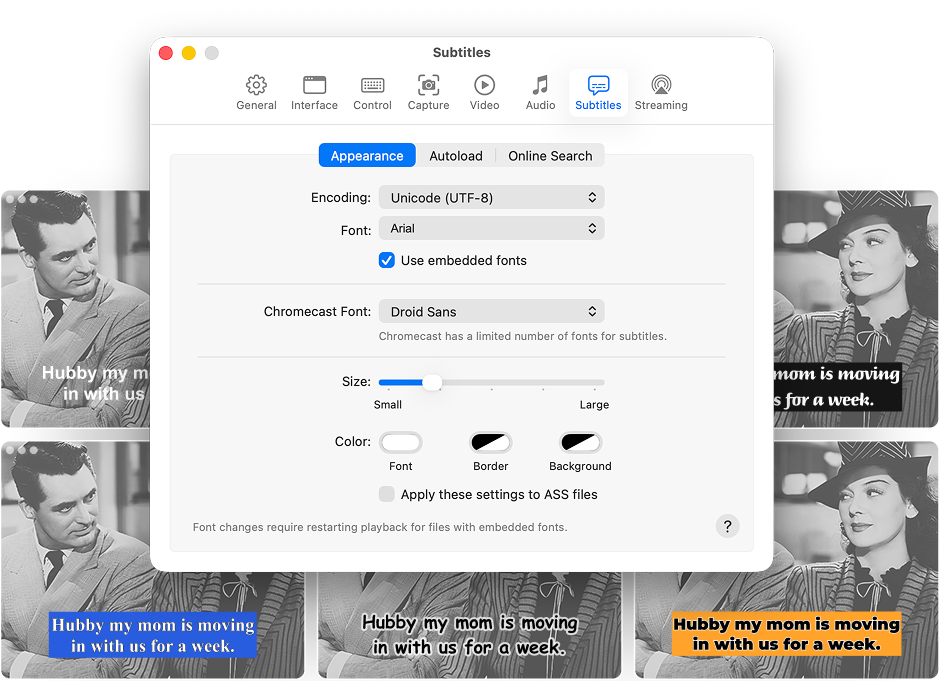
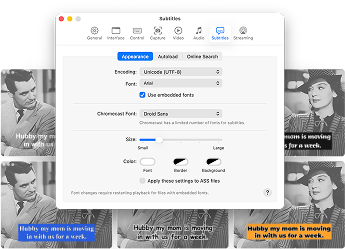
Make videos easier to follow with Elmedia Player’s subtitle options. Customize text appearance, select embedded tracks, load external subtitle files, and use online search to look for a suitable match. Instead of relying on basic playback alone, you get more ways to manage subtitles in a video player for macOS.
Set up subtitles your way
Personalize subtitle text with adjustable font, size, and colors. Fine-tune the appearance to create a more comfortable viewing experience.
Load subtitles automatically
Set your preferred language and let Elmedia load matching subtitles automatically when available. You can also select or load subtitles manually whenever needed.
Find subtitles online
Use Elmedia’s integration with OpenSubtitles.com to search for subtitles for your video. Find a suitable track without having to look through subtitle websites separately.
Supported Media Formats
This media player for Mac has native support for a large number of multimedia formats, including:
See full list of suported formats
Elmedia Player
4.5 rank
(
Learn more
)
What Other Users Are Saying About Elmedia
5
I am extremely impressed by this app. I had previously tried using the FFᴘʟᴀʏ utility to play back VVC video, but it had such high CPU utilization that I couldn’t watch 4K content. Elmedia Video Player, on the other hand, is so efficient that it only uses about 3/8ths of my M3 MacBook Air’s CPU to play back 4K HDR VVC — the most computationally intensive video format available!
4.8
Elmedia Video Player for Mac offers a wide range of features to meet all your multimedia needs. You can stream directly to Smart TV or Apple TV.
4.8
It can play any file format including the widely-used ones like AVI, MP4, FLV, SWF, WMV, MKV, MP3, M4V, etc without the need of installing any other plugin or codec.
4.8
Elmedia Player has a wide variety of other features and capabilities, but having the ability to play just about every possible video format, tweaking settings as needed for sync, audio and video problems.


Requirements: